10 Best Cloud Call Center Software for 2026

Your phone starts ringing at 12:07 p.m. The front desk is covering lunch. A technician is asking where to go next. A past-due customer wants answers. The new caller found you on Google and needs help today. If nobody picks up, that lead usually goes to the next provider with a live answer.
That is the actual buying context for cloud call center software. For home services, the issue is often after-hours coverage and fast dispatch triage. For dental and medical practices, it is missed scheduling calls and uneven handoffs between reception, billing, and clinical staff. For law firms, it is intake discipline. A signed case can be lost because no one gathered the right details on the first call. Multi-location businesses deal with another layer of risk, because each office tends to answer calls differently unless the platform enforces a common process.
The right system does more than route calls. It decides who should answer, what customer context should appear before the conversation starts, how appointments or cases should be logged, and what happens if the first person is unavailable. Those details affect revenue, staffing, and compliance. They also determine whether your team can scale without hiring more coordinators just to keep up with call volume.
Analysts at Fortune Business Insights reported that the contact center as a service market was valued at USD 6.08 billion in 2023 and is projected to reach USD 24.45 billion by 2032, driven by cloud adoption and AI across service teams. That growth matters because vendors are no longer selling basic hosted phone systems. They are competing on workflow automation, reporting depth, AI assistance, and integration quality, which is where the practical differences show up during implementation.
The platforms below are the ones worth shortlisting for 2026. I am focusing on the trade-offs that matter in actual operations, especially for home services, healthcare, legal, insurance, franchises, and other service businesses where missed calls, slow follow-up, and inconsistent intake show up quickly in booked revenue.
1. Recepta.ai
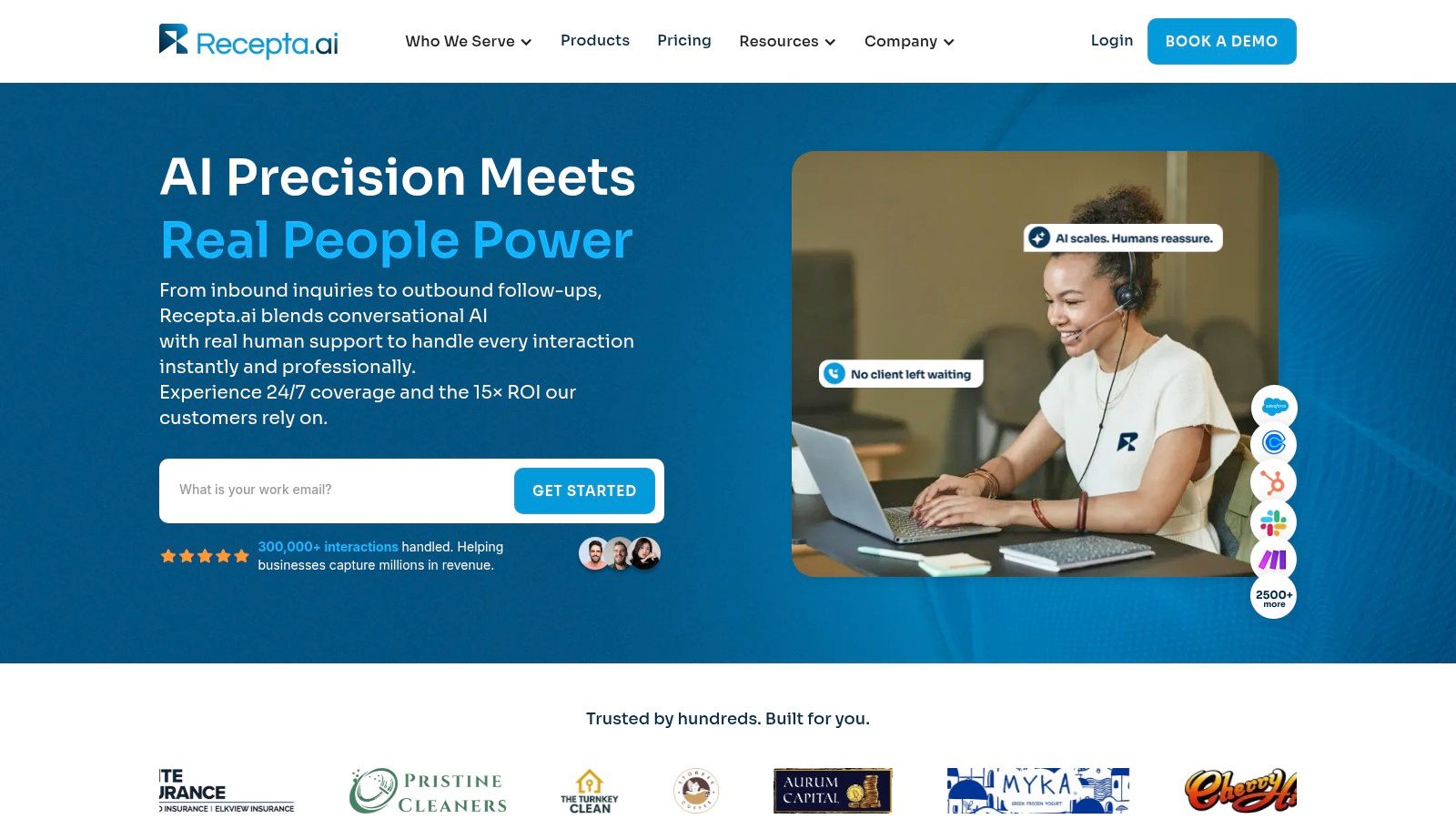
At 6:12 p.m., the office is closed, a burst pipe is flooding a basement, and the caller is ready to hire whoever answers first. A basic cloud phone system records the missed call. Recepta.ai is built to keep that lead from dying there.
I would shortlist it for service businesses where call handling is tied directly to booked revenue, intake quality, and speed to follow-up. That includes home services teams that need after-hours booking, legal practices that need qualification before a consultation, and healthcare offices that need structured intake and scheduling without creating extra front-desk work.
Why it fits service businesses
The practical difference is workflow design. Recepta.ai handles inbound and outbound conversations, captures lead details, books appointments, sends follow-up, and routes the call to a human agent when judgment or empathy matters. That matters more than another routing tree if your real problem is inconsistent intake across shifts, locations, or answering coverage.
The vertical fit is stronger than what you get from a generic call center stack. A plumbing company needs triage and dispatch context. A dental office needs appointment scheduling and recall follow-up. A legal intake team needs careful screening that still sounds professional. Recepta.ai is better suited to those use cases because the product is aimed at operational intake, not just telephony administration.
Its integration range is also relevant in day-to-day operations. It connects with a large set of CRM, calendar, and business tools, which reduces re-entry and the usual handoff errors between the phone system and the system of record. In practice, an overnight call can turn into a scheduled job, a tagged lead, and a morning task queue instead of a voicemail someone forgets to return.
Practical rule: If staff still copy caller notes into the CRM by hand, the issue is not only headcount. The process is breaking before the sale or appointment is secured.
The broader contact center market is also shifting toward AI handling more of the first interaction. Mordor Intelligence describes autonomous agents as a fast-growing segment in contact center software in its contact center software market report. For buyers, that matters because the question is no longer whether AI can answer simple calls. The primary question is whether it can collect the right information, take the next step correctly, and hand off without confusion.
What works and what to watch
The strongest part of Recepta.ai is the AI-to-human transition. Many platforms can answer FAQs or route a call. Fewer handle the moment where the conversation shifts from basic automation to a trained person who needs context immediately.
What stands out in actual use:
- Always-on coverage: Calls keep getting answered after hours, during lunch, on weekends, or while the office team is already tied up.
- Better intake follow-through: Summaries, logging, and analytics make it easier to spot missed lead sources, weak qualification steps, and scheduling bottlenecks.
- Faster time to value: Teams that need coverage and workflow automation quickly can usually get live faster than they would on a heavier enterprise platform.
- Lower switching risk: The trial offer reduces some of the hesitation that often slows down migration decisions.
There are trade-offs. Pricing is not posted as a simple public rate card, so buyers need a scoped demo and quote. That is workable for a growing service business, but it can be frustrating for a very small team trying to compare tools quickly. It is also not the product I would start with if your main requirement is a broad enterprise contact center stack with deep workforce management and global channel orchestration.
For home services, legal intake, and healthcare scheduling, though, Recepta.ai deserves serious attention because it is aimed at the operational gap that costs these teams money. It helps capture the call, document the interaction, and move the customer to the next step without adding more coordinators just to keep up.
2. Genesys Cloud CX
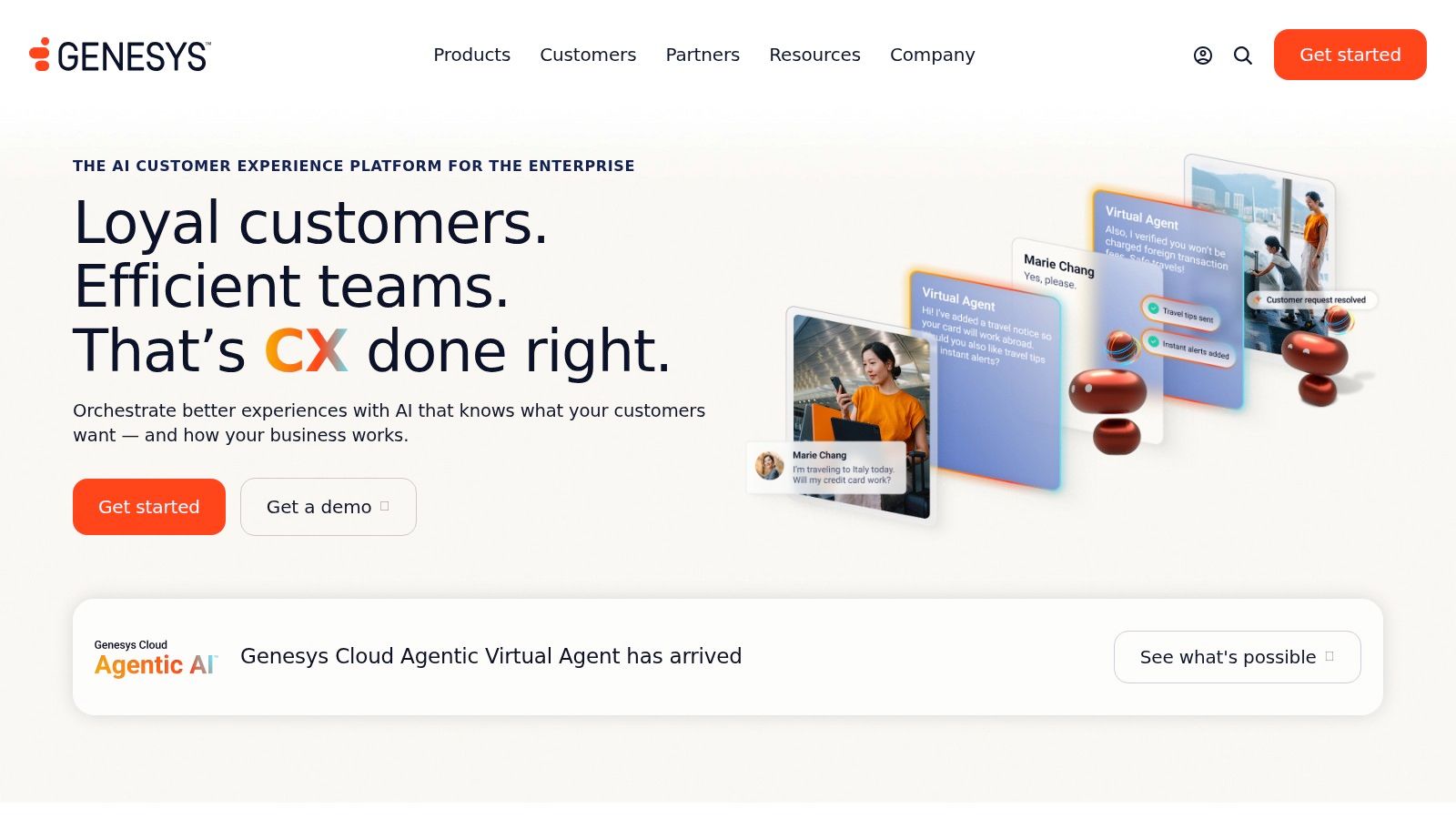
Genesys Cloud CX is what I usually recommend when a company wants one serious platform for voice, digital channels, routing, analytics, and workforce management. It's not the simplest option on this list, but it is one of the most complete.
The strength of Genesys is breadth without feeling purely stitched together. You can run voice, email, chat, SMS, and social in the same operating model, then layer in AI tools and workforce engagement as your team matures. For organizations that have outgrown a basic phone system but aren't ready to build on a developer platform, that balance is appealing.
Best fit
Genesys makes the most sense for mid-market and enterprise environments, especially when scheduling, quality management, and channel consistency all matter.
A practical example: a multi-location healthcare group might use it to centralize inbound scheduling, route specialty calls by department, and give supervisors visibility into staffing and quality. A legal intake team could use the same platform to separate high-value consultations from routine status inquiries and make sure the right staff gets the right calls.
Genesys is strong when your biggest issue isn't getting calls into the building. It's getting them to the correct team with enough context to act fast.
Trade-offs
The licensing flexibility is useful, especially for organizations with full-time agents, seasonal users, or blended teams. That's one of the better reasons to shortlist it. You can usually align the commercial model more closely to how your staffing works.
What slows buyers down is cost predictability. AI token models and tier-based packaging can complicate budgeting, especially if you start with one use case and add more later.
Pros and cons in practice:
- Strong omnichannel routing: Good for teams that want one workflow across channels.
- Built-in WEM options: Helpful if you care about forecasting, scheduling, and quality.
- Mature AI roadmap: Better than many vendors at turning AI into operational tools.
- Higher complexity: Smaller teams may pay for capability they won't use.
Genesys isn't my first pick for a five-person office that mainly needs better phone coverage. It is a serious contender for companies standardizing customer operations on one platform.
3. NICE CXone
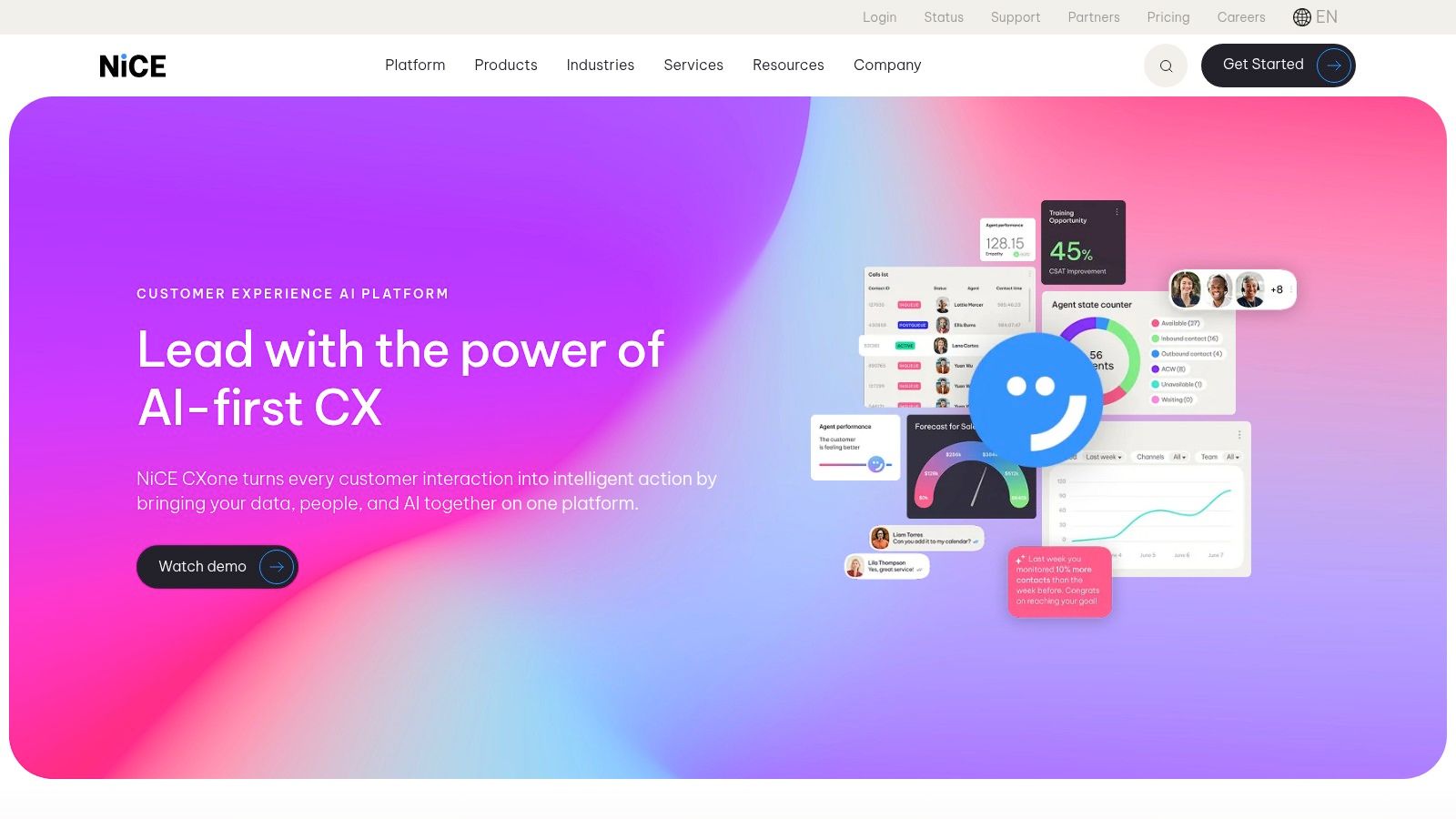
NICE CXone is built for organizations that care about control, governance, analytics, and workforce discipline. When companies say they need enterprise-grade contact center software, NICE is usually one of the names that belongs in the room.
It tends to show up in larger operations and regulated environments for a reason. The platform spans omnichannel engagement, AI orchestration, quality management, workforce tools, and compliance-focused capabilities in a way that suits complex teams better than lean ones.
Where NICE earns its keep
If you're running a healthcare contact center, insurance operation, or a large support function with formal QA and compliance requirements, NICE can be a strong fit. Supervisors get more than call logs and queue stats. They get operational tooling to manage performance, scheduling, and review processes at scale.
That matters when consistency is the job. A legal intake group might need documented workflows and structured oversight. A healthcare network might need stronger operational guardrails than a lightweight SMB phone platform can offer.
The real trade-off
The upside is depth. The downside is that depth has a cost, both in money and implementation effort. NICE often requires more careful scoping than buyers expect, especially if they want multiple suites and add-ons working together from day one.
This isn't the tool I'd choose for a franchise owner who just wants to answer more calls by next week. It is a tool I'd consider if the organization already has contact center leadership, process maturity, and enough internal discipline to use the platform well.
What I like:
- Deep WEM and analytics: Strong fit for QA-heavy environments.
- Security and compliance posture: Useful in regulated sectors.
- Package flexibility: Lets large organizations assemble the stack they need.
What I'd verify early:
- Implementation ownership: Know who configures what, and how long it takes.
- Scope control: Avoid buying a large suite before proving the workflow.
NICE is powerful. It just isn't forgiving if the business hasn't defined its processes first.
4. Talkdesk
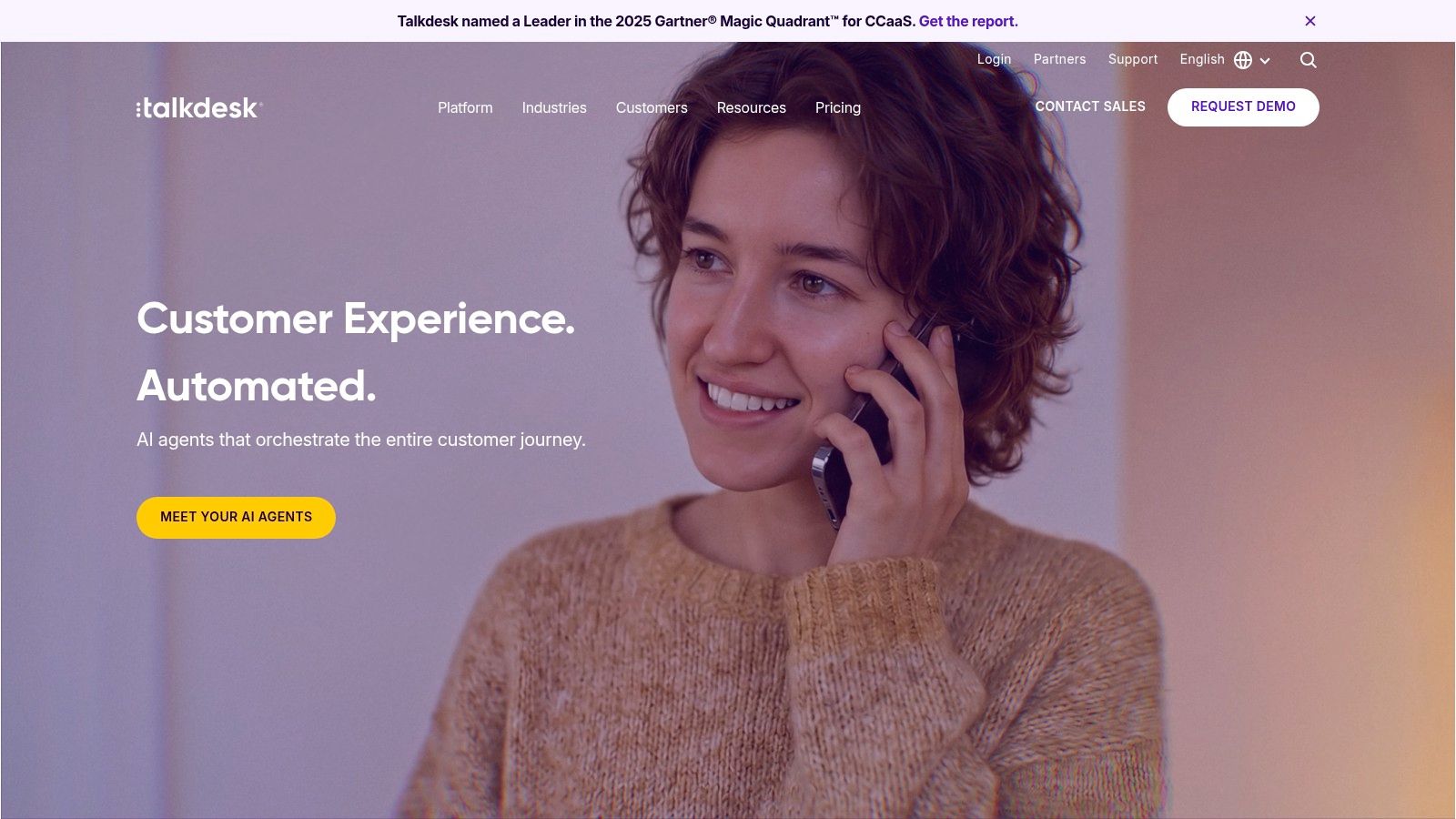
Talkdesk is one of the better options for teams that want modern CCaaS functionality without committing to an overly old-school enterprise deployment style. It tends to appeal to buyers who want AI, omnichannel support, integrations, and vertical packaging in a cleaner commercial wrapper.
One reason it comes up often is that it feels easier to position internally. Operations leaders can understand the plan structure. IT can see the integration path. Business stakeholders can grasp how industry editions might reduce implementation work.
Good use cases
Talkdesk is a practical fit for organizations that want faster time-to-value, especially when the business can benefit from industry templates. Healthcare is a good example. So are retail-style service operations and financial service teams with repeatable workflows.
If you're centralizing appointment handling or customer service across several locations, those vertical accelerators can shorten the path from demo to production. That's often more important than having the longest feature list.
What buyers should check
Talkdesk's AI story is solid, but buyers need to confirm what's included in the edition they're considering. That's where some evaluations go sideways. A team sees strong demo functionality, then finds out a specific AI layer or workflow capability sits in a separate SKU.
Buy the workflow, not the screenshot. If the vendor can't map your actual call path from inbound inquiry to completed outcome, the demo doesn't matter.
A practical way to evaluate Talkdesk is to test three real scenarios:
- New lead handling: Can it route, capture, and log the inquiry cleanly?
- Overflow periods: Can it maintain service quality during predictable spikes?
- Cross-system handoff: Can it push the right data into CRM, ticketing, or scheduling tools without manual cleanup?
Talkdesk is usually better for companies that already know they want a platform, not just a phone upgrade. If that's you, it's worth serious consideration.
5. Five9
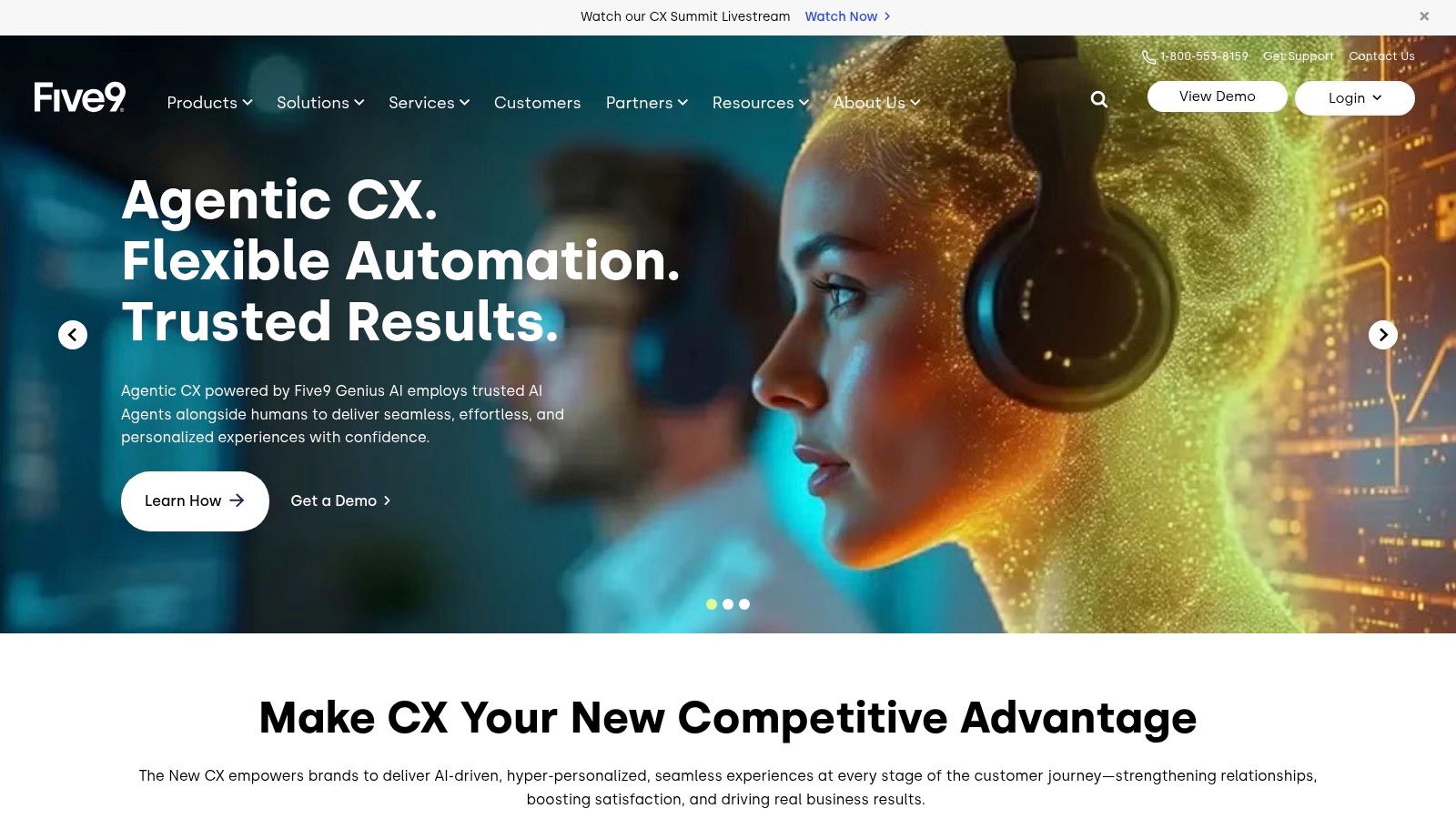
Five9 has been a familiar choice for mid-market and enterprise contact centers for years, and the reason is straightforward. It covers the fundamentals well, then gives larger teams room to add routing, automation, outbound capability, analytics, and partner ecosystem depth as operations get more demanding.
It tends to fit organizations that have both inbound and outbound needs. Sales teams, support groups, appointment-setting teams, and blended environments can all work inside the same broader platform.
What works well
Five9 is usually strongest when call flow complexity starts to outgrow simpler SMB tools. If you need serious queue logic, blended operations, CRM connectivity, and room to mature your reporting, it holds up.
A practical example is an insurance agency or financial services group that handles inbound service calls but also runs outbound renewal reminders or follow-up campaigns. Another is a healthcare support function that has to manage scheduling, callbacks, and post-call workflow in one environment.
The available pricing models can also help if utilization varies. That's useful when a business has some full-time agents, some seasonal staff, or specialized users who only touch the platform part of the day.
Where teams get surprised
The most common issue isn't feature depth. It's cost clarity. Public pricing is limited, and total cost can shift based on telephony, add-ons, and the exact configuration your team ends up buying.
That makes Five9 a platform you should model carefully before signing. Ask vendors to walk through not just seat cost, but what your real operating pattern looks like.
Useful questions to press on:
- What happens to cost when usage spikes?
- Which features are native versus partner-dependent?
- How much admin skill is needed after go-live?
Five9 is a credible choice for complex environments. I just wouldn't buy it on a feature checklist alone. You need to know how your team will use it day to day, or the quote won't tell the whole story.
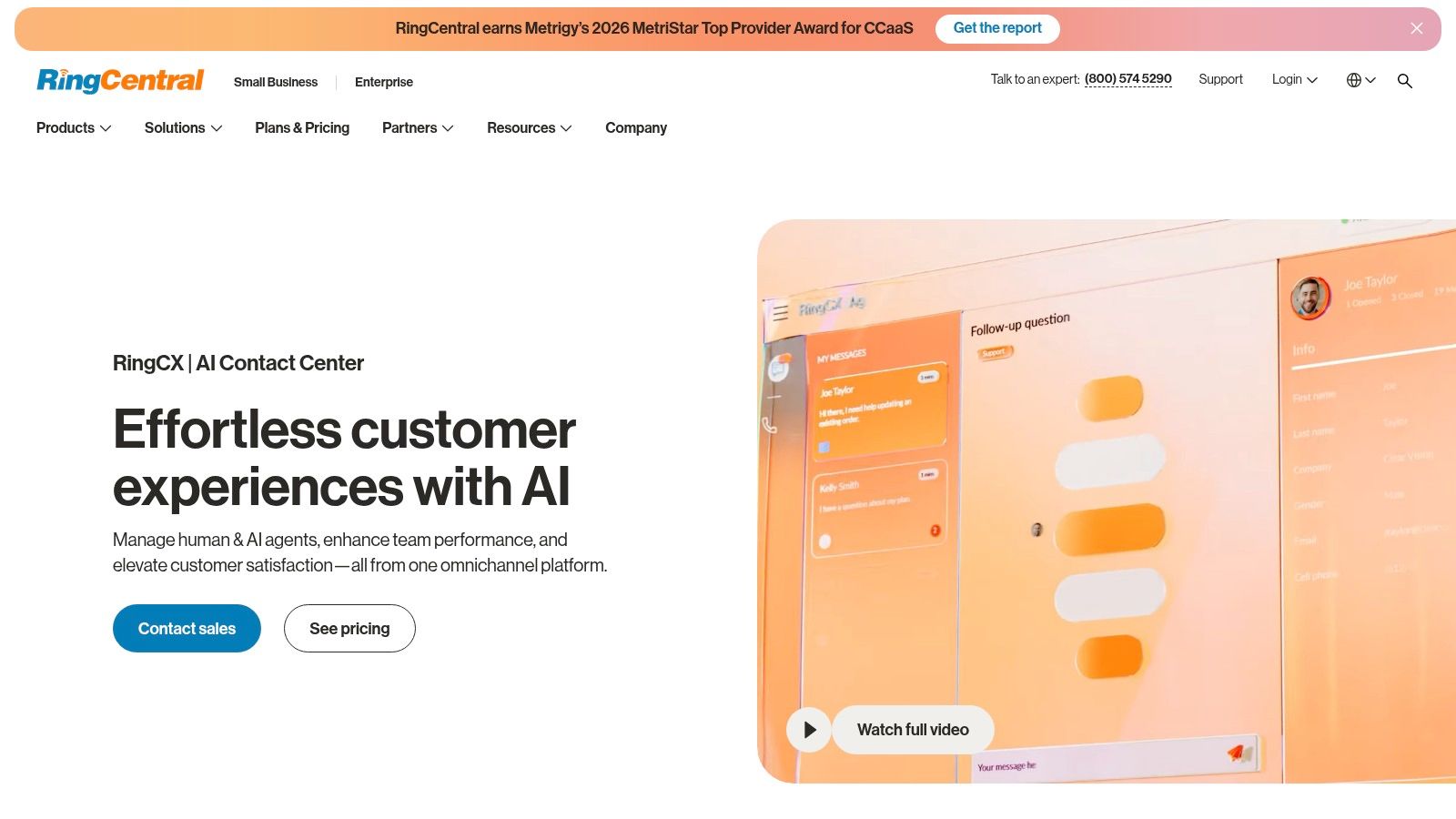
6. RingCentral RingCX
A home services company with 12 locations gets a flood of calls after a storm. Dispatch needs the call. Billing needs the account history. Field managers need updates fast. If those conversations live across separate phone, messaging, and meeting tools, agents waste time chasing context instead of booking jobs.
RingCentral RingCX fits that kind of operation well because it pairs contact center workflows with the broader RingCentral communications stack. That matters most for businesses where customer conversations regularly pull in back-office staff, supervisors, or field teams.
The practical appeal is straightforward. One vendor usually means fewer integration gaps between the phone system your company uses internally and the contact center your customer-facing team uses all day. For multi-site operators, franchise groups, and service businesses with front-office and dispatch coordination, that can reduce admin overhead and make call handling more consistent across locations.
I usually see RingCX work best in three cases.
- Home services: Routing by service line, geography, or urgency matters more than advanced enterprise customization. RingCX is a solid fit when CSRs, dispatchers, and managers all need to collaborate inside the same communications environment.
- Legal intake: Firms that need fast lead response and smooth handoff from intake staff to attorneys or paralegals can benefit from having calling, messaging, and meetings closer together.
- Healthcare scheduling and support: Teams handling appointment calls, referrals, or patient service requests often care as much about internal coordination as they do about raw channel count.
Where I would slow down is specialized complexity.
If your operation depends on unusual routing logic, deep compliance controls, or legacy system integrations that have been built up over years, test those requirements early. RingCX can be a strong operational choice, but buyers should not assume parity with every long-established enterprise suite on day one. Ask the vendor to show your real workflows, not a polished generic demo.
A few checks help separate a good fit from a frustrating one:
- How tightly does RingCX connect with the RingCentral tools your staff already use?
- Which reporting and QA features are included in your plan versus sold separately?
- Can your admins make routing changes themselves, or will you rely on vendor support?
- How well does the platform handle transfers between customer-facing agents and internal departments?
Migration planning matters here too. Teams moving from a basic phone system should map call reasons, transfer paths, and after-hours rules before implementation starts. Legal and healthcare organizations should also review retention, recording, and permission settings early, because those details often become problems after go-live, not during procurement.
RingCX is usually strongest for organizations that value coordinated communications over maximum feature breadth. If your priority is getting UCaaS and contact center operations to work together cleanly, it deserves a serious look.
7. 8x8 Contact Center
8x8 Contact Center is a sensible choice for organizations that want contact center functionality tied closely to their broader communications stack, especially if Microsoft Teams is part of daily operations.
That interoperability angle matters in real deployments. A lot of customer conversations still require internal collaboration. An agent needs a billing answer, a supervisor decision, or a specialist from another department. Platforms that make those handoffs smoother usually outperform feature-rich tools that isolate the contact center from the rest of the business.
Where 8x8 fits best
I like 8x8 for distributed businesses, international teams, and companies trying to reduce vendor sprawl. If you want UCaaS, contact center, and strong Teams interoperability under a single umbrella, it deserves a close look.
A practical example is a franchise or multi-location support team that needs centralized inbound routing but local staff collaboration. Another is a professional services firm with front-office staff handling calls while back-office teams work in Teams all day.
What to verify
8x8 can cover a lot, but buyers need to confirm which features live in which tier. Workforce engagement and quality functions often matter more after go-live than during vendor demos, so don't assume the plan includes everything you'll need once supervisors start managing performance.
A few decision notes:
- Single-vendor communications stack: Cleaner than piecing together multiple tools.
- Microsoft alignment: Valuable if Teams is already embedded.
- Quote-led pricing: Expect a sales process rather than quick self-serve evaluation.
8x8 isn't usually the flashiest option in the shortlist. It's often the practical one for companies trying to unify customer and internal communications without overcomplicating the stack.
8. Amazon Connect
Amazon Connect is the platform I bring up when a business wants control, composability, and usage-based economics more than a polished all-in-one suite. It is not the easiest option on this list, but it can be one of the most flexible.
This platform is especially attractive to teams already working heavily in AWS. They can connect voice flows, automation, AI services, customer data, and custom applications without forcing everything through a rigid vendor framework.
Who should consider it
Amazon Connect works well for technical organizations, product-led companies, and operations teams with access to engineering or a strong implementation partner. If you want to embed calling into apps, create custom workflows, or tailor the agent experience closely to your business process, it gives you a lot of freedom.
A good example is a healthcare or insurance business that needs to orchestrate complex identity, routing, case handling, and follow-up logic across several systems. Another is a service business with highly seasonal demand that doesn't want to overbuy fixed seats year-round.
Where it can go wrong
The flexibility is real, but so is the complexity. Metered components can stack up in ways that surprise finance teams if nobody models the workflow properly. You need discipline around architecture, reporting, and cost governance.
Amazon Connect is rarely the wrong technical answer. It can become the wrong business answer if nobody owns the design after launch.
A smart way to evaluate it is to define one complete customer journey first. For example, build the path from inbound call to authenticated customer to booked appointment to post-call task. If that journey works cleanly, then expand.
Amazon Connect is a strong option for organizations that want cloud call center software they can shape around their operations, not just software that asks them to adapt.
9. Twilio Flex
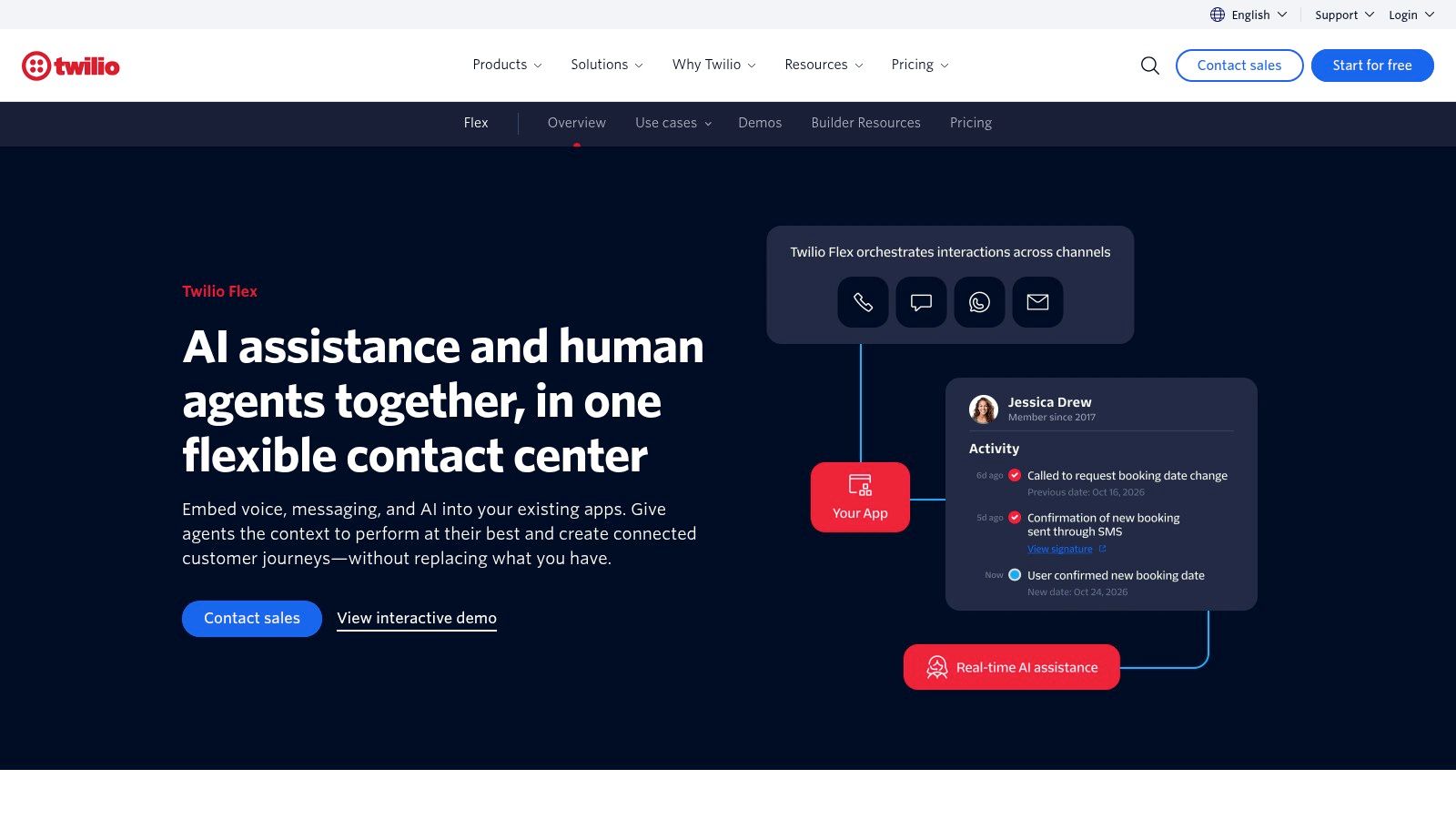
Twilio Flex fits teams that already know a standard contact center will force too many workarounds. A home services company that wants dispatch status inside the agent desktop, a legal intake team that needs matter-specific call flows, or a healthcare group that has to route by clinic, insurance type, and urgency often hits that point fast. Flex gives those teams room to build around the operation instead of bending the operation around the software.
That flexibility is the product.
The upside is obvious if customer conversations are tied closely to your systems, your service model, or your compliance process. You can shape the agent experience, connect messaging and voice in a way that matches the business, and hand developers control over workflow logic that would be hard to reproduce in a more packaged platform.
Best fit
Flex works best for companies with a clear operating model and someone accountable for owning it after launch. In practice, that usually means product-led businesses, multi-location service organizations with unusual routing rules, and mid-market or enterprise teams with internal developers or a capable partner.
I would put it on the shortlist when the buying question is, "How do we make the contact center match our business?" rather than, "How do we replace our current phone system fast?" Those are different projects, and Flex only makes sense if you treat it like the first one.
The pricing model can also suit businesses with uneven demand. Teams with seasonal spikes, after-hours workflows, or mixed agent utilization sometimes prefer that flexibility over a fixed-seat approach. The trade-off is cost control. Metered components require closer forecasting, better reporting discipline, and someone who can explain usage to finance before the first surprise invoice shows up.
Where teams get stuck
The common failure mode is not technical. It is organizational. Companies buy Flex for customization, then staff the project like a standard software rollout.
That usually creates three problems:
- routing logic gets overbuilt before the core call flows are stable
- supervisors inherit a system they cannot safely adjust without developer help
- finance sees variable usage charges before operations has defined what "good" usage looks like
For regulated or process-heavy teams, the migration path matters as much as the platform choice. Legal intake groups should map conflict-check and callback steps before rebuilding queues. Healthcare teams should define what must stay inside the EHR or scheduling workflow versus what agents can handle inside Flex. Home services operators should test one complete path first, such as inbound call to job type to technician availability to booked appointment, before expanding to every service line.
Questions worth answering before you commit:
- Which parts of the agent workflow are unique to your business?
- What must managers be able to change without engineering support?
- How will you monitor usage and approve changes that affect cost?
Twilio Flex is a strong choice when customization supports a real operating advantage. It is a poor fit for teams that mainly need speed, packaged reporting, and a system admins can run with minimal technical support.
10. Dialpad

Dialpad is one of the cleaner choices for companies that want AI features to show up quickly in daily operations. The appeal isn't just that it has AI. It's that live transcription, summaries, sentiment cues, and coaching are part of how teams work in the platform.
That tends to land well with sales-heavy environments, support teams, and service organizations where supervisors want faster insight without building a full analytics program first.
Best use cases
Dialpad is often a strong fit for teams that want UCaaS and contact center capability from one vendor, but don't need the heavier enterprise footprint of some larger suites. A law firm intake team, a regional healthcare office, or a service business with a growing inside-sales function can all benefit from having conversations transcribed and summarized automatically.
It can also help newer managers. If supervisors don't yet have a mature QA process, AI-assisted summaries and coaching cues can create a more workable starting point.
What to watch
The biggest caveat is pricing visibility. Contact center configurations often require a quote, so you need to test your exact use case rather than assume the AI value will justify itself automatically.
This is also a platform where integration requirements should be checked early. If your business depends heavily on a specific CRM, ticketing system, or collaboration environment, verify the workflow in a live demo.
What Dialpad gets right:
- Out-of-the-box AI assistance: Useful without a huge setup burden.
- Combined UCaaS and CCaaS value: Good for businesses simplifying vendors.
- Fast operational insight: Helpful for lean teams with limited analyst support.
Dialpad is not the most customizable platform on this list. For many SMB and mid-market teams, that's exactly why it works.
Top 10 Cloud Call Center Software Comparison
| Product | Core features | Quality & UX ★ | Value & Pricing 💰 | Best for 👥 | Unique strengths ✨ |
|---|---|---|---|---|---|
| Recepta.ai 🏆 | 24/7 AI + white‑glove human escalation; call handling, scheduling, lead capture; 2,500+ integrations | Reliable coverage, call summaries & real‑time analytics; ★★★★★ | 💰 30‑day trial; reported 30% more qualified leads, 80% in‑house cost savings, 15× ROI; custom quotes | Service businesses: home services, healthcare, legal, insurance, franchises | ✨ Fast setup (~15 min); seamless AI→human handoffs; deep automation & auto‑logging |
| Genesys Cloud CX | Omnichannel routing, native AI copilots, predictive routing, WEM | Enterprise UX with mature AI feature set; ★★★★☆ | 💰 Published CX1–CX4 tiers; transparent for many deployments | Mid‑market to enterprise contact centers | ✨ Flexible licensing (named/concurrent/hourly); broad WEM & analytics |
| NICE CXone | Omnichannel engagement, WEM, interaction analytics, compliance | Strong analytics & security posture; ★★★★☆ | 💰 Package/add‑on pricing; enterprise quotes typical | Large enterprises, regulated industries (finance, insurance) | ✨ Deep WEM and compliance controls; industry bundles |
| Talkdesk | CXA AI suite (Copilot/Autopilot), omnichannel, industry Experience Clouds | Fast time‑to‑value and modern UI; ★★★★☆ | 💰 Transparent US pricing and self‑serve tiers for many customers | Businesses wanting quick deployments & vertical templates (healthcare, retail) | ✨ Prebuilt industry templates & accelerators |
| Five9 | Inbound/outbound, omnichannel, workflow automation, analytics | Battle‑tested CCaaS for complex centers; ★★★★☆ | 💰 Multiple pricing models (named, concurrent, pay‑per‑use); quote‑based | Mid‑market and enterprise with heavy inbound/outbound needs | ✨ Strong CRM integrations and flexible ordering |
| RingCentral RingCX | Omnichannel (20+ channels), AI supervisor assist, high availability, UCaaS tight integration | Unified UC+CC experience for RingCentral users; ★★★★☆ | 💰 Published plan structure but many configs require sales | Existing RingCentral MVP customers or single‑vendor buyers | ✨ One‑vendor UCaaS + CCaaS stack; roadmaped AI features |
| 8x8 Contact Center | Skills‑based routing, IVR, WFM on higher plans, Teams interop, global telephony | Unified communications focus; solid core CC features; ★★★☆☆ | 💰 CCaaS seat pricing typically quote‑based | Teams invested in Microsoft/global telephony needs | ✨ Strong Microsoft Teams interoperability |
| Amazon Connect | Consumption‑based CCaaS, AWS AI/ML integrations (Lex, Bedrock), composable building blocks | Developer‑first, powerful but needs engineering; ★★★☆☆ | 💰 Pay‑as‑you‑go per‑minute/message; costs scale with usage | Tech‑savvy orgs preferring AWS stack and granular control | ✨ Deep AWS service integration; flexible, metered economics |
| Twilio Flex | Programmable, composable agent UI & flows, per‑user or per‑active‑hour pricing | Highly customizable; developer‑centric UX; ★★★☆☆ | 💰 Flexible (named or active‑hour); add‑on Twilio services metered | Organizations with in‑house dev teams and bespoke workflows | ✨ Extensible platform & large developer ecosystem |
| Dialpad | Live transcription, sentiment analysis, AI agents, UC+CC convergence | AI‑native agent assist with real‑time insights; ★★★★☆ | 💰 Contact center pricing often quote‑based; some UC tiers published | Sales/support teams wanting out‑of‑the‑box AI tools | ✨ Native real‑time transcription, sentiment & post‑call summaries |
From Answering Calls to Driving Growth
Friday at 4:47 p.m., the phones stack up. A plumbing company misses emergency jobs, a family law firm loses intake calls to voicemail, and a clinic pulls front-desk staff off insurance work just to keep the queue moving. That is not a phone problem. It is lost revenue, broken handoffs, and avoidable pressure on the team.
Cloud call center software sits at the center of that equation because it changes how demand gets captured and what happens next. It affects speed to answer, routing quality, agent workload, reporting discipline, and how well the business handles overflow across locations or shifts. The practical question is not which platform has the longest feature list. It is which one fits the way your operation runs.
That fit changes by vertical. Home services teams usually need fast intake, after-hours coverage, dispatch handoff, and scheduling integration. Legal teams need cleaner qualification, conflict-check steps, and reliable follow-up so consultation requests do not disappear between receptionist and attorney. Healthcare groups need tighter workflow controls, auditability, and escalation paths that hold up during busy periods. A platform that works for a 20-seat intake team may still be wrong for a multi-location clinic or a franchise operator managing seasonal swings.
The bottleneck should drive the shortlist. If the pain is missed calls after hours, lunch coverage gaps, or inconsistent intake, prioritize automation, overflow rules, and integrations with the systems staff already use. If supervisors are struggling to manage voice, SMS, and chat in one place, routing logic, QA, analytics, and workforce tools matter more. If the company already uses one vendor for phones and meetings, keeping UCaaS and CCaaS together can make sense, but only if the contact center side is good enough for real queue management and supervisor control.
AI features matter when they remove work, not when they just look good in a demo. Transcription helps with documentation. Post-call summaries reduce admin time. Agent guidance can improve consistency for new staff. In home services, that can mean cleaner job notes for dispatch. In legal, it can mean fewer dropped details during lead qualification. In healthcare, it can mean better documentation and fewer routing mistakes when the front desk is under pressure.
Cloud deployment remains the default because it is easier to roll out across offices, remote teams, and new locations. The trade-off is operational depth. Some products are easy to buy and easy to launch, then start to show limits once reporting, QA, or routing gets more complex. Others are very capable but need stronger admin ownership, more implementation work, or internal technical support to get full value.
Cost needs the same practical lens. License price matters, but operating cost matters more. A cheaper platform gets expensive fast when managers build workarounds for reporting gaps or agents spend extra minutes cleaning up bad call notes. A higher-priced system can pay back the difference if it reduces missed opportunities, shortens handle time, and gives supervisors better control over staffing and service levels.
Selection usually gets easier once teams stop scoring generic features and start testing live workflows. Can the system capture the right information, pass it into your CRM or scheduling software, and keep service quality stable during peak periods? Can a supervisor change routing or business hours without waiting on support? Can a new hire learn the flow in a day? Those are the questions that expose fit.
Migration deserves the same attention as vendor selection. Before switching, map your top call types, after-hours logic, transfer rules, CRM dependencies, and the reports managers use each week. Then run one workflow end to end with real users. Test a new lead, an existing customer, an urgent issue, a transfer, and a follow-up. That exercise will surface configuration gaps long before go-live.
A good platform improves more than answer rates. It can help teams book more jobs, convert more consultations, reduce front-desk overload, and create a more predictable customer experience. It also affects retention and burnout, which ties into broader priorities like improving small business employee well-being.
If your main problem is missed calls, inconsistent intake, or after-hours coverage, Recepta.ai is worth a serious look. It is best suited to service businesses that need AI receptionist coverage, human escalation, and fast implementation without a large IT project. The key question is simple. Will it help your team capture more demand with less manual effort, starting in the first few weeks, not six months after rollout?