Appointment scheduling software for small business: Improve bookings fast

If you're still managing appointments through endless email chains or phone tag, you're leaving money on the table. Lost calls, no-shows, and administrative overload can stunt your growth. The right appointment scheduling software for small business doesn't just fill your calendar; it automates reminders, captures leads 24/7, processes payments, and integrates with the tools you already use. It transforms a simple booking into a streamlined, professional client experience that builds trust and loyalty from the very first interaction.
But with hundreds of options, how do you choose the one that fits your specific needs and budget? This guide cuts through the noise. We'll dive deep into 12 of the best solutions on the market, from simple meeting tools like Calendly to comprehensive platforms like Square Appointments. We provide practical, actionable insights, honest pros and cons, and real-world scenarios to help you find the perfect fit.
Whether you're a solo consultant, a multi-location service business, or a growing clinic, this resource is designed to save you hours of research. Each review includes screenshots, direct links, and clear pricing breakdowns to help you make a confident decision. We analyze key features such as CRM integrations, automated communication, and even AI receptionist capabilities. To truly stop wasting time and transform your small business, delve into this ultimate guide to an online booking system for small business that can streamline your operations. Let's find the tool that will reclaim your time and help you focus on what you do best: running your business.
1. Recepta.ai
Best for businesses needing 24/7 coverage with a hybrid AI and human touch.
Recepta.ai positions itself as more than just an appointment scheduling software for small business; it’s a comprehensive communication platform powered by a 24/7 AI receptionist. It's designed for service-oriented businesses that can't afford to miss a single inbound lead or client request, whether it comes via phone call or website form. Its core strength lies in its unique hybrid model, blending conversational AI for efficiency with skilled human agents for complex or sensitive interactions.
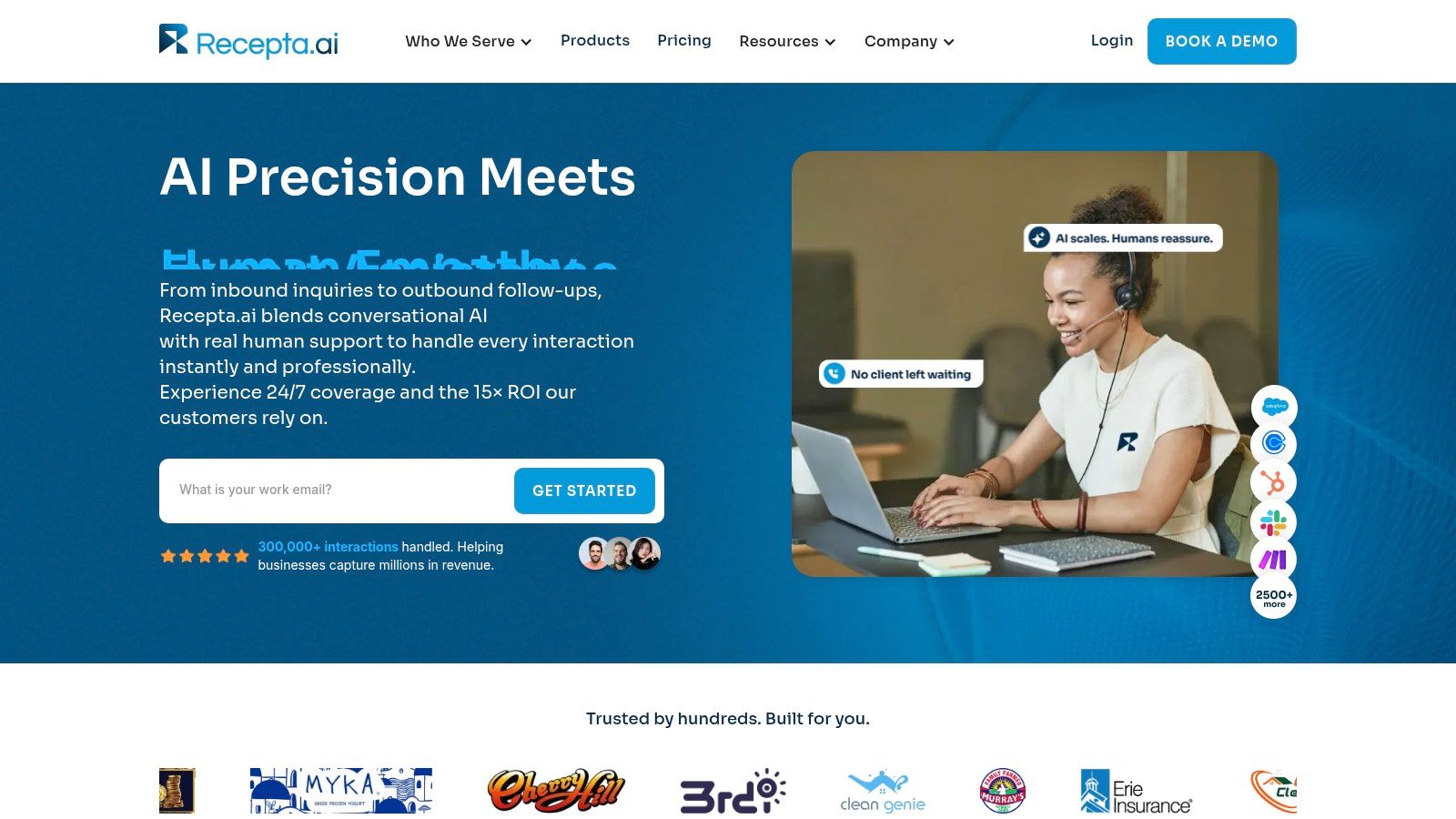
This structure ensures that routine tasks like booking appointments, qualifying new leads, and answering common questions are handled instantly and affordably. For example, a plumbing company can have Recepta.ai’s AI handle after-hours emergency calls, gathering critical details like the address and issue (e.g., "burst pipe in the basement") and scheduling a technician based on calendar availability. However, if a caller expresses significant distress or has a complex billing inquiry, the system seamlessly escalates the call to a trained human agent who can provide the necessary empathy and expert judgment.
Why It Stands Out
What sets Recepta.ai apart is its deep integration capability and focus on measurable business outcomes. The platform syncs with over 2,500 tools, including most major CRMs and calendar systems. This means an appointment scheduled by the AI receptionist can automatically create a new lead in your Salesforce, book a slot on your Google Calendar, and send a confirmation text to the client without any manual data entry. For example, a law firm can configure it so that when a potential client calls and books a consultation, Recepta.ai automatically logs the call details and creates a new contact record in their practice management software.
The platform also provides operational intelligence through real-time analytics and call summaries. This data helps business owners identify communication bottlenecks, refine their sales scripts, and understand peak call times, transforming the reception function from a cost center into a strategic asset. If you're looking to understand the specific benefits, you can learn more about how an AI receptionist for a small business drives growth and efficiency.
Key Features:
- Hybrid AI + Human Model: 24/7 AI coverage with seamless escalation to trained human agents.
- Omnichannel Communication: Manages inbound/outbound calls, web chat, and follow-ups.
- Deep Integrations: Connects with 2,500+ CRMs, calendars, and business applications.
- Operational Analytics: Provides call summaries, performance dashboards, and actionable insights.
Pricing:
Recepta.ai does not list tiered pricing on its website. Costs are custom-quoted based on your business’s specific needs, call volume, and integration requirements. You will need to schedule a consultation to get a detailed proposal. They offer a 30-day risk-free trial to validate the service.
Pros:
- Ensures no missed leads or appointments, day or night.
- Reduces administrative overhead and staffing costs significantly.
- Automates data entry across your existing software stack.
- Rapid setup (as fast as 15 minutes) and a risk-free trial.
Cons:
- Pricing is not transparent and requires a direct sales consultation.
- Businesses in highly regulated fields should directly verify specific compliance certifications (e.g., HIPAA).
Website: https://recepta.ai
2. Calendly
Calendly has become a household name in scheduling automation, and for good reason. It excels at simplifying the process of booking time by allowing users to share a link that displays their real-time availability. This makes it an ideal piece of appointment scheduling software for small business owners, consultants, and sales teams who need a quick, no-fuss way to eliminate back-and-forth emails. Its user interface is famously clean and intuitive, ensuring a professional and seamless booking experience for clients.
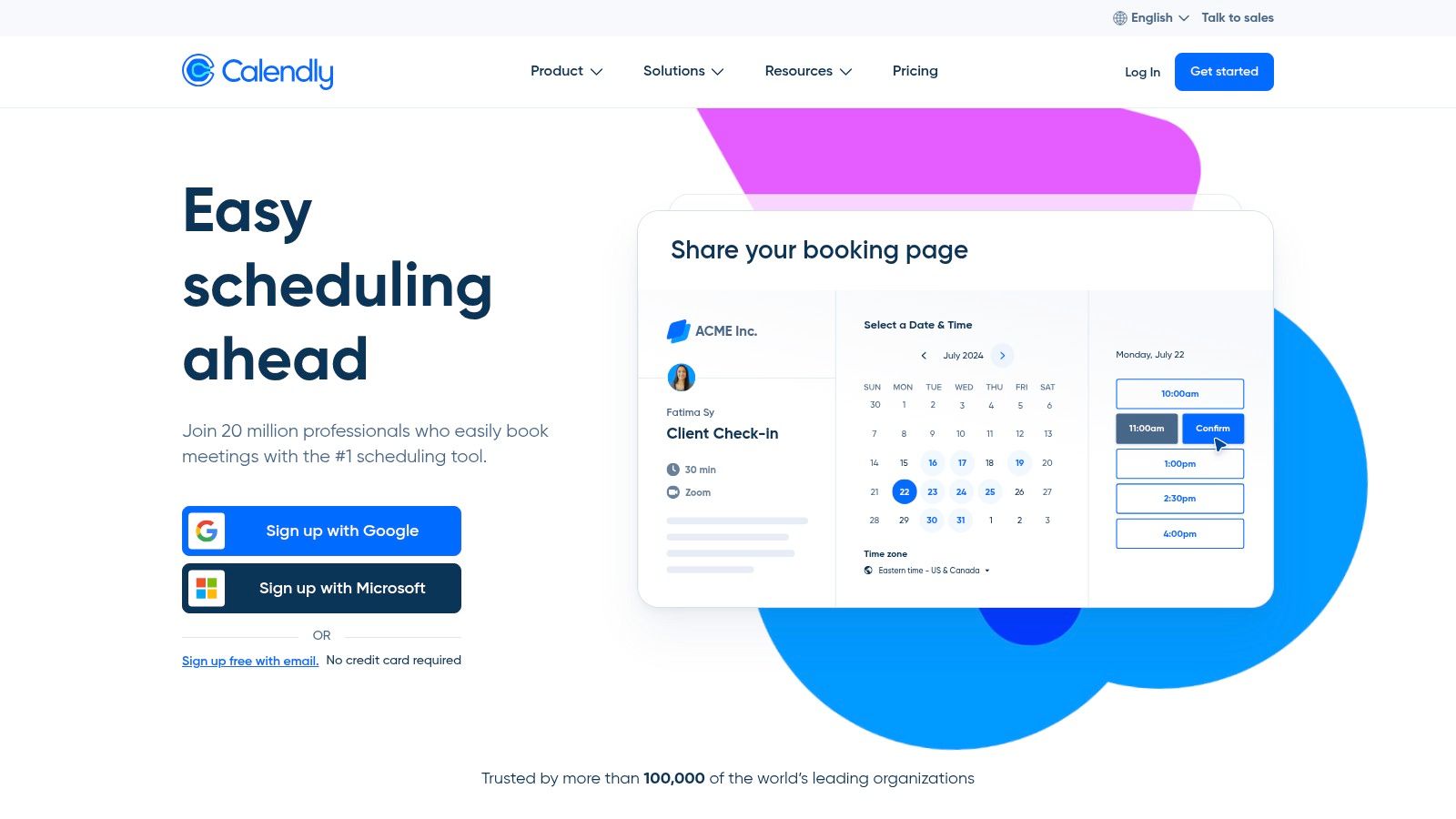
The platform shines with its deep integration ecosystem, connecting effortlessly with Google Calendar, Outlook, and Office 365, plus video conferencing tools like Zoom and Google Meet. For businesses focused on growth, its native integrations with CRMs like Salesforce and HubSpot are invaluable. For example, a marketing agency can embed a Calendly link on their "Request a Demo" page. When a prospect books a time, Calendly automatically creates a new lead in HubSpot, assigns it to a sales rep, and adds the meeting to their calendar with a unique Zoom link, all in a single action.
Standout Features & Use Cases
Calendly’s strength lies in its team-based scheduling workflows. Features like round-robin scheduling automatically assign new meetings to the next available team member, perfect for a customer support team to ensure quick response times. Collective scheduling allows a client to book a time when multiple team members are free, a crucial feature for a project kick-off meeting requiring the client, a project manager, and a lead developer to be present. Its automated reminders are also highly effective; for more strategies on this, you can learn how to reduce no-show appointments in our detailed guide.
3. Acuity Scheduling (Squarespace)
Acuity Scheduling, now part of the Squarespace ecosystem, is a powerhouse for service-based businesses that need more than just simple booking. It functions as a complete client management system, handling everything from initial booking and payment processing to custom intake forms and automated follow-ups. This makes it an exceptional piece of appointment scheduling software for small business owners in the wellness, fitness, and beauty industries who manage complex service menus. Its strength lies in its deep customization and business management features.
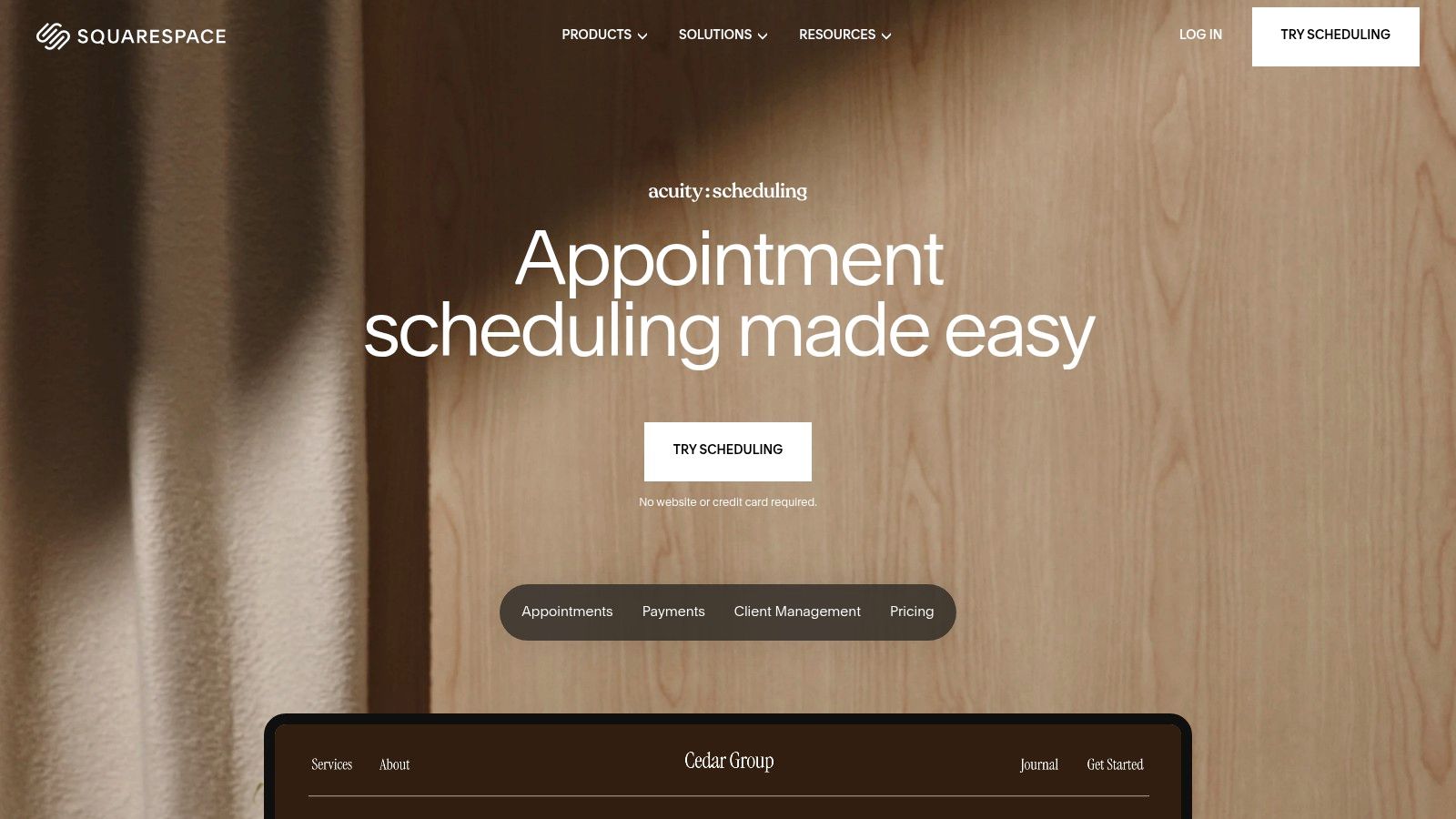
The platform goes beyond one-on-one appointments, offering robust support for classes, workshops, and group events. A yoga studio, for instance, can use Acuity to list their full weekly schedule online, allow clients to book a spot in a Vinyasa class, purchase a 10-class pass, and automatically receive a reminder email 24 hours before the class begins. For healthcare providers, its higher-tier plans offer HIPAA-compliant features through a Business Associate Agreement (BAA). You can find more tools like this in our guide to medical appointment scheduling software. The integrated payment processing through Stripe, Square, and PayPal simplifies collecting deposits or full payments at the time of booking.
Standout Features & Use Cases
Acuity’s standout capabilities revolve around its financial and client intake tools. You can create and sell appointment packages, gift certificates, and subscriptions directly through your booking page. A practical example is a life coach who could offer a "Career Clarity" package of four sessions at a discounted rate, which clients can purchase and book directly online. The customizable intake forms are another key feature. For example, a massage therapist can create a mandatory intake form with questions about medical history and areas of pain that a new client must complete before their first appointment is confirmed, ensuring the therapist is fully prepared.
4. Setmore
Setmore stands out as a highly accessible and feature-rich platform designed with service-based small businesses in mind. It provides a complete solution that includes a customizable public-facing booking page, robust calendar management, and integrated payment processing. This makes it an excellent choice of appointment scheduling software for small business operators who need a versatile tool that handles everything from initial booking to final payment in one place. Its interface is straightforward, ensuring that even non-technical users can get set up quickly.
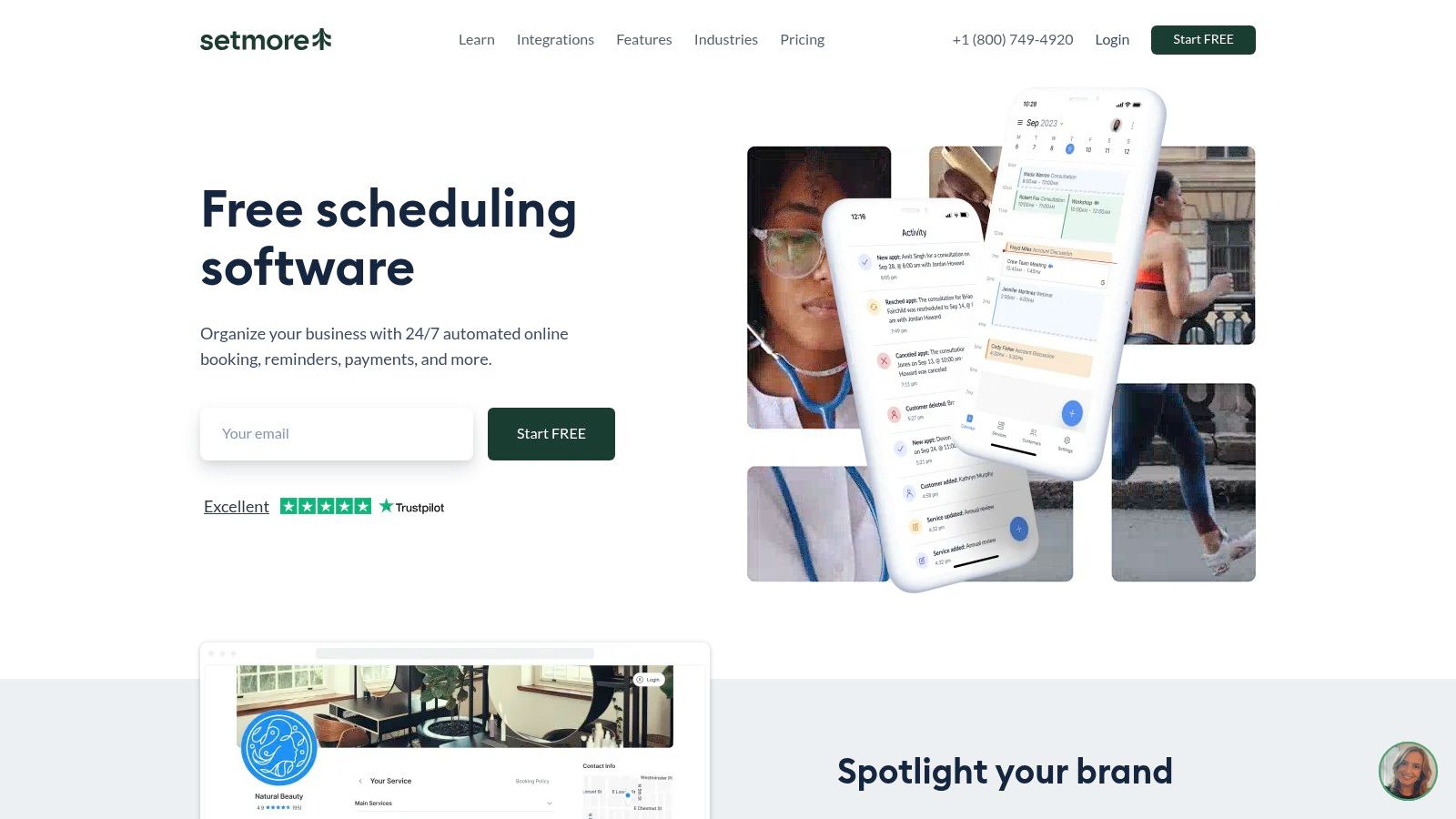
The platform’s combination of a generous free plan and powerful add-ons makes it uniquely scalable. A standout feature is its optional Live Receptionist service (US-only), where real receptionists answer calls and book appointments on your behalf. This is a game-changer for solo practitioners like therapists or massage therapists who can't answer the phone during sessions. For example, if a client calls while a therapist is in a session, the Setmore receptionist can access their calendar, book the client's next appointment, and the therapist will see it appear in their schedule automatically. For healthcare providers, the "Setmore Health" plan offers HIPAA compliance and a signed BAA, ensuring patient data is handled securely.
Standout Features & Use Cases
Setmore excels at managing both staff and client schedules with ease. Its multi-staff calendars allow clients to book with specific providers, making it ideal for a hair salon where a customer might want to book a cut with their favorite stylist. The platform's payment integration is another major benefit; a photography studio can require a 50% deposit via Stripe to secure a portrait session, which significantly reduces the financial impact of no-shows. For businesses that rely heavily on phone inquiries, pairing the scheduler with the Live Receptionist add-on creates a seamless customer service experience. Proper phone etiquette is crucial, and you can discover more by reviewing essential call handling best practices.
5. Square Appointments
Square Appointments is a powerful all-in-one solution for service-based businesses that need booking tightly integrated with payment processing and point-of-sale (POS) systems. It moves beyond simple scheduling to create a unified commerce experience, making it a top choice for salons, spas, and fitness studios that handle transactions both online and in-person. As an integrated piece of appointment scheduling software for small business, it streamlines everything from booking to checkout.
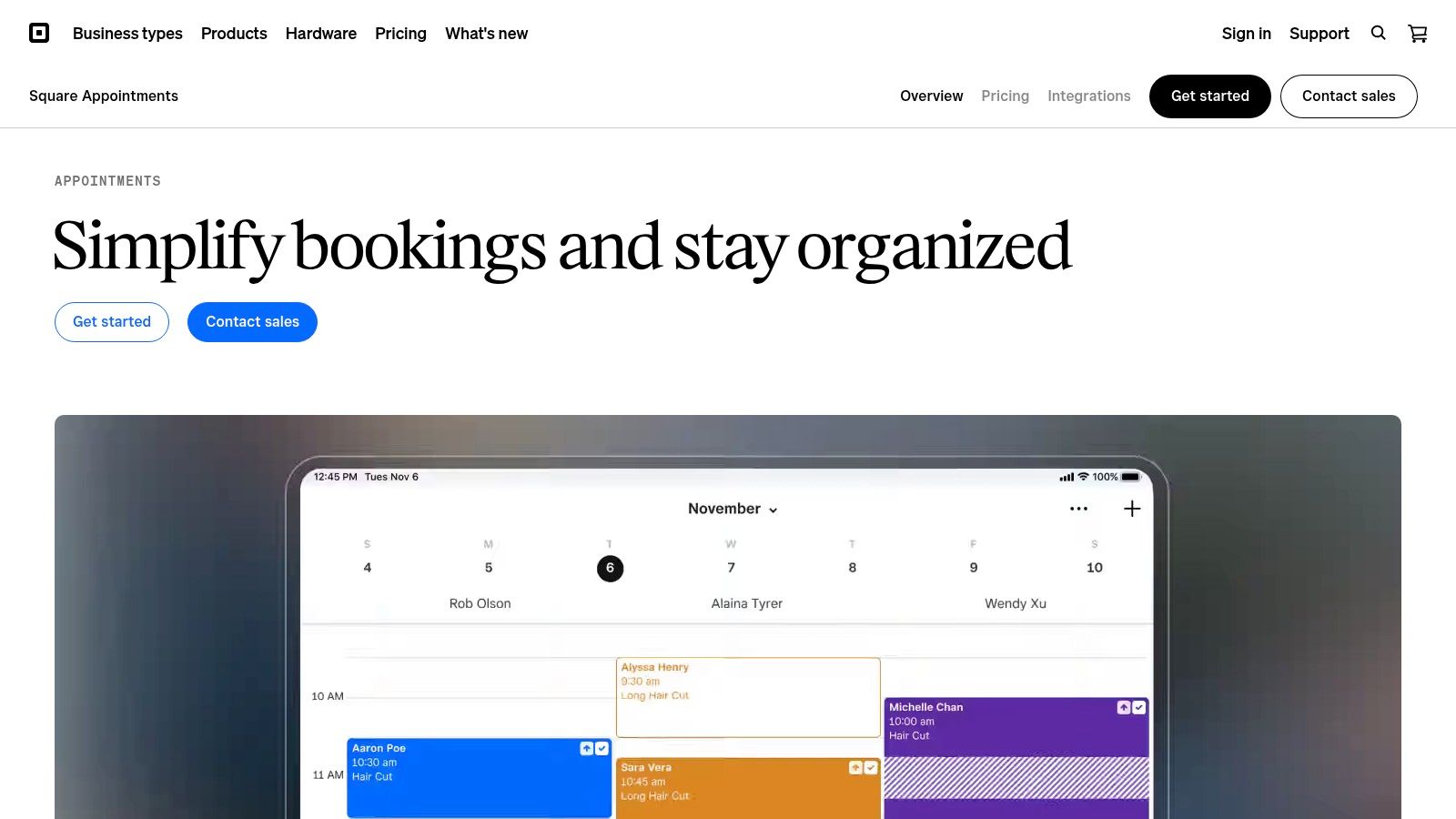
The platform’s strength is its native connection to the broader Square ecosystem. A client can book a haircut online, receive automated text and email reminders, and then pay seamlessly in-store using Square’s hardware. The system also supports features like loyalty programs, gift cards, and marketing campaigns directly from the same dashboard. A practical example is a nail salon that can automatically text a client a "thank you" message with a 10% discount on their next service an hour after they've paid for their appointment, encouraging repeat business without any manual effort.
Standout Features & Use Cases
Square Appointments excels with its robust client management and payment features. The no-show protection tool allows businesses to require a credit card on file to book and to charge a fee for last-minute cancellations. A personal training studio can enforce a 24-hour cancellation policy, automatically charging a client $25 if they cancel with less notice, which protects the trainer's income. Its multi-staff management capabilities are perfect for businesses with multiple employees, allowing clients to book with their preferred provider. The platform also monitors Google Reviews, helping businesses manage their online reputation directly from the scheduler.
6. Wix Bookings
For entrepreneurs and small businesses that want a truly all-in-one digital presence, Wix Bookings offers a compelling, integrated solution. Built directly into the popular Wix website builder, it removes the need to patch together separate systems for your website, marketing, and scheduling. This makes it an excellent piece of appointment scheduling software for small business owners who prioritize simplicity and want a single dashboard to manage their entire online operation, from their site's design to client appointments.

The platform is incredibly versatile, supporting one-on-one appointments, multi-participant classes, and even entire courses. This makes it suitable for a wide range of service businesses. For example, a community art center can use Wix Bookings to allow students to register for a six-week pottery course, pay the full fee upfront, and get automated reminders before each weekly session. The ability to manage everything on the go with the Wix Owner mobile app adds a layer of convenience crucial for busy professionals who aren't always at their desks.
Standout Features & Use Cases
Wix Bookings excels in its flexibility for service packaging and payments. You can set up appointments, classes, courses, and recurring memberships, giving you multiple revenue streams. Its pricing options are robust, allowing for fixed rates, customized quotes, or requiring a deposit to secure a booking. A personal trainer could leverage this by offering a free initial consultation, selling single sessions at a fixed price, and creating a discounted 10-session package, all managed and paid for through their website. The integration with Wix's broader ecosystem means client data flows seamlessly into your marketing and CRM tools.
7. Zoho Bookings
For small businesses already invested in the Zoho ecosystem, Zoho Bookings is a natural and powerful extension. It’s designed to slot perfectly into the Zoho suite, especially Zoho CRM, creating a unified system for managing customer relationships from the first touchpoint. This makes it an incredibly efficient piece of appointment scheduling software for small business owners who want to avoid juggling disparate applications and keep all their client data in one place. Its interface is clean and syncs directly with user calendars to present real-time availability on a dedicated booking page.
This platform's core strength is its native integration. A marketing agency using Zoho CRM, for instance, can embed a Zoho Bookings link in an email campaign. When a prospect clicks and books a discovery call, a new lead is automatically created and assigned in the CRM, and the meeting is logged against their contact record without any manual data entry. The scheduler supports multiple workspaces, making it ideal for businesses with different departments or physical locations, such as a wellness center with separate practitioners for massage therapy and acupuncture. It also offers essential features like automated email reminders and integrations with payment gateways like Stripe and PayPal on its paid plans.
Standout Features & Use Cases
Zoho Bookings excels at both individual and team scheduling. Its workspace feature allows a business to create separate booking pages, calendars, and staff members for distinct service lines or locations. For example, a tutoring company can create one workspace for "Math Tutors" and another for "English Tutors," each with its own set of available teachers and services. For professional service providers, the ability to generate one-time links for specific, non-recurring events provides a secure and exclusive booking experience. Furthermore, its integration with Zoho Meeting and other video conferencing tools automates the generation of meeting links, simplifying the process for virtual consultations.
8. Appointy
Appointy positions itself as a versatile and robust scheduler built for service-based businesses that manage not just appointments, but also classes, workshops, and resources. It offers industry-specific templates for sectors like fitness, education, and professional services, making it a powerful piece of appointment scheduling software for small business owners who need more than just a simple booking link. Its standout feature is its native integration with "Reserve with Google," allowing customers to book directly from Google Search and Maps, a significant advantage for local businesses aiming to capture client intent immediately.
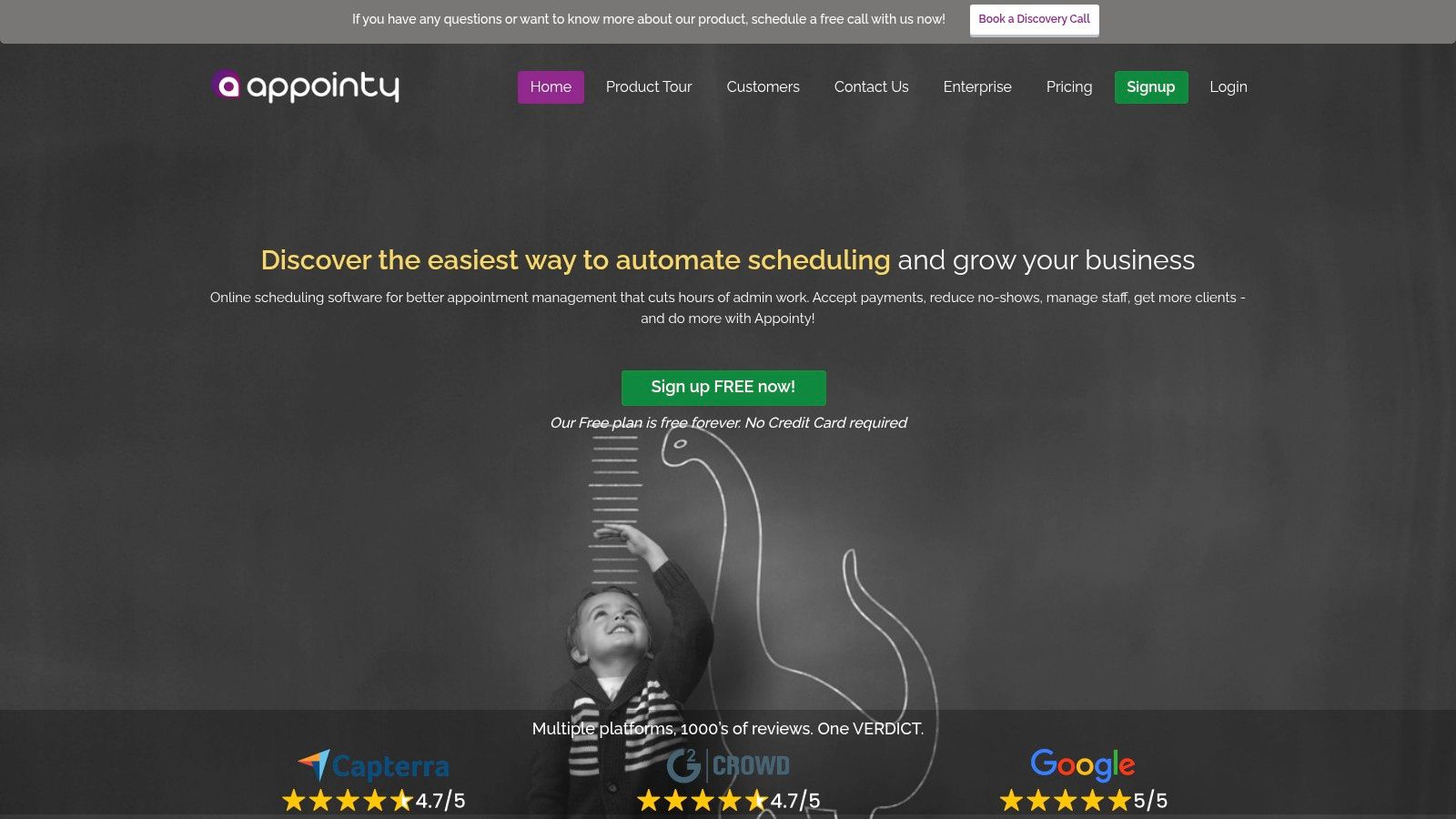
The platform is designed to scale, offering clear tiered plans that grow with a business from a single solopreneur to a multi-location enterprise. A yoga studio, for instance, can use Appointy to manage class schedules, instructor availability, and even room bookings all in one place. It also supports direct payment processing through Stripe, PayPal, and Authorize.Net, and includes options for gift certificates, making it a comprehensive business management tool rather than just a scheduler. For example, a client could search "yoga near me" on Google Maps, see the studio's schedule, and book a class directly from the search results page.
Standout Features & Use Cases
Appointy excels in its resource scheduling capabilities, which allow businesses to manage the availability of essential equipment or rooms alongside staff appointments. A health clinic can ensure a specific treatment room with an ultrasound machine is booked concurrently with the doctor’s time slot, preventing double-bookings. Its integration with social media "Book Now" buttons on Facebook and Instagram provides another direct channel for client acquisition. The software also provides back-to-back booking settings and recurring appointment options, perfect for personal trainers or tutors with regular clients.
9. SimplyBook.me
SimplyBook.me stands out as a highly versatile and configurable booking platform, making it a strong choice of appointment scheduling software for small business operations that require more than just basic booking. It's particularly well-suited for service industries like salons, wellness centers, and clinics that need a system that can manage appointments, classes, and memberships all in one place. The platform provides a full-fledged booking website or an embeddable widget, giving businesses flexibility in how they present their services to clients.
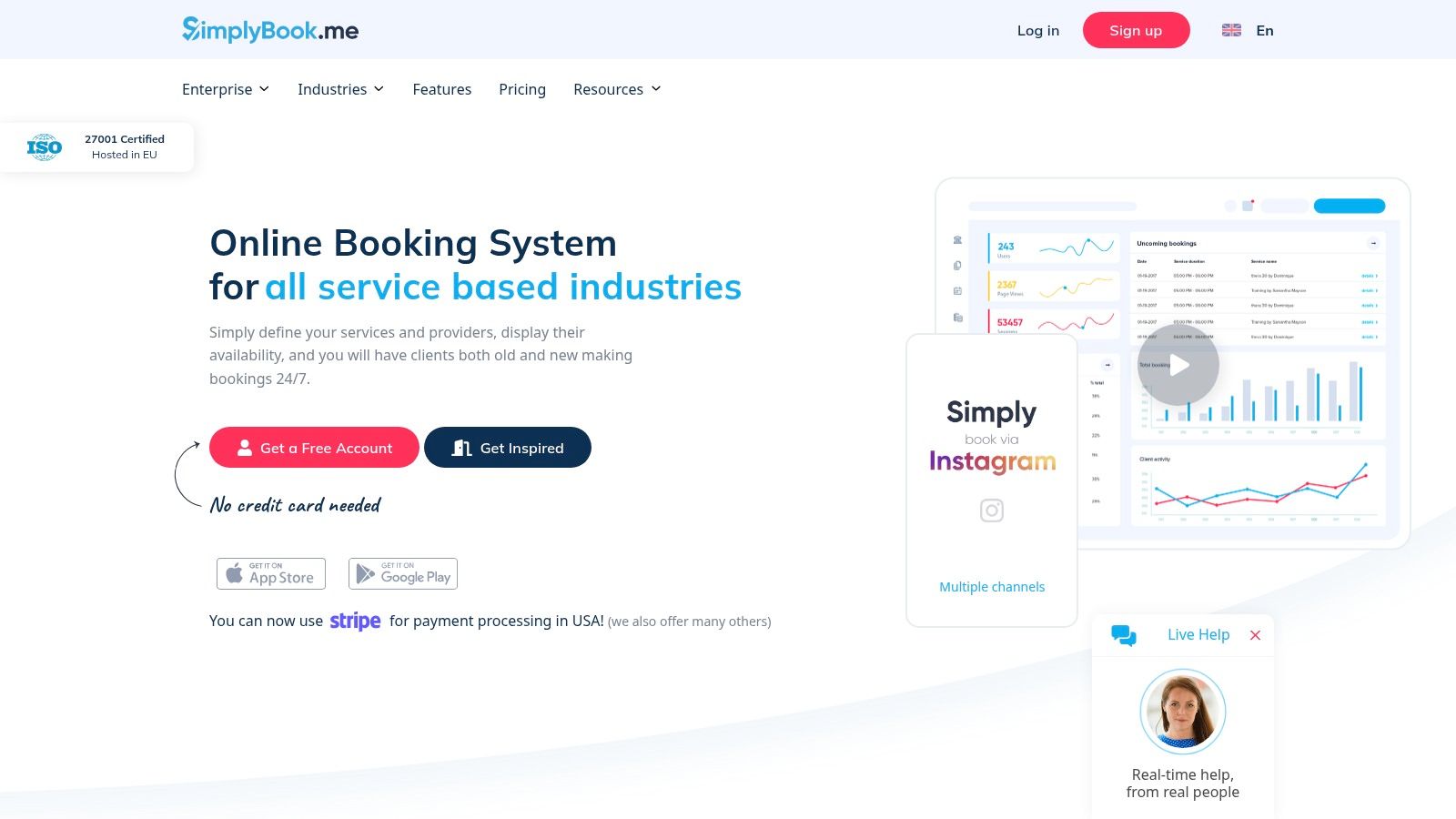
Its international focus and deep customization options are key differentiators. Businesses can accept online payments, deposits, and tips through various gateways and integrate directly with accounting software like QuickBooks and Xero. For organizations with strict compliance needs, such as a medical clinic or a therapy practice, SimplyBook.me offers HIPAA compliance and data location options, providing an essential layer of security and trust. A practical example is a clinic that can enable the HIPAA feature to ensure all patient data collected through booking forms is encrypted and handled according to privacy regulations.
Standout Features & Use Cases
SimplyBook.me's "Custom Features" system allows businesses to activate only the functions they need, keeping the interface clean while offering powerful capabilities. For example, a multi-location yoga studio can use the platform to manage class schedules across different branches, sell packages and memberships, and allow clients to book and pay via a branded client app. Its point-of-sale (POS) functionality means a front-desk employee can easily book a walk-in client and process their payment on the spot. The system's add-ons for things like SMS/WhatsApp notifications and AI-powered voice booking further enhance its utility for client-facing businesses.
10. YouCanBook.me
YouCanBook.me is a highly customizable and straightforward booking tool that transforms your existing calendar into a shareable booking page. It integrates directly with Google, Microsoft, and Apple calendars, ensuring your availability is always up-to-date. This makes it an excellent choice of appointment scheduling software for small business owners, particularly solo professionals like tutors, consultants, and therapists who need a cost-effective and powerful solution without a steep learning curve. The platform focuses on creating branded, professional booking experiences that build client trust from the first interaction.
The platform’s value shines through its rich customization options available even at a low price point. A freelance graphic designer, for instance, can create a custom booking form that asks for the project scope, budget range, and a link to their current website. This information is then automatically included in the calendar event, so the designer is fully prepared for the initial call. For small teams, the software offers team pages and round-robin scheduling, while its Zapier and HubSpot integrations allow for seamless connections to other essential business tools, automating workflows like adding new bookings to a CRM or a marketing list.
Standout Features & Use Cases
YouCanBook.me’s flexibility makes it suitable for diverse use cases. Features like group session bookings are perfect for a fitness instructor running a weekly online bootcamp, allowing up to 20 people to sign up for the same time slot. The ability to offer promo codes is a valuable tool for a business coach who can send an email to their newsletter subscribers with a 25% discount code for their "Strategy Session" package. Education-specific templates also cater directly to tutors and academic advisors. Additionally, businesses can leverage analytics to track booking trends and optimize their scheduling strategy for peak times.
11. HubSpot Meeting Scheduler
For businesses already invested in the HubSpot ecosystem, the HubSpot Meeting Scheduler is a natural and powerful choice. It's less of a standalone tool and more of an integrated feature within the HubSpot CRM, designed to seamlessly connect your scheduling with your sales, marketing, and service activities. This makes it an excellent piece of appointment scheduling software for small business teams who want every booked meeting to automatically enrich their customer data and trigger follow-up actions. The primary advantage is eliminating data silos; when a prospect books a demo, the event is instantly logged on their contact record in the CRM.
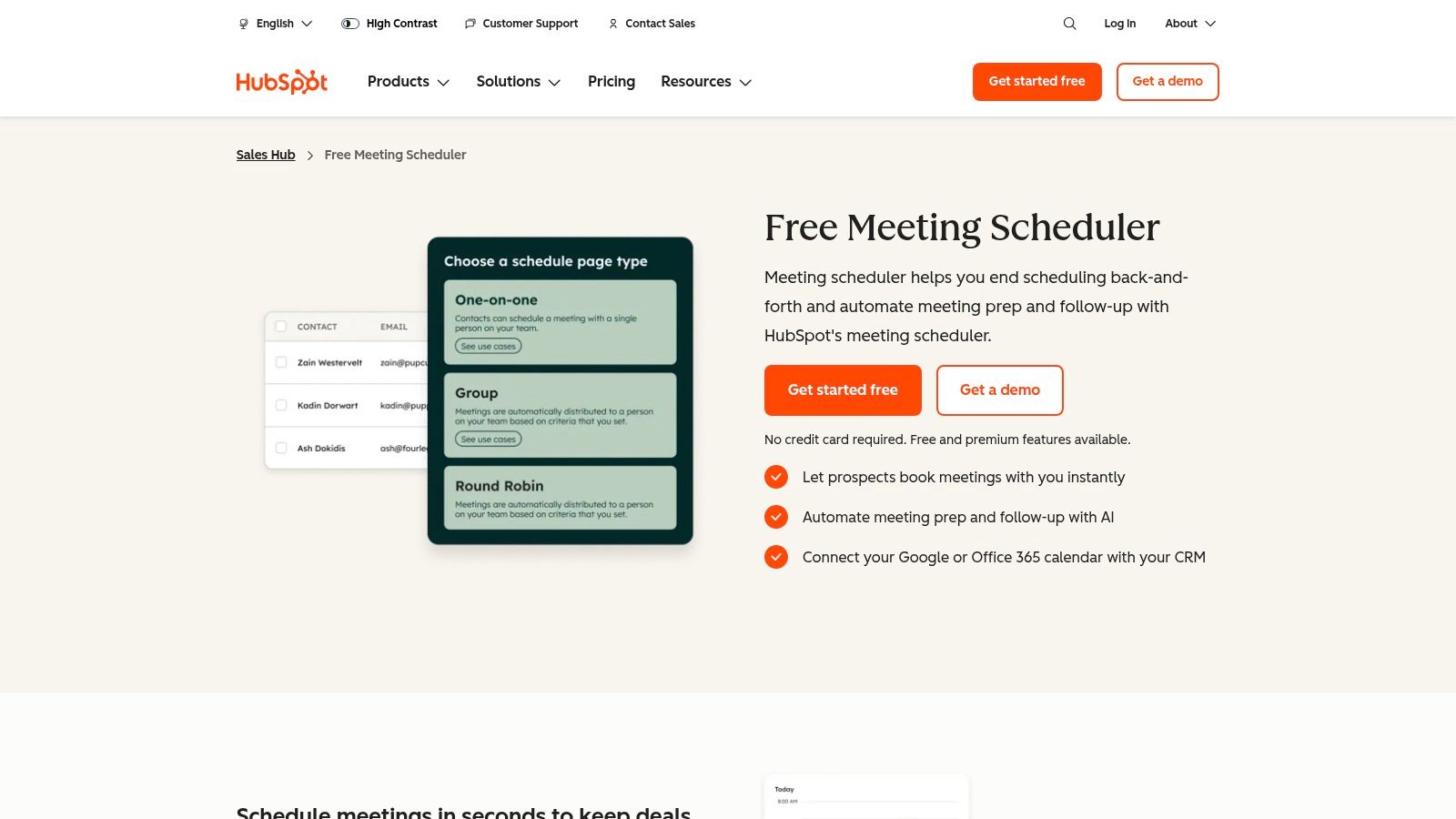
The platform functions by providing personal booking links that sync with Google Calendar or Office 365, ensuring availability is always up-to-date. Where it truly stands out is its ability to leverage HubSpot's automation. For instance, a software sales team can create a workflow where a prospect booking a "Product Demo" is automatically moved to the "Demo Scheduled" deal stage in the sales pipeline and enrolled in an email sequence that shares case studies relevant to their industry—all triggered by the booking itself.
Standout Features & Use Cases
HubSpot's scheduling power is amplified by its connection to the CRM. Features like group meeting links and round-robin scheduling help sales and support teams efficiently manage inbound requests. However, the real value lies in its workflow automation. A practical example would be using HubSpot AI to create an automation that, 30 minutes after a "Discovery Call" ends, generates a task for the sales rep to send a follow-up proposal and logs the meeting outcome in the CRM. This native integration ensures that scheduling becomes an integral part of your entire customer lifecycle management, not just a standalone task.
12. Microsoft Bookings
For businesses already operating within the Microsoft ecosystem, Microsoft Bookings is a powerful and often overlooked native solution. Included with many Microsoft 365 Business and Enterprise plans, it allows companies to create client-facing booking pages that integrate seamlessly with Outlook calendars and Microsoft Teams. This makes it an excellent piece of appointment scheduling software for small business owners who want to leverage their existing tech stack without adding another subscription. Its main appeal lies in its centralized management and enterprise-grade security controls, which are managed directly from the Microsoft 365 admin center.
The platform is built for organizational use, allowing businesses to create separate booking pages for different departments or services, each with its own staff, policies, and availability. A financial advisory firm, for instance, can set up distinct booking pages for "Retirement Planning" and "Investment Consultation." When a client books a virtual meeting for retirement planning, Bookings automatically assigns the appointment to an available advisor, adds it to their Outlook calendar, and generates a unique Microsoft Teams meeting link for the session.
Standout Features & Use Cases
Microsoft Bookings excels at providing centralized control and compliance. Administrators can define global scheduling policies, manage staff access, and ensure all bookings adhere to company standards, which is critical for regulated industries like healthcare or finance. The ability to create customizable booking pages with specific service definitions, buffer times, and lead-time requirements allows for precise control over the scheduling process. A multi-location dental practice could use this to manage hygienist appointments across different clinics, ensuring a client booking for the "Downtown" location only sees the availability of hygienists who work there.
Top 12 Appointment Scheduling Tools — Feature & Pricing Comparison
Making Your Final Choice: A Practical Implementation Checklist
Choosing the ideal appointment scheduling software for your small business is a significant step, but the real return on investment comes from successful implementation. After reviewing a dozen powerful tools, from comprehensive platforms like Acuity Scheduling and Square Appointments to streamlined solutions like Calendly, it's clear there is no one-size-fits-all answer. The best software is the one that seamlessly integrates into your unique operational rhythm, saving you time, reducing no-shows, and delighting your clients.
Making the right choice requires moving beyond feature lists and focusing on how a tool will function in your specific, day-to-day reality. A dental clinic has vastly different needs than a home cleaning service, and your software must reflect that. The ultimate goal is to find a platform that feels like a natural extension of your team, not another cumbersome task to manage.
Your Final Decision-Making Checklist
Before you sign up and migrate your booking process, walk through these final, practical steps. This checklist will help you filter your top contenders and select a tool that not only solves today's scheduling headaches but also supports your future growth.
Map Your Complete Client Journey:
- Action Step: Whiteboard every single touchpoint a client has with your business, from their first inquiry to post-service follow-up.
- Practical Example: For a law firm, this includes initial consultation booking, secure intake form completion with document upload, automated reminders for the meeting, and a follow-up email with next steps. Can your chosen software handle each of these steps natively or through a simple integration? A tool like Zoho Bookings excels at integrating with a larger CRM and business suite, making this end-to-end management easier.
- Key Question: Does this tool eliminate manual work at every stage, or does it just solve one part of the puzzle?
Stress-Test Core Integrations:
- Action Step: Use the free trial period to actively connect the software to your essential systems like your Google or Outlook calendar, your CRM (like HubSpot or a custom solution), and your payment processor (like Stripe or Square).
- Practical Example: If you are an HVAC contractor using a specific field service management tool, you must ensure your chosen scheduler can push appointment data directly into it. This prevents double-booking and ensures technicians have the right information on their mobile devices. Don't just check if an integration exists; test if it works the way you need it to.
- Key Question: Does data flow automatically and reliably between systems, or will my team be stuck manually exporting and importing information?
Evaluate the End-Client Experience:
- Action Step: Put yourself in your clients' shoes. Go through the entire booking process on both a desktop and a mobile device.
- Practical Example: A wellness spa should have a booking experience that feels serene and simple, not clunky and technical. Is it easy for a client to see available practitioners, select a specific service (like a 60-minute massage vs. a 90-minute one), and pay a deposit all in one smooth flow? Tools like Setmore and Acuity often receive high marks for their clean, client-facing interfaces.
- Key Question: Is the booking process so intuitive that it reduces friction and encourages clients to complete their appointments, or is it confusing enough to cause them to abandon it?
Plan for Scalability and Growth:
- Action Step: Look at the pricing tiers and feature sets for the next stage of your business.
- Practical Example: A solo financial advisor might start with a free plan. However, what happens when you hire two more advisors and an administrative assistant? You'll need multi-user support, role-based permissions, and pooled availability. Review the costs and capabilities of the higher-tier plans before you commit to a platform, ensuring it can grow with you.
- Key Question: Will this software support my business when I have five employees and multiple locations, or will I be forced to migrate to a new system in two years?
By thoughtfully working through this checklist, you transform the selection process from a daunting task into a strategic business decision. The right appointment scheduling software for your small business will do more than just fill your calendar; it will empower you to build better client relationships, streamline your operations, and reclaim your most valuable asset: your time.
Ready to automate your front desk and ensure no new client ever slips through the cracks? Recepta.ai takes appointment scheduling a step further by providing a 24/7 AI-powered receptionist that not only books appointments but also qualifies leads and answers customer questions instantly. Discover how our intelligent automation can transform your client intake process by visiting Recepta.ai today.