7 Companies Using AI for Customer Service in 2026
AI has moved well past the experimental stage in service. Salesforce's State of Service found that 83% of service organizations now use AI in some capacity, up from 56% in 2022. That matters because the companies using AI for customer service most effectively aren't just adding a chatbot to the website. They're rebuilding intake, routing, scheduling, follow-up, and agent workflows around faster resolution.
That shift is showing up across business models. Enterprise teams are using AI to absorb repetitive volume and guide agents. Smaller service businesses are using AI receptionists to stop missed calls from turning into lost jobs. In both cases, the pattern is the same. The best systems automate the predictable parts, then hand off the messy, emotional, or regulated moments to a person.
That's the lens for this list. It's not a roundup of shiny tools. It's a practical breakdown of how different companies are applying AI to customer service, why certain platforms fit certain operating models, and what you can borrow for your own team. If your business depends on booked appointments, qualified leads, or fast first response, the same playbook also applies to adjacent workflows like improve legal client acquisition with AI.
1. Recepta.ai
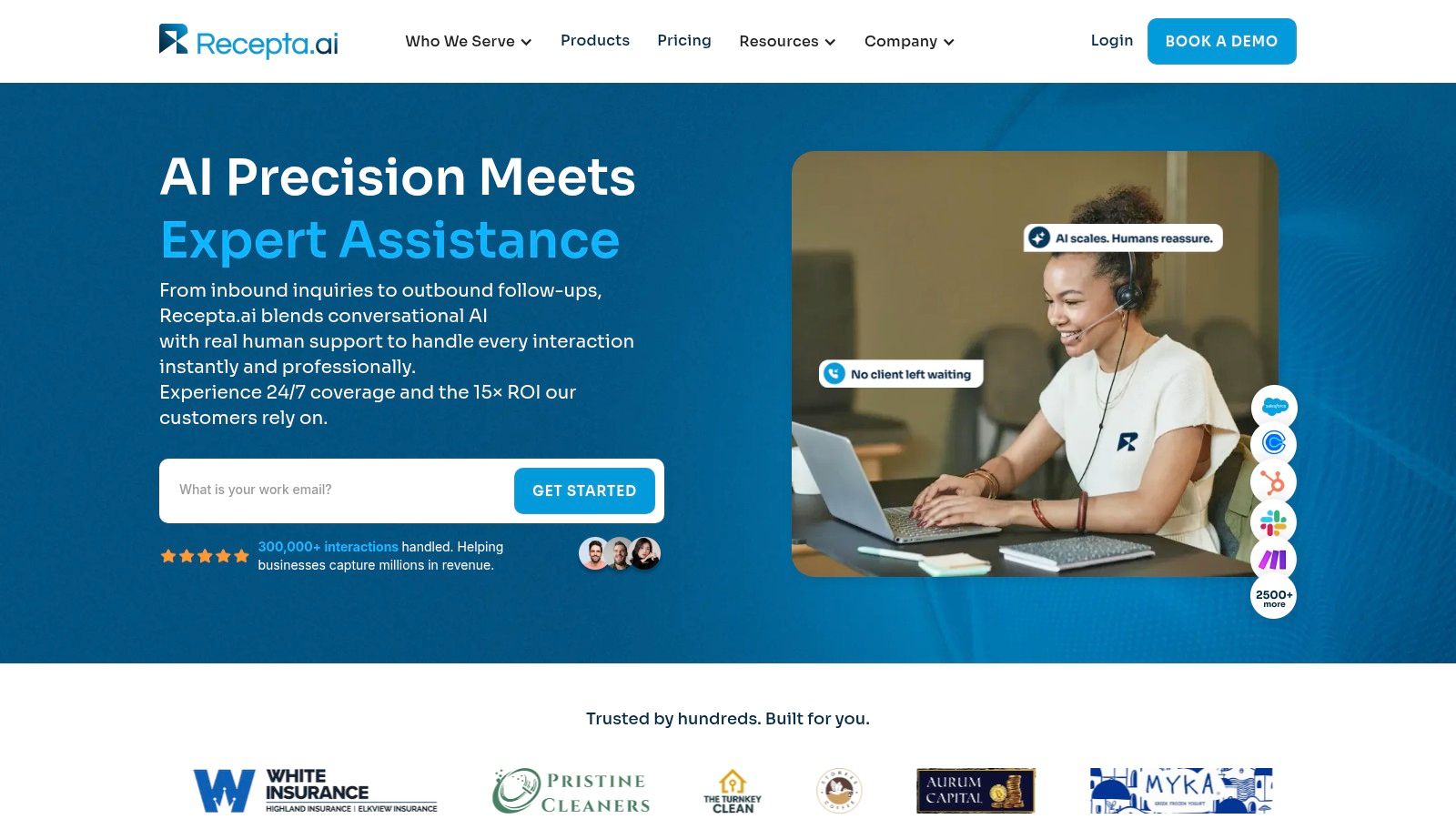
Service businesses lose revenue at the first point of contact. A missed call after hours, a rushed intake during peak volume, or a weak handoff from reception to operations can reduce bookings before a ticket is ever created. Recepta.ai is built for that front-end gap.
Its fit is narrower than a general helpdesk, and that is the point. Recepta.ai focuses on phone-led service workflows such as intake, appointment setting, follow-up, and call handling for businesses that still depend on live conversations to convert demand into scheduled work.
That makes it a practical option for home services, healthcare practices, legal intake, insurance agencies, and franchise groups. In those models, customer service and revenue operations often start in the same call.
Why this model works
Recepta.ai uses a hybrid receptionist approach. AI handles predictable, repeatable tasks such as answering common questions, capturing caller details, scheduling appointments, and managing basic follow-ups. Human agents step in when the situation needs judgment, reassurance, or exception handling.
For operators, that hybrid design solves a real implementation problem. Fully automated voice systems can break trust fast in high-stakes conversations. Fully manual coverage is expensive and hard to staff outside business hours. A blended model usually gives SMBs better coverage without forcing every call through a person.
The platform also connects with a large range of business tools, including CRMs and calendars. That matters because call automation only saves time if the outcome writes back into the system your team already uses.
Practical rule: If the AI can answer the call but cannot update the record, confirm the appointment, and pass context to staff, the labor cost usually just shifts to the back office.
Where to verify fit before you buy
Recepta.ai makes sense when the main service bottleneck is inbound call handling and appointment intake. It is less relevant for teams that mainly support customers through tickets, chat, or complex omnichannel workflows. That distinction matters. Buyers often compare AI vendors by feature volume when they should compare them by operating model.
Three checks matter during evaluation:
- Map call categories first: Separate new inquiries, scheduling, service updates, urgent issues, and edge cases. Then decide which should stay automated and which should escalate immediately.
- Check write-back depth: Confirm whether your CRM, calendar, or vertical software receives structured notes and status updates, not just alerts.
- Test handoff quality: Review whether the human agent receives context that lets them continue naturally, without making the caller repeat everything.
Recepta.ai is a focused example of how SMBs are using AI for customer service differently than enterprise support teams. The goal is not broad ticket deflection. The goal is protecting revenue at the intake layer, while keeping human coverage available for conversations that carry more risk, emotion, or complexity.
2. Intercom
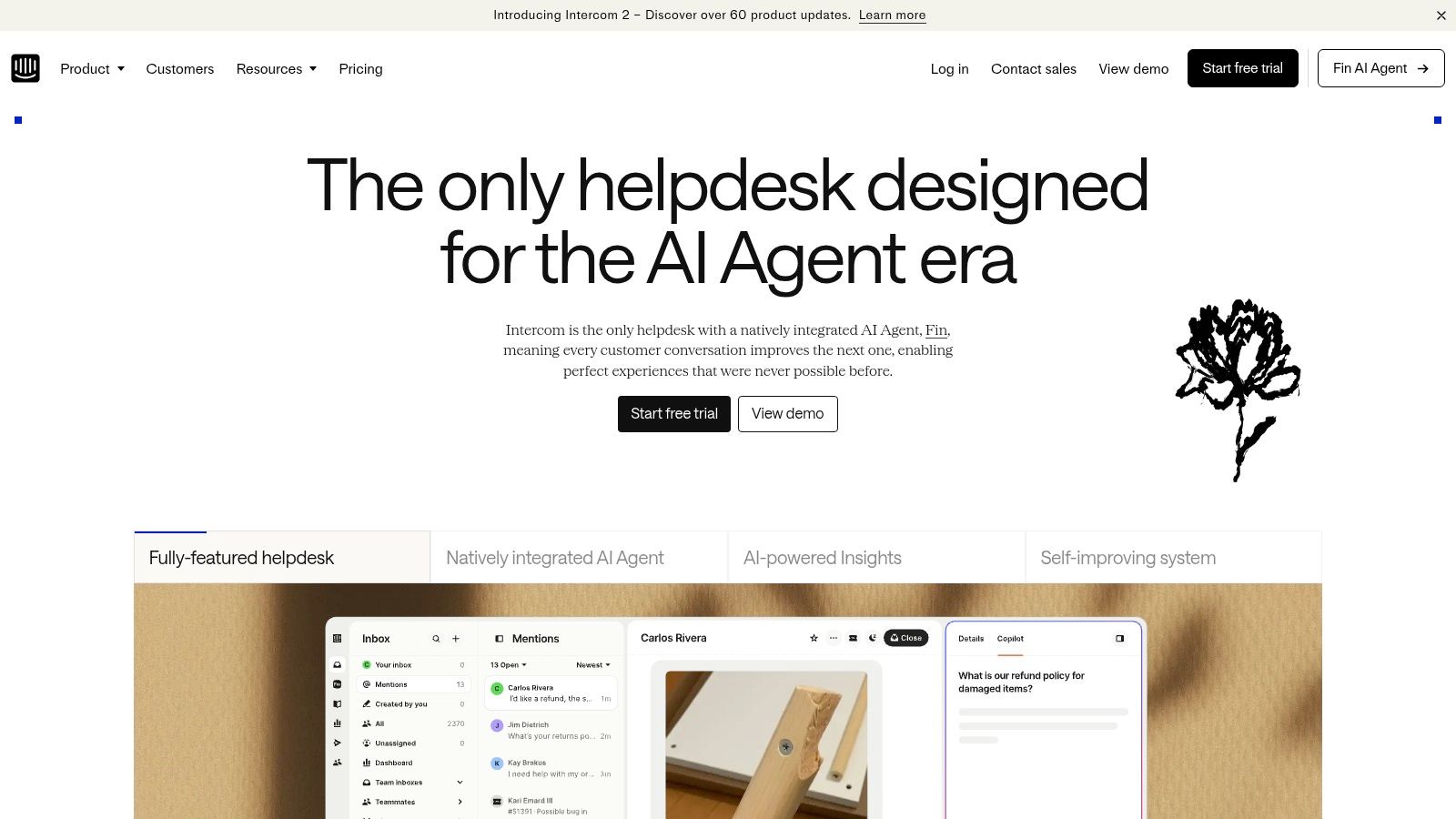
Intercom's Fin AI Agent fits teams that already manage support across several digital channels and want AI tied to actual resolutions, not vague “automation” activity. It works across chat, email, SMS, WhatsApp, and social, and it can hand off to human agents when needed.
That makes Intercom a strong match for SaaS, e-commerce, and digitally mature support teams. It's less about replacing the contact center and more about creating one AI layer across high-volume customer conversations.
Why operations teams like it
Intercom's practical advantage is flexibility. You can use Fin inside Intercom's broader support environment, or run it on top of an existing helpdesk such as Salesforce without buying into a full platform migration on day one. For many teams, that lowers the political and operational friction of trying AI.
The other draw is outcome-based billing. If you're under pressure to justify AI spend, pricing tied to verified Fin outcomes is easier to defend than broad platform costs that blur seats, workflows, and experimentation.
Good Intercom setups depend on disciplined knowledge management. If your help center is thin, outdated, or contradictory, Fin will surface those weaknesses quickly.
Intercom also works well when support and success teams want one system for self-serve answers, shared inbox management, ticketing, and agent assistance. That can reduce the common problem where AI lives in one silo and human agents live in another.
Real trade-offs
Intercom isn't plug-and-forget. The platform performs best when your knowledge base is current and your workflows are already reasonably structured. If macros, policies, and ownership rules are messy, AI will expose the mess before it fixes it.
Costs can also climb as usage grows and teams add Copilot or analytics layers. That doesn't make it a bad buy. It just means finance and support leadership should model likely volume before rolling it out broadly.
If your operation lives mostly in messaging and email, Intercom is one of the cleaner choices. You get omnichannel AI, measurable resolution logic, and a practical path to scale. You can explore the platform on Intercom's website.
3. Zendesk
Zendesk is the safest pick for teams that already think in tickets, queues, SLAs, and admin controls. Its AI Agents work across messaging, voice, and email, and the company has wrapped those capabilities into a mature service platform rather than a standalone AI layer.
That difference matters. Some companies using AI for customer service need experimentation space. Others need governance, reporting, and tight operational controls from day one. Zendesk is built for the second group.
Where Zendesk earns its keep
The strongest reason to choose Zendesk is operational discipline. Admins can monitor automated resolution usage, cap it, and keep AI activity from expanding unchecked. If you run a larger support team, that control is often more valuable than flashy demo behavior.
Zendesk's AI approach also lines up with a broader market shift toward measurable automation economics. Gartner's forecast that by 2026 conversational AI for customer service will reduce contact-center labor costs by $80 billion is one reason enterprise service leaders keep moving budget toward platforms that can tie spend to outcomes.
For existing Zendesk customers, the appeal is obvious. AI agents, copilots, and workflow automation sit close to the helpdesk they already know.
Where Zendesk can frustrate teams
Zendesk can become expensive to model because total spend often combines seats, AI resolutions, and add-ons. The platform also makes the most sense when you're committed to the Zendesk ecosystem. If you want a lightweight AI layer without broader platform adoption, it may feel heavier than necessary.
A few teams also underestimate the setup work. AI can automate routine resolutions well, but only after admins define policies, intents, and escalation paths cleanly.
- Best fit: Teams already standardized on Zendesk or planning to consolidate service operations there.
- Weak fit: Small businesses that mainly need a front-desk or phone-answering solution.
- Most important test: Measure whether AI reduces manual triage, not just whether it answers simple questions.
Zendesk remains one of the more practical enterprise options because it treats AI as part of the service operating system. You can review its platform at Zendesk.
4. Ada
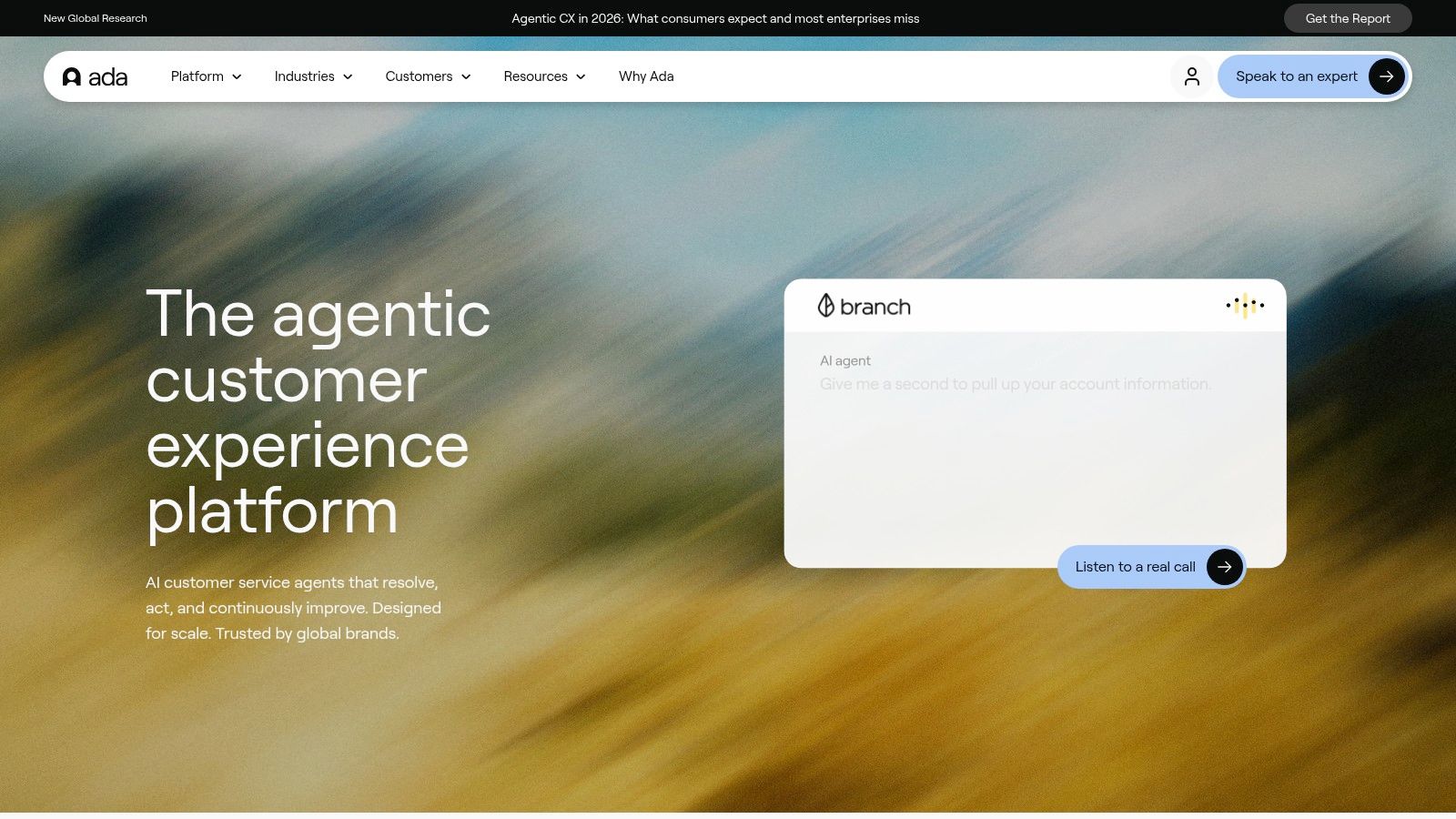
Ada is for large organizations that need AI to do more than answer questions. It's designed to automate support across chat, voice, email, and other channels while triggering actions in outside systems such as refunds or account updates.
That's a different class of deployment. Once AI can take action, not just respond, the implementation gets more valuable and more sensitive at the same time.
Why Ada shows up in enterprise stacks
Ada's strengths are governance, consistency, and multi-channel depth. Its unified reasoning engine is designed to keep behavior more consistent across channels, and its native voice capability matters for teams that don't want separate AI logic for chat and phone.
For enterprises, that consistency is a bigger deal than it sounds. AI often breaks down when one channel is polished and another still behaves like an IVR with better wording.
Help Scout's reporting on recent deployments points to where the category is going: multilingual service, real-time translation, and broader generative assistance across customer-facing environments, as outlined in Help Scout's review of companies using AI for customer service. Ada fits that move toward more complex, operational support coverage.
The hard part with enterprise AI isn't first launch. It's keeping behavior reliable across channels, policies, and backend actions as the business changes.
What to watch before you buy
Ada is usually not an SMB purchase. Pricing is sales-led, and setup takes real operational ownership. You need a team that can maintain testing, knowledge design, and escalation logic over time.
It's also worth being honest about internal readiness. If your support operation still struggles with fragmented ownership or undocumented policies, Ada won't solve that by itself. It will force those issues into the open.
Choose Ada when you need branded, controlled, omnichannel automation with strong integration depth. Visit Ada if your use case is enterprise-scale and process-heavy.
5. PolyAI
PolyAI focuses on one thing: production-grade voice automation for contact centers. If your support volume still leans heavily toward phone calls, that specialization matters. Many AI tools say they support voice. Far fewer are built around full-call resolution.
PolyAI is strongest in industries where customers call to authenticate, book, troubleshoot, update orders, or resolve billing issues. That's why it shows up in financial services, healthcare, hospitality, utilities, and telecom environments.
Why voice-first still matters
The common mistake in AI planning is assuming chat is the main event. In many service organizations, the most expensive and operationally messy interactions still happen on the phone. PolyAI addresses that directly with voice agents designed to resolve calls end-to-end, backed by a 99.9% telephony SLA, 24/7 support, and a strong security posture.
That direction lines up with public examples such as Amtrak's Julie virtual assistant, which operates across web and phone using natural language processing to interpret requests in real time, as described in Kustomer's examples of AI in customer service. The lesson is straightforward. Voice AI works best when it's connected to workflow automation, not when it acts like a scripted FAQ tree.
Trade-offs in the real world
PolyAI is likely overkill for very small teams. It's a sales-led product with per-minute usage and an enterprise support model, so you need enough call volume and process discipline to justify it.
It's also primarily voice-focused. If your service strategy depends equally on chat, email, and social, you'll probably need PolyAI alongside other systems rather than as the whole stack.
- Use PolyAI when: Voice is your highest-cost channel and call containment matters.
- Skip it when: You mainly need website chat or lightweight after-hours coverage.
- Pilot correctly: Start with one or two repetitive call types, then expand only after containment and escalation quality are stable.
For phone-heavy operations, PolyAI is one of the clearest examples of AI creating value in customer service where labor and wait times pile up fastest. You can assess fit at PolyAI.
6. Smith.ai
Smith.ai sits closer to the front desk than the helpdesk. It answers, qualifies, schedules, transfers, logs calls, and offers escalation to US-based live receptionists. For law firms, home services, healthcare offices, and small finance teams, that's often exactly the right layer.
What I like about this model is its realism. Many SMBs don't need an enterprise AI service platform. They need someone, or something, to answer the phone well every time.
Practical fit for smaller teams
Smith.ai is a strong option when your biggest problem is missed intake. It includes CRM and calendar integrations, call transcription, summaries, spam filtering, and analytics. That gives smaller teams enough operational structure without turning setup into an IT project.
It also offers transparent plans, which is still rare in this category. That makes it easier for owners and office managers to compare cost against current front-desk gaps.
Assembled's analysis points to an important content gap in the market: the ROI question isn't only about deflection or lower handle time. It's about which workflows are worth automating first, where human escalation protects revenue, and how to measure payback in appointment-driven service models, as discussed in Assembled's look at companies using AI for customer service. Smith.ai fits that exact decision frame.
For small businesses, the first AI win usually isn't “fewer tickets.” It's “fewer missed opportunities.”
What to consider
Per-call pricing can become less attractive at very high volume. And if you depend heavily on the live-agent handoff layer, those extra costs need to be modeled accurately.
Still, for SMBs that want a phone-first AI receptionist with a human safety net, Smith.ai is practical and fast to understand. Teams that want a similar appointment-driven approach can also look at ways to generate appointments with virtual receptionists. Smith.ai's own platform is at Smith.ai.
7. Aircall
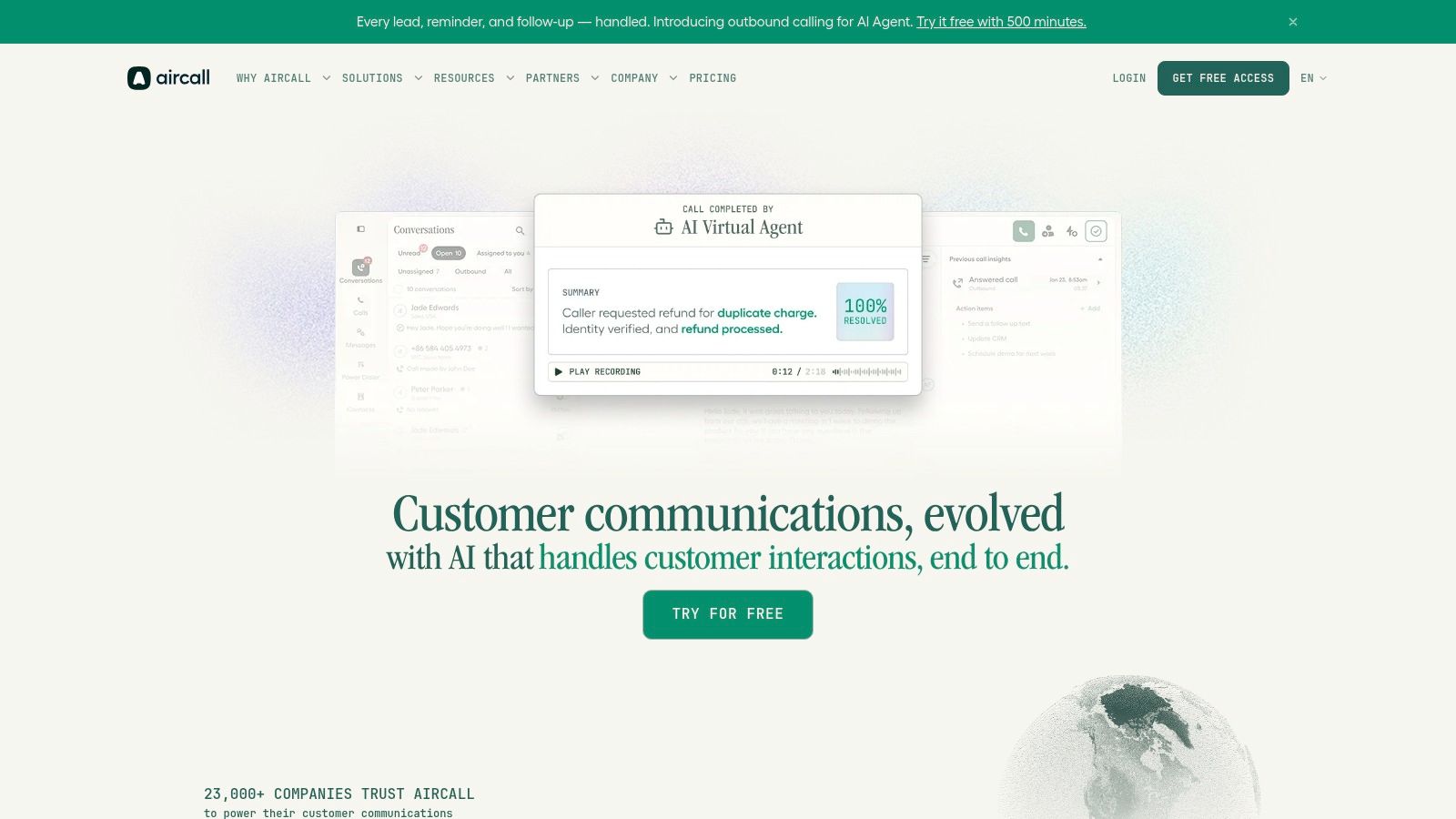
Phone support still carries a large share of high-intent service conversations, especially for SMBs that book appointments, qualify leads, or resolve urgent issues in real time. Aircall fits that operating model well because it starts with the phone system, then layers AI into the workflows teams already use.
Its AI Voice Agent handles inbound triage and routine outbound tasks. Its AI Messaging Agents extend the same approach into SMS and WhatsApp. That matters for businesses where support, sales follow-up, and scheduling are handled by the same team and often inside the same queue.
The strategic advantage is not just automation. It is channel alignment. Aircall is strongest for companies that already run customer operations through calls and need AI to reduce repetitive work without forcing a full help desk redesign.
Why Aircall is worth considering
Aircall's value comes from keeping AI activity close to the rep workflow. Routing, conversation context, and handoff happen inside the same environment, which makes it easier for supervisors to track what the bot handled, where it failed, and when a human should step in.
That hybrid model is the part many teams underestimate.
In practice, AI on voice channels works best when the system handles narrow, repeatable tasks first. Good examples include call answering after hours, basic qualification, appointment confirmation, simple status checks, and message capture. Human agents should keep ownership of exceptions, emotional conversations, and anything that can change revenue or compliance risk.
For service leaders, that is the playbook worth copying. Start with a call reason analysis. Identify the top intents with clear scripts and predictable outcomes. Then automate only those paths, measure containment, transfer rate, and booked result, and expand from there.
Limits and best use cases
Aircall's AI add-ons sit on top of its telephony pricing, so the economics depend on call volume and use case mix. A team with frequent low-value calls may see a clear return. A team with shorter queues and highly complex interactions may not.
Voice quality also needs close testing. If latency feels awkward, the caller has to repeat information, or the bot misses industry-specific terms, trust drops quickly. I usually advise teams to pilot with a narrow call tree before exposing the system to every inbound conversation.
- Strong use case: Phone-heavy SMBs that need triage, appointment reminders, qualification, callback handling, and message-based follow-up in one operating layer.
- Less ideal use case: Businesses with highly regulated conversations, dense policy interpretation, or complex multi-step troubleshooting.
- Best rollout path: Automate one or two high-volume intents first, define escalation rules, review transcripts weekly, and tune prompts based on real failure patterns.
Aircall is a good fit for companies that want AI built into their calling operation rather than added as a separate support tool. You can evaluate it at Aircall.
Top 7 AI Customer Service Companies Comparison
| Product | Implementation complexity 🔄 | Resource requirements ⚡ | Expected outcomes ⭐📊 | Ideal use cases 💡 | Key advantages ⭐ |
|---|---|---|---|---|---|
| Recepta.ai | 🔄 Low–Medium, minutes to start; playbook tailoring | ⚡ Low–Moderate, lightweight internal ops; deep integrations (2,500+ tools) | ⭐ High, reported up to 30% more qualified leads, ~80% cost vs in‑house, reported 15× ROI | SMBs: home services, healthcare, legal, finance/insurance, franchises | 24/7 hybrid AI + human escalation; strong automation & analytics |
| Intercom (Fin AI Agent) | 🔄 Medium, requires KB and workflow setup; can overlay existing helpdesk | ⚡ Moderate, outcome-based billing; potential seat/add‑on costs | ⭐ Medium–High, measurable, outcome‑tied resolutions across channels | Teams wanting omnichannel automation with outcome-based ROI | Outcome-based pricing; omnichannel support; can run atop other helpdesks |
| Zendesk (AI Agents) | 🔄 Medium–High, best within Zendesk ecosystem; admin/config tooling | ⚡ Moderate–High, seats + AI outcomes + add‑ons affect spend | ⭐ High, mature helpdesk; outcome billing aligns spend to value | Enterprises using Zendesk that need centralized automation & controls | Enterprise controls, omnichannel AI agents, admin monitoring & caps |
| Ada | 🔄 High, enterprise deployment and ongoing optimization | ⚡ High, sales-led pricing; governance, integrations and testing needs | ⭐ High, consistent branded AI across channels with analytics | Large, multi‑channel operations requiring governance and voice parity | Unified reasoning engine; native voice; deep integrations & analytics |
| PolyAI | 🔄 High, voice agent design and industry-specific deployment | ⚡ High, per‑minute pricing, SLAs, strong security/compliance | ⭐ High, production-grade end‑to‑end voice automation with strong uptime | Contact centers and brands needing voice-first automation at scale | Voice-first agents, 99.9% telephony SLA, industry implementations |
| Smith.ai | 🔄 Low, quick setup; self‑serve and annual plans available | ⚡ Low–Moderate, per‑call pricing; live‑agent handoffs cost extra | ⭐ Medium, reliable front‑desk coverage with human safety net | SMBs (legal, home services, healthcare, finance) needing receptionist services | Transparent pricing, CRM/calendar integrations, US‑based live agents |
| Aircall | 🔄 Medium, requires telephony plan and workspace setup | ⚡ Moderate, core telephony + sales‑led AI agent pricing | ⭐ Medium, combined voice & messaging automation for SMB workflows | SMBs with calling workflows needing voice + messaging automation | Unified voice & messaging AI, smooth human handoff, shared workspace |
Your AI Customer Service Playbook Key Takeaways
The strongest lesson from these companies using AI for customer service is simple. Match the tool to the operating model. Don't start with “we need AI.” Start with “where are we losing time, quality, or revenue?”
If you run a large support organization with mature ticketing and channel coverage, platforms like Zendesk, Intercom, and Ada make sense because they tie AI to structured service operations. If your biggest issue is live phone volume, PolyAI is built for that job. If you run an appointment-driven business and missed calls cost real money, Recepta.ai, Smith.ai, and Aircall are often more practical than a traditional helpdesk-first platform.
There's also a clear pattern in what works. AI performs best on repetitive, rules-based interactions with clear next steps. Scheduling, routing, status checks, simple FAQs, intake qualification, and follow-up reminders are usually strong starting points. It performs worse when the issue involves emotion, ambiguity, compliance risk, or a high-value exception that could damage trust if mishandled.
That's why hybrid design matters. The best deployments don't force automation into every interaction. They use AI to expand coverage, speed up response, and reduce manual work, then escalate to people when judgment matters. In practice, that usually means building three paths: fully automated flows, AI-assisted human flows, and direct human escalation for sensitive situations.
A few implementation rules hold up across industries:
- Choose one workflow first: Start with a narrow, high-volume problem such as after-hours calls, scheduling, ticket triage, or order-status questions.
- Clean the knowledge layer: AI can't compensate for outdated policies, weak macros, or inconsistent scripts.
- Design escalation on purpose: Handoff quality matters as much as automation quality. The next person needs context, not a blank screen.
- Measure business outcomes: Track booked appointments, qualified leads, reduced missed calls, cleaner routing, or faster resolution, depending on your model.
- Keep human review in the loop: Especially in healthcare, legal, finance, and home services, trust is part of the service outcome.
The right platform depends on your scale, channel mix, and service economics. But the broader takeaway is no longer up for debate. AI in customer service isn't just a chatbot project now. It's an operating decision.
If your business lives and dies by answered calls, booked appointments, and qualified leads, Recepta.ai is one of the more practical places to start. Its hybrid AI and human receptionist model is built for real service workflows, not just scripted chat. That makes it a strong fit for home services, healthcare, legal, finance, and multi-location businesses that can't afford to miss the first conversation.