Appointment Booking Tool Comparison: How to Choose in 2026
Nearly a third of bookings happen when your front desk is closed. In a 2021 study of web-based self-scheduling at Mayo Clinic, 29.5% of self-scheduling actions occurred outside regular business hours, as reported in the Mayo Clinic self-scheduling study. That's the test I use for any appointment booking tool. Don't judge it by how clean the booking page looks. Judge it by whether people show up, whether two customers land in the same slot, and whether the tool captures demand your team would otherwise miss.
Which Booking Tool Type Fits Your Business
Most businesses need one of five types of appointment booking tool, and picking the wrong type costs more than picking the wrong brand inside the right type.
Standalone booking pages and calendar-native tools work when one or two providers offer simple services and customers can choose a slot without help. Practice management suites suit multi-provider offices because the booking sits beside the client or patient record, not in a separate system someone has to reconcile. AI receptionist platforms fit phone-heavy operations because they answer calls and chats, capture intake details, and book live instead of sending callers to a form. A phone-only front desk gives you full control over complex intake, but it can't book after hours and it breaks the moment call volume spikes.
| Tool type | Best for | Calendar sync | Reminders | After-hours booking |
|---|---|---|---|---|
| Standalone booking page | Solo practitioners with simple services | Two-way with one connected calendar | Email or SMS | Yes, self-service |
| Calendar-native scheduling | Teams already on Google or Outlook | Built in, multi-calendar checks on eligible plans | Email reminders | Yes, self-service |
| Practice management suite | Clinics and multi-provider offices | Built in, tied to client records | Email and SMS | Yes, if the patient portal is enabled |
| AI receptionist with booking | Home services, legal and phone-heavy teams | Through integrations | SMS and voicemail alerts | Yes, 24/7 calls and chat |
| Phone-only front desk | Businesses with complex intake | Manual entry | Manual calls | No |
Don't assume self-service alone covers your customers. In a Healthwatch survey on digital access to GP services, 63% of respondents normally booked GP appointments online, yet only 47% preferred online booking. Pair the web page with a phone or SMS route. Salons do this well when they set up salon booking SMS alongside the booking page, so clients who won't use a form can still confirm by text.
Three Questions That Shortlist Your Options
- How many calendars must stay in sync? One provider points to a standalone page. Five providers across two sites points to a suite.
- What share of bookings arrives after hours? If it's a meaningful share, phone-only is out.
- Must intake be captured before a slot is confirmed? If yes, you need custom questions or a live conversation, not a bare calendar.
Answer those and you'll have one or two types left. That's your shortlist.
Reminders and Rescheduling That Cut No-Shows
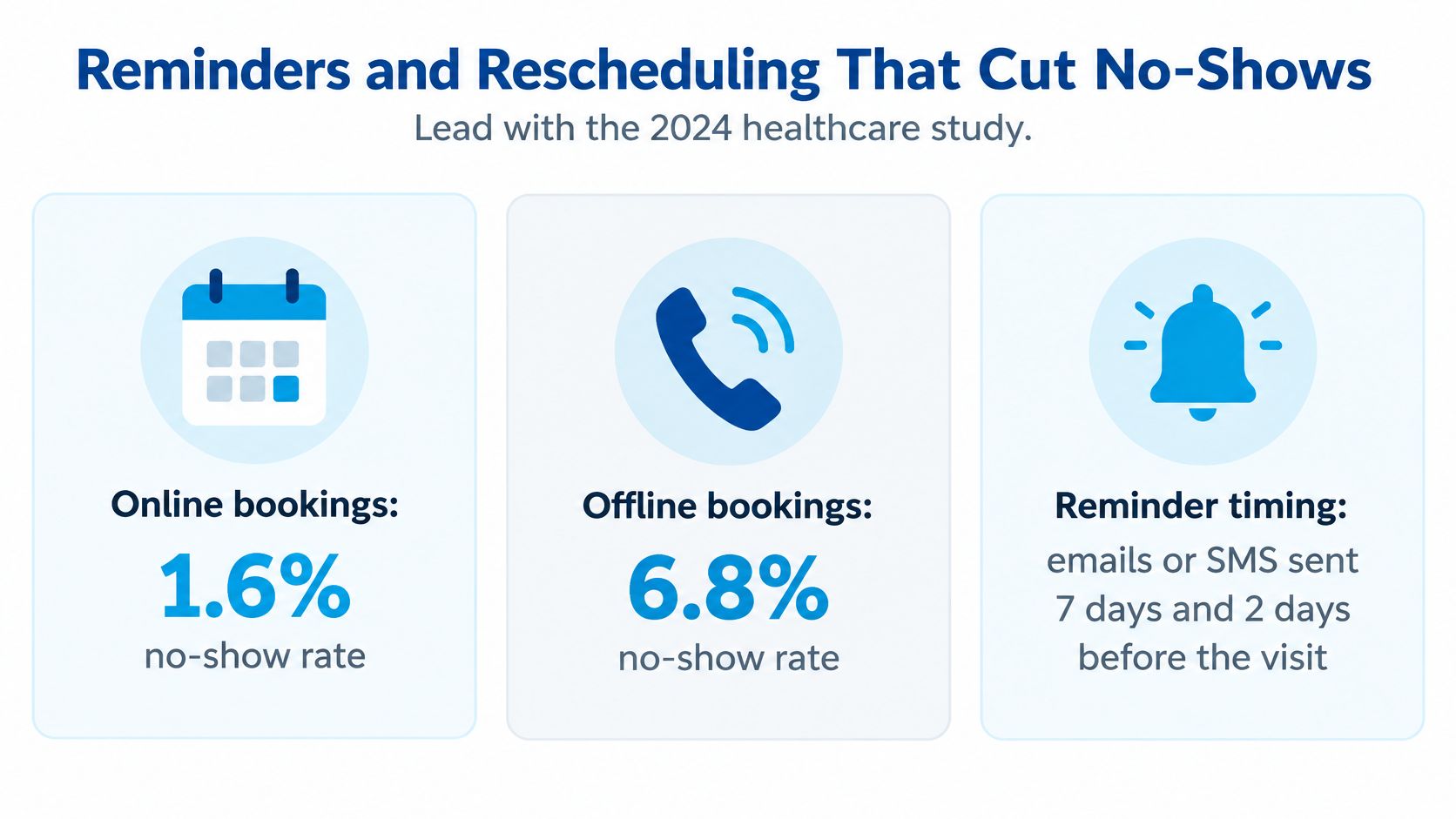
Attendance is the useful measure of a booking tool, not the polish of its booking page. Online booking paired with reminders can make it easier for customers to keep an appointment or reschedule before the slot is lost. For a 500-appointment month, every missed visit leaves time unused; the actual effect depends on your customers and how far ahead they book.
The Reminder Stack to Configure on Day One
Set reminders around the decisions customers need to make. A confirmation establishes the booking; later messages give customers a clear chance to attend, reschedule, or cancel.
- Confirmation at booking: Send it immediately through the channel the customer used, with the date, time, location, and what to bring.
- Seven-day reminder: For appointments booked well in advance, this gives customers time to reschedule while there is still a chance to fill the opening.
- Two-day reminder: Keep it short, with clear options to confirm or reschedule.
- Same-day text: Send arrival, parking, or access instructions a few hours before the appointment.
Timing should fit the booking lead time. A seven-day reminder adds little for an appointment booked three days ahead, while a same-day message can still help with arrival details. A reschedule link matters more than adding another reminder: customers need a simple way to change plans, and cancelled slots should become available to others. See this guide to setting up an appointment reminder system for more on timing and message content.
A reminder should make the next step clear: confirm, reschedule, or cancel.
Missed calls also need a follow-up path. Recepta.ai records voicemails and sends notifications by SMS, email, or dashboard, so staff can follow up on callers who reach the business after hours. For customers who prefer to schedule outside business hours, digital booking can provide another route; Experian Health's State of Patient Access survey, reported by MGMA, reports that patients value the ability to schedule appointments using digital tools.
Compare attendance before and after changing reminders. Track the no-show rate over a consistent period, and check whether customers are rescheduling in time for the open slot to be reused. If attendance does not improve, review reminder timing, how easy it is to confirm or reschedule, and whether appointment lengths match the work.
Calendar Sync and Controls That Prevent Double-Booking
Double-booking usually points to a calendar sync or availability-control problem. A polished booking page cannot prevent conflicts if it shows stale availability or fails to block an existing event.
Check how the tool handles event creation, changes, and cancellations across the calendars your team uses. Ask whether failed updates are retried, whether duplicate notifications can create duplicate bookings, and how staff can find sync errors. For a closer look at setup considerations, see this guide to calendar integration.
Also ask how the tool detects conflicts before confirming a slot. A reliable setup checks the calendar at booking time, blocks overlapping events, and makes sync errors visible to staff. Without those controls, a slot booked by phone may remain available on your website.
Controls That Protect Staff Capacity
Calendar sync keeps availability current. Capacity settings keep the schedule workable.
| Control | Problem it prevents | Example setting |
|---|---|---|
| Buffer time | Back-to-back jobs running late | 30 minutes after each HVAC job |
| Daily booking cap | Technicians overbooked in one day | Six online bookings per technician per day |
| Conflict blocking | Double-booking against other events | Vacation and existing jobs hidden from the public page |
| Booking horizon | Requests for unrealistic dates | Consultations bookable up to two weeks ahead |
Buffer time is easy to overlook. An HVAC company offering 9 a.m. to 5 p.m. appointment windows can add a 30-minute travel or reset buffer after each job. That reduces the risk of one late appointment pushing the rest of the day behind. Clinics can use a short cleaning buffer between consultations.
Daily caps prevent one technician from absorbing more online requests than they can handle. Conflict blocking should remove vacation, training, and existing jobs from public availability automatically. Recepta.ai places confirmed appointments directly on the business's calendar and triggers any follow-ups.
Trial test: Book the same slot from your website and by phone within one minute. If both bookings succeed, the setup is allowing a conflict.
Calendar-native tools may also limit control over customer communications. Google's appointment schedules don't let you edit the reminder email text. If your reminders need specific preparation instructions or a particular brand voice, check that limitation before choosing the tool.
Integrations and Intake Questions Worth Checking
Start with intake, not integrations. Write down the three questions your team must have answered before a slot is confirmed. Every vendor conversation gets easier once that list exists.
Google's documented features show what's realistic. The Google Workspace appointment scheduling overview lists custom questions, preferred start and end dates, buffer time, and maximum daily bookings. Applied properly, a service business asks for the address, service type, equipment model, and urgency before confirming. A law firm requests the matter category and opposing-party name, which lets staff run a conflict check before the consultation exists. A healthcare practice collects the appointment reason while keeping sensitive details out of an unsecured form. If you're drafting those fields for a clinic, our patient intake form template is a sensible starting point.
A configuration I'd use for most service businesses looks like this. Require a phone number and service category on every request, no exceptions, because those two fields let you route and follow up. Make the answers visible on the calendar event itself, not buried in a separate notification email your technician will never open.
Three Connection Types to Verify by Product Name
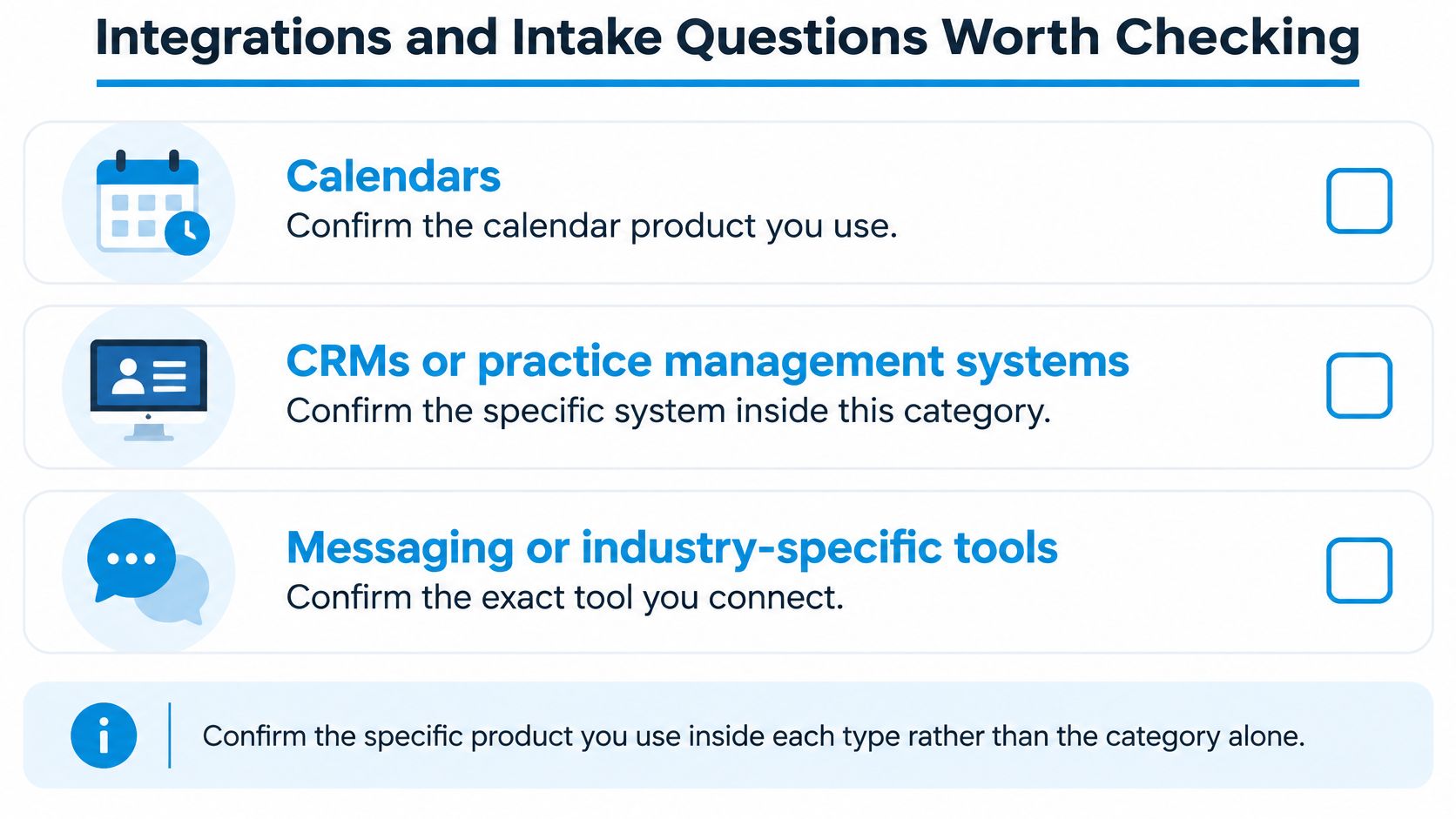
- Calendars: Name the exact product each provider uses. Google and Outlook in the same office is common and it changes the sync requirements.
- CRMs or practice management systems: Confirm your specific system, not the category. "Works with CRMs" tells you nothing.
- Messaging or industry-specific tools: Confirm the exact texting platform, dispatch board, or case system the booking has to reach.
Recepta.ai syncs with over 2,500 business tools and connects with CRMs, calendars, messaging platforms, and industry-specific systems, but I'd still tell you to verify your exact stack by name. Run this checklist against every appointment booking tool on your shortlist. Which fields sync, field by field. Whether records update in both directions or only push one way. Whether the connection is native or built through a third-party bridge, because bridges add a failure point and sometimes a second subscription. Whether each booking is logged with a timestamp, so you can reconstruct who booked what and when. And who receives failure alerts when a sync breaks at 2 a.m.
Your action before any demo is short. List the three fields that must exist before a booking is confirmed, then check each vendor against that list and nothing else for the first pass. Vendors who can't capture your three fields cleanly won't get better after you sign.
Industry Fit for Home Services, Clinics and Law Firms
The right appointment booking tool changes by industry because the expensive failure changes. A plumber loses money on drive time. A clinic loses it on empty chairs. A law firm loses it on consultations it should never have taken.
Here's a salon operator managing bookings from her phone between clients, which is where most small service businesses run their schedule.

Home Services Need Buffers and Caps First
For HVAC, plumbing, and cleaning companies, configure buffer time and daily caps before anything else. Jobs run long, addresses are wrong, and traffic doesn't care about your booking page. Say a residential cleaning company takes bookings by phone, text, and web chat. We capture every call, text, and web chat, collect job details, qualify the work, and book cleanings into the customer's calendar, so a Saturday evening inquiry becomes a scheduled job instead of a Monday callback. A tree service company needs more before it commits a crew. We capture the tree location, issue description, photos shared by text, and access info, then book inspections, estimates, or removals into the calendar. That photo step matters. It separates a two-hour trim from a full-day removal before anyone drives out. Our broader rundown of home service business software covers how booking connects to dispatch.
Clinics Need Reminders, but the Evidence Cuts Both Ways
Healthcare and wellness practices live or die on reminders and easy rescheduling. They also carry the most contradictory evidence, so don't buy on a single headline number. In a 20-month retrospective study covering 98,067 ophthalmology appointments published in PMC, the private practice recorded a 1.8% no-show rate for online-booked appointments versus 5.9% for offline bookings, while the university hospital recorded 14.3% for online bookings versus 11.2% for offline bookings. Same specialty, opposite result. Your reminder workflow, lead time, and patient mix decide which side you land on.
Content on the booking page helps too. A dental practice that publishes plain-language guidance on the signs you need a dental filling gives hesitant patients a reason to book the right appointment type instead of booking a generic visit and canceling.
This short walkthrough shows how after-hours calls turn into confirmed calendar bookings.
Law Firms and Multi-Location Operators
Legal and professional services should configure intake and conflict-check fields first. A consultation booked without the opposing-party name is a consultation your team may have to cancel, and that's worse than no booking at all. Franchise and multi-location operators need a different first control. Set shared booking rules across locations with location-level reporting, so headquarters can see which site has the no-show problem instead of averaging it away.
Decision rule: Home services configure buffers first. Clinics configure reminders first. Law firms configure conflict fields first. Franchises configure location reporting first.
Before you enable intake in a healthcare or legal setting, confirm the vendor will sign a data-processing agreement and that your forms keep sensitive details out of unsecured fields. An appointment reason belongs in the form. A diagnosis or case narrative doesn't.
Pricing, Overage Fees and Trial Terms to Compare
Price an appointment booking tool with one formula. Base price plus overage at your expected monthly volume, then compare that total against the front-desk hours the tool removes. Anything else is comparing marketing pages.
The trap is pricing at your average month. If your team books 500 appointments in a busy month, price the plan at 500. Overage charged on the overflow of a cheap plan routinely costs more than the next tier up, and you won't notice until the invoice lands. The same discipline applies anywhere you buy recurring services. Homeowners comparing pest service plan pricing factors run into the identical pattern, where the base rate looks low until visit frequency and add-ons set the actual total.
| Cost item | What to check | Example |
|---|---|---|
| Base plan | Price per user, location or calendar | Quoted rate × 3 providers = base total |
| Usage overage | Fees above plan limits | Bookings above plan cap × listed overage rate |
| Integrations | Whether CRM or calendar sync is included | Included in base plan, or a separate quoted line item |
| Setup and training | Staff hours to configure controls | 6 setup hours × your hourly wage |
| Trial terms | Length and refund conditions | 30-day trial with money-back guarantee, if offered in writing |
Reading Each Line Like a Buyer
Base plan pricing hides in the unit. Per user, per location, and per connected calendar produce three different totals for the same business. A three-provider clinic with one location should ask which unit applies before it looks at the number. Multiply the quoted rate by your actual provider count and write that figure down.
Usage overage is where budgets break. If your usage exceeds plan limits, we may charge overage or usage-based fees at the rates shown on the pricing page or in your order, and every vendor handles this differently. Get the overage rate and the exact threshold where it starts. Then model your busiest recent month, not your quietest.
Integrations deserve a direct question. Is CRM and calendar sync inside the base price, or does the connection you need sit in a higher tier or a paid add-on? Vendors advertise integrations prominently and price them discreetly.
Setup and training involves real costs even if the vendor charges nothing. Someone on your team configures buffers, caps, intake fields, and reminder copy, then trains everyone who handles the calendar. Estimate those hours accurately.
Trial terms separate confident vendors from the rest. We offer a 30-day trial that is risk-free, backed by a money-back guarantee, which is long enough to run real bookings through real calendars and watch the no-show count. Whatever you choose, get the trial length and refund conditions in writing.
Most vendors don't publish every figure. Fill every blank in that table with a written quote before you compare totals, because a verbal price isn't a price.
Confirm Your Requirements Before You Book a Demo
Demos reward the vendor with the best presenter. A written requirements list rewards the tool that fits your operation. Build the list first, in this order.
- List your providers, calendars, and locations. Write the actual calendar product beside each name. This exposes mixed Google and Outlook setups that change your sync requirements.
- Record monthly booking volume and the after-hours share. Pull last month's call log and count inquiries that arrived outside business hours. That number decides whether self-service alone is enough.
- Write the three intake questions that must be answered before a slot is confirmed. Address and urgency for field crews. Matter category and opposing party for law firms. Appointment reason for clinics.
- Pull your baseline no-show rate and double-booking count from the last 30 days. Without a baseline, every vendor claim sounds plausible and none of them can be proven wrong.
With that list done, shortlist two or three tool types and book a demo with each. Then run the same three tests on every vendor, in the same order, so the results compare cleanly. First, the two-channel double-booking check. Book the same slot from the website and by phone within a minute and confirm only one booking survives. Second, the reminder schedule. Build your confirmation, seven-day, two-day, and same-day messages and confirm each one carries a working reschedule link. Third, the calendar handoff. Watch a booking travel from request to confirmed calendar event and time it.
Recepta.ai belongs on that shortlist if phone and chat carry much of your demand, since appointments are booked directly on the customer's calendar for consultations, service calls, and client follow-ups. Judge it by the same three tests anyway. Any vendor who resists being tested the same way as the competition has told you something useful.
Decide on measured outcomes, not the feature list. Features are identical on every pricing page by the third demo.
Your next action has a date on it. This week, pick a trial start date and begin logging no-shows and double-bookings daily. Run the trial for 30 days against your baseline, compare results again at 60 days, and keep the appointment booking tool that moved attendance and eliminated double-bookings in your operation. If neither number moved, the tool isn't your problem. Your lead times, slot lengths, or confirmation steps are, and now you'll have the data to fix the right one.
If missed calls and empty slots are costing you booked work, Recepta.ai answers every call, text, and web chat around the clock, captures the intake details your team needs, and books confirmed appointments straight onto your calendar with follow-ups triggered automatically. Start the 30-day risk-free trial, run it against your 30-day no-show and double-booking baseline, and keep it only if your numbers move.

.webp)