Best Answering Service for Lawyers: 2026 Guide

It's 7:40 p.m. and your office is closed. A prospective personal injury client calls from the hospital parking lot, speaks English as a second language, mentions a filing deadline she doesn't fully understand, and wants confirmation that a lawyer will call her back. If she gets voicemail, you may never hear from her again.
That's not speculation. Clio's 2019 Legal Trends research found only 56% of law firm phone calls were answered by a person, while 39% reached voicemail and 5% went entirely unanswered. The same source reports that 82% of legal consumers said timeliness was important and 79% expected a response within 24 hours, so a recorded message sitting untouched until morning doesn't meet the expectation.
The best answering service for lawyers isn't the cheapest message taker. It qualifies the matter, protects sensitive information, documents the interaction, and knows when to transfer or escalate. This roundup compares live, AI, and hybrid providers on safe intake, bilingual support, integrations, escalation, and predictable cost, because a solo practice, a high volume firm, and a litigation shop don't need the same setup. If you're also building a high-performing intake team, treat the service as part of that team, not a substitute for it.
1. Recepta.ai
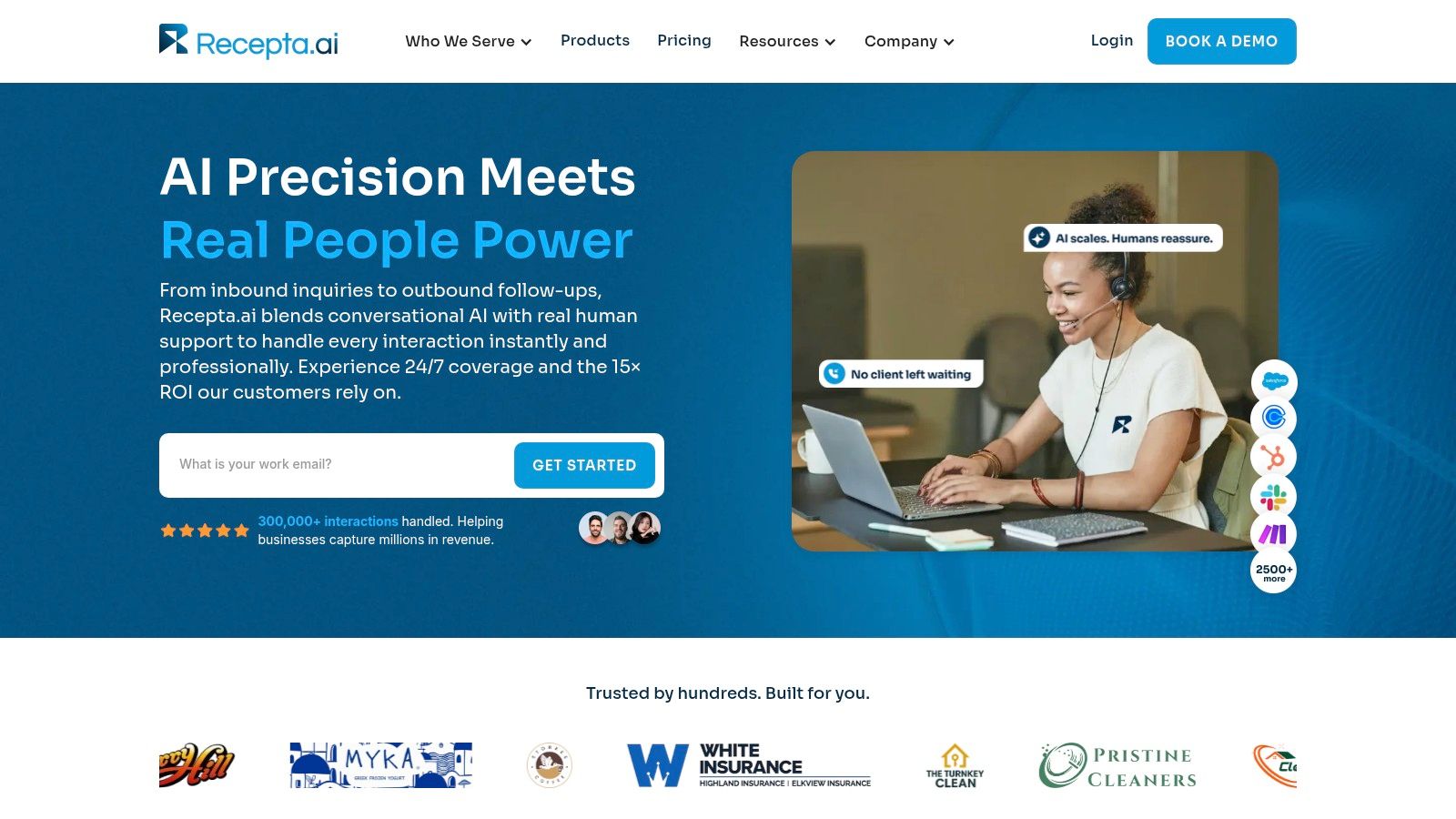
Start here if you want 24/7 AI coverage backed by trained human agents for escalation. Recepta.ai handles inbound and outbound calls, gathers caller details, answers routine questions, supports scheduling and follow ups, and hands off to a person when empathy or expertise is needed. For a law firm, that handoff is the feature to test first.
Run this scenario in a demo. Have someone call as a distressed prospective client with an arrest in the family, an imminent court date, and a request for legal advice. The correct outcome is a conflict-first intake with name, safe callback number, opposing party, matter category, and deadline, plus a clear statement that the service can't provide legal advice or promise representation, followed by immediate escalation to a human. If the system collects a long narrative instead, rewrite the script before you sign.
Speed is the operational argument for this model. Clio reported firms had about five minutes to respond to a potential client for the greatest chance of connecting, whether the inquiry came by website, phone, or email. A hybrid service that answers instantly and alerts the assigned attorney for an eviction, injury, or court appearance fits that window better than voicemail.
Integrations and visibility
- Tool connections: Recepta.ai states it connects with more than 2,500 business tools, including CRMs and calendars, and automatically logs calls and actions.
- Call summaries and analytics: Real time summaries help you spot incomplete intake fields without listening to every recording.
- Outbound follow up: Use it to confirm consultations and chase abandoned inquiries instead of relying on staff memory.
- Setup and trial: The company describes setup in about 15 minutes and a 30 day risk-free trial with a money-back guarantee.
The company also reports on its own site that it has handled more than 300,000 interactions and that customers can see up to 30% more qualified leads. Treat those as vendor claims and verify them in your pilot. Measure your own qualified lead rate, booking rate, and escalation accuracy over 30 days.
Pricing note: Pricing isn't published, so request a demo quote and ask for the fully loaded cost at your expected volume, including human escalation.
Implementation question: Which exact fields will you collect before a conflict check, and which phrases trigger a live transfer? Our deeper guide to an answering service for law firms walks through that workflow. Recepta.ai fits firms that want automation, analytics, and human backup in one system, provided you confirm compliance controls and escalation rules up front.
2. Answering Legal

Choose Answering Legal when legal-only coverage matters more than an AI-first model. The company serves U.S. law firms, with receptionists trained in legal terminology and sensitive client conversations. Its services include 24/7 answering, custom intake, appointment scheduling, urgent transfers, and overflow coverage.
For after-hours calls, test whether receptionists can collect useful intake details without inviting callers to share confidential facts before a conflict check. Clio's 2019 Legal Trends Report found a gap between legal professionals' reported response times and secret-shopper results: 60% of firms did not respond to emails, and 27% did not answer or return phone calls. Read Clio's research, then run your own test calls against the same intake standards.
What to test in the trial
Use three scenarios: a routine Spanish-language inquiry, an urgent matter requiring a warm transfer, and a caller who begins sharing damaging facts before a conflict check. Confirm that the receptionist can support the first two and politely pause the third.
Answering Legal lists integrations with Clio, Lawmatics, MyCase, and PracticePanther. If a virtual assistant for lawyers handles follow-up, assign ownership for each callback when an intake record arrives. Use this virtual receptionist guide for law firms to map the handoff between answering staff and your team.
Practical rule: Ask for call recordings, timestamped disposition codes, and a sample intake record before the trial ends. A legal-only focus is a starting point, not proof of safe call handling.
Pricing note: Answering Legal uses quote-based pricing, though a comparison page lists $360 for 100 minutes, so confirm current rates and trial terms directly. The company advertises month-to-month service and a free trial. Ask how long the trial lasts and what usage it includes.
Implementation question: How are receptionists trained to avoid giving legal advice, and how quickly can you update a script after a poor call? For a firm that needs human-led coverage for sensitive after-hours intake, Answering Legal is worth testing. Ask for the full cost at your expected call volume and confirm how bilingual calls and urgent transfers are handled.
3. Smith.ai
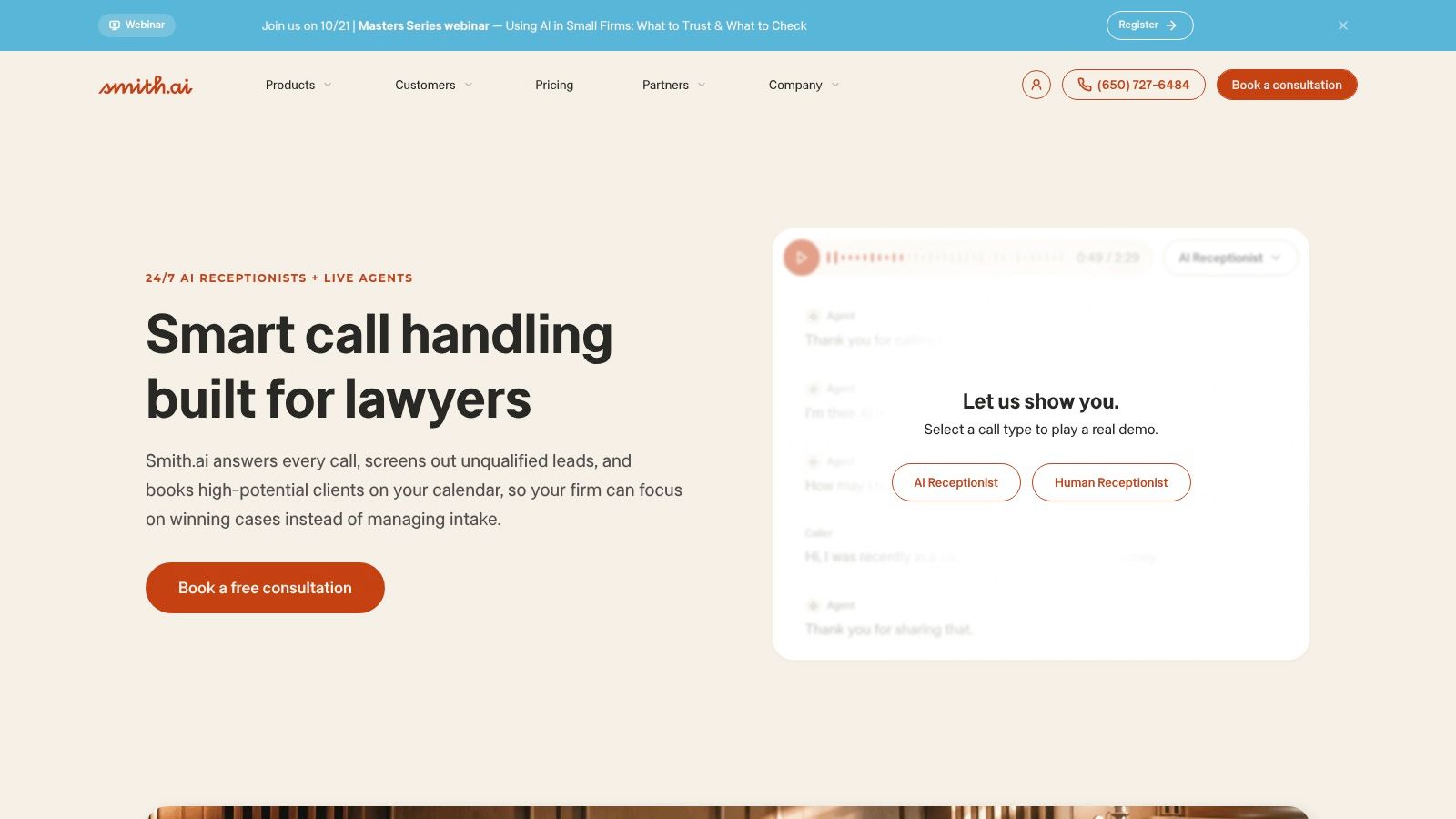
Smith.ai offers AI-first, human-first, and hybrid coverage. That flexibility suits firms deciding which after-hours calls need a live receptionist and which can follow a structured intake flow. Services include lead screening, qualification, intake, and consultation booking.
A missed call can mean a lost matter. A 2024 secret shopper benchmark covering 500 law firms found that only 40% answered prospective clients' calls, and 33% responded to emails, according to Clio's report. Smith.ai can collect practice area, jurisdiction, and urgency details, but your team still needs to review whether each record meets its intake standards.
For example, a midsize firm running paid search across two practice areas could ask Smith.ai to screen for fit, collect opposing-party names, book qualified consultations, and log records in Clio, MyCase, Lawmatics, or Filevine. Use a law firm client intake guide to define what the service should collect before configuring the workflow.
Trade-offs to weigh
The structured intake and booking tools suit firms handling steady lead volume. AI may be a poor fit for distressed callers or complex, sensitive disclosures unless a live receptionist can take over quickly. Test that handoff with a scenario involving an upset caller, and review sample records for missed or miscategorized details.
Per-call pricing can also make monthly costs hard to predict when call lengths vary. Smith.ai advertises starting prices around $1.60 per call for AI first, $2.50 for hybrid, and $7 for human first service.
Implementation question: Which words, confidence thresholds, or practice-area rules trigger a transfer to a live receptionist, and can your firm test those rules before launch? For a firm seeking structured screening with control over how much AI handles, Smith.ai is worth evaluating. Ask for a cost estimate based on your call mix and confirm how the service handles bilingual callers.
4. Ruby
A family law caller reaches your firm in tears after hours. Ruby provides human receptionists and live chat for law firms, with customized greetings, call handling instructions, intake support, scheduling, and after-hours, weekend, and holiday coverage. Choose it when a calm, personal first response matters more than detailed legal screening.
Confidentiality needs careful review because Ruby serves businesses beyond the legal sector. ABA ethics guidance notes prospective callers can receive protections involving competency, confidentiality, and conflicts of interest. Before signing, request written details on confidentiality agreements, role-based access, encryption, data retention and deletion, recording consent, and breach notifications.
Test how Ruby handles information across channels. Send a website chat and a phone call about the same fictional matter within an hour, then check whether your team receives one coherent record or two disconnected messages. Firms that get meaningful website traffic may benefit from combined phone and chat coverage. If clients rarely use chat, skip that added channel.
Where Ruby fits and where it strains
Ruby suits firms that need after-hours or overflow coverage while an in-house receptionist handles daytime calls. Detailed legal intake depends on the scripts and setup your firm provides. Write a script that limits what receptionists collect and directs callers to stop before sharing detailed facts.
Pricing note: Ruby lists virtual receptionist plans starting at $245 per month for 50 minutes, so confirm current plan details. Minute-based plans can use their allowance quickly during long, emotional calls. Compare your expected call duration and volume with this guide to phone answering service pricing.
Implementation question: How does Ruby count minutes for transfers and chats, and how will your bill change during a high-volume month?
5. LEX Reception
LEX Reception is the other legal specialist on this list, and it's the pick when structured intake across multiple practice areas is the priority. It offers round the clock answering, lead qualification, bilingual reception, scheduling, and services built for personal injury, criminal defense, family law, and immigration.
The compliance frame should drive your script design here. ABA Model Rule 1.6 prohibits revealing information relating to a client's representation without informed consent or an applicable exception, and requires reasonable efforts to prevent inadvertent disclosure. Practically, that means the receptionist collects only what's necessary, avoids case assessments, and escalates emergencies without sharing details with unauthorized people.
Try this scenario during onboarding. A caller wants to explain his full criminal history to the receptionist. Your script should redirect him in one sentence, capture contact details and the charge category, note any court date, and route the record for attorney review. Then check who inside LEX can access that recording and how long it's retained.
Collect the minimum needed to run a conflict check and judge urgency. Every extra detail a receptionist records is a detail you now have to protect.
Integrations with Clio, MyCase, Filevine, Lawmatics, and PracticePanther are broad, which reduces manual re entry for most small and midsize firms. Test the actual field mapping, not just the logo list. Send a test intake and confirm the matter category, opposing party, and preferred contact method land in the right fields.
Pricing note: LEX directs firms to submit a form for plan information rather than publishing a complete rate card. Get the quote in writing with overage terms.
Implementation question: Can you run different intake scripts and escalation rules for criminal defense versus immigration? If you only need basic message taking, this level of intake is more than you'll use.
6. Abby

Abby combines human receptionists with an AI receptionist. A firm can route sensitive daytime calls to people and use AI for routine or after-hours calls. Its legal services include lead screening, intake, scheduling, call recordings and summaries, bilingual support, and advertised 24/7 coverage.
Set the intake boundary before enabling either option. ABA Formal Opinion 510 explains that under Model Rule 1.18, a lawyer who receives disqualifying information from a prospective client may be barred from representing an opposing client in the same or a substantially related matter. An AI receptionist that invites a caller to share a full story can collect information that creates a conflict.
Use the same conflict-first script for AI and human receptionists. Capture the caller's name, organization, opposing party, and a brief matter category, such as an employment dispute. Stop the intake before strategy, settlement positions, or admissions, flag potentially adverse names for review, and clarify that contacting the firm does not establish an attorney-client relationship.
Practical configuration to request
- Distress triggers: Ask how calls involving crying, raised voices, arrest, eviction, or a protective order reach a human, including after hours.
- CRM logging: Test records going to Clio, Clio Grow, or Lawmatics. Confirm disposition codes are recorded and can be audited.
- Summaries: Compare AI summaries with recordings weekly during the first month, focusing on names and deadlines.
Pricing note: Abby lists legal plans starting at $165 per month for 50 minutes, with larger and enterprise plans also available. Month-to-month plans and no setup fee are advertised. Ask how overages are billed and whether bilingual support and the integrations you need are included in the quoted plan.
Implementation question: Can you set separate escalation rules for routine inquiries and distressed callers, and what happens when the AI cannot complete an intake?
7. PATLive
At 8 p.m., a prospective client calls about an urgent matter and wants to speak to a person. PATLive offers 24/7 answering by U.S.-based live receptionists, with no AI answering calls. Its legal solution covers new-client intake, lead collection, screening, transfers, and scheduling. Consider it if your firm wants human call handling after hours and can provide clear intake scripts.
Answering every call is only the first step. An ABA article citing CallRail reported that 28% of law firm calls were missed in late 2024 data. Track qualified leads, appointments booked, callback speed, consultation attendance, and escalation accuracy to see whether calls turn into usable opportunities.
Use the advertised 14-day trial to test calls at midday, at 8 p.m., and on a weekend. Include a Spanish-language inquiry, since Spanish support is advertised. Check whether the receptionist captures the matter type, deadline, and opposing party, and whether your team receives a clear, usable record. For calls involving distress or urgent deadlines, confirm how receptionists escalate to your on-call staff.
PATLive is not legal-only, so your firm must supply practice-area scripts. Start with the two matter types you receive most often, and specify questions receptionists should ask and statements they must avoid, including case assessments or fee promises. Review recordings and reports to check whether calls follow those instructions.
Pricing note: PATLive publishes plans starting at $49 per month for pay as you go or $99 per month for 50 minutes, with a 14 day free trial advertised. No-contract plans are also advertised. Minute-based billing can become costly when calls run long or volume rises.
Implementation question: How will receptionists learn your intake scripts, how quickly can changes take effect, and what happens when a distressed caller needs an attorney?
Best Answering Services for Lawyers: 7-Way Comparison
| Provider | 🔄 Implementation and Coverage | ⚡ Resource / Pricing Signal | 📊 Expected Outcome | 💡 Ideal Use and Key Advantage |
|---|---|---|---|---|
| Recepta.ai | AI-led with trained human escalation; setup in about 15 minutes; connects to 2,500+ tools | Pricing not stated; 30-day risk-free trial advertised | Call capture, intake, scheduling, follow-ups, and analytics; company reports up to 30% more qualified leads and 80% lower costs | ⭐ Service businesses seeking scalable AI plus human support; confirm legal-specific workflows and compliance |
| Answering Legal | Human-led, legal-only; 24/7 answering, custom intake, scheduling, and bilingual support | Quote-based; a comparison page lists $360 per 100 minutes; verify current rates | Legal-focused call handling, urgent transfers, and CRM-connected intake | ⭐ Law firms prioritizing U.S.-based receptionists trained for legal conversations |
| Smith.ai | AI, human, or hybrid; 24/7 intake, lead screening, and booking | Advertised starting rates vary by service: about $1.60 per AI-first call, $2.50 hybrid, and $7 human-first | Qualification and booking connected with legal practice tools | 💡 Firms wanting flexible automation and human coverage; per-call costs vary with call length |
| Ruby | Human-led calls and live chat; customizable handling, scheduling, and after-hours coverage | Plans listed from $245/month for 50 minutes; confirm current details | Personal call answering, intake, messages, and chat support | ⭐ Small firms seeking a human-first experience across phone and web chat |
| LEX Reception | Legal-focused 24/7 answering, bilingual intake, scheduling, and legal-software integrations | Pricing requires an inquiry | Legal lead qualification and structured client support | 💡 Firms needing legal-specific intake and broad legal CRM integrations |
| Abby | Human, AI, or hybrid; advertised 24/7 coverage, intake, scheduling, and summaries | Plans listed from $165/month for 50 minutes; confirm feature eligibility | Call screening and summaries with integrations including Clio and Lawmatics | ⭐ Firms seeking published entry pricing and configurable human escalation |
| PATLive | Human-only, 24/7 answering by U.S.-based receptionists; intake, transfers, and scheduling | Plans advertised from $49/month pay-as-you-go or $99/month for 50 minutes; 14-day trial | Live call handling, lead collection, and reporting | 💡 Firms preferring no AI call answering and public pricing; test legal-specific scripts |
Choose for Call Quality, Not Features Alone
Match the provider to the decision you're making at 2 a.m. Pick Answering Legal or LEX Reception when legal specialization and legal software workflows drive the choice, and use the demo to confirm the agent follows your conflict-screening script rather than a generic intake form. Pick Smith.ai, Abby, or Recepta.ai when automation, hybrid routing, or operational analytics matter most; Recepta.ai's per-call rates, which run from about $1.60 for an AI-first call to $7 for human-first handling as noted in the comparison above, make it worth modeling at your real call length. Pick Ruby for a broad receptionist and chat solution (plans listed from $245/month for 50 minutes), and pick PATLive when transparent, human only coverage is the priority, with advertised plans from $49/month pay-as-you-go.
Don't decide from a sales deck. Run the same four test calls with every finalist so you can compare records side by side. That single discipline will tell you more than any feature list, including which service your staff will trust at 2 a.m.
Your demo and trial checklist
- Routine prospective client call: Confirm the service captures name, safe callback number, matter category, jurisdiction, and consultation intent.
- Urgent deadline call: Use an imminent court date or arrest and verify the escalation reaches the right person immediately.
- Emotional personal injury caller: Check that the agent shows empathy, avoids legal advice, and doesn't promise representation or case value.
- Spanish language inquiry: Confirm intake quality matches your English experience and the record arrives translated or clearly summarized.
- CRM accuracy: Verify only appropriate information is captured, fields map correctly, and duplicate or adverse names get flagged.
- Data protection: Ask how recordings, transcriptions, and caller data are encrypted, who can access them, how long they're kept, and how breaches are reported.
- True cost: Compare the fully loaded price at your expected call volume and duration, including overages, transfers, and after hours coverage.
- Written terms: Get the exact trial, cancellation, and overage terms in writing before you forward a single line.
Score outcome, not pickup: A service that answers every call but books few consultations and logs incomplete facts is losing you cases politely.
Launch with one workflow, such as after hours new client intake for a single practice area. Review call recordings and lead data after 30 days, fix the script, and check your booking and show rates against your previous process. Expand to overflow, chat, or outbound follow up only after the service proves it captures qualified inquiries accurately and consistently.
If you're a solo or small firm, start with the simplest configuration that solves missed calls and add complexity later. If you're a high volume or multi office firm, prioritize integration depth, reporting, and escalation accuracy from day one. Either way, the right answering service for your firm protects confidentiality, respects conflict screening, and turns first calls into booked consultations you can measure.
If missed after hours calls are costing you consultations, Recepta.ai pairs a 24/7 AI receptionist with trained human agents to capture intake details, book appointments, follow up with leads, and escalate sensitive legal calls to a person. Start the risk free trial, run the four test calls above, and judge it on qualified inquiries captured rather than promises.