8 Core Duties for Front Desk Receptionist Roles in 2026

The front desk is far more than a simple reception area; it’s the command center of your business. As the first point of contact for every customer, partner, and prospect, this role shapes their entire perception of your brand. The essential duties for front desk receptionist positions have expanded beyond basic gatekeeping into a complex blend of customer service, sales support, and operational management. For businesses ranging from law firms to HVAC companies, a proficient front desk directly impacts revenue, client retention, and daily efficiency.
This guide provides a clear, practical breakdown of the eight most critical duties every modern receptionist must master. We will move beyond theory and offer actionable checklists and real-world examples tailored for specific industries, including healthcare, legal services, and home services.
You will learn how to define these responsibilities, measure their success, and see how they function in a busy environment. For instance, we’ll show how effective lead capture for a plumbing business differs from appointment scheduling at a dental clinic. We'll also explore how each duty can be augmented or automated with tools like an AI receptionist, turning your front desk from a cost center into a powerful growth engine. Let's dive into the core responsibilities that define a high-performing front desk operation.
1. Inbound Call Management and Answering
One of the most essential duties for a front desk receptionist is managing inbound calls. This isn't just about picking up the phone; it's about being the first point of contact and shaping the caller's entire perception of your business. Prompt, professional, and accurate call handling ensures that every potential customer, client, or patient is directed to the right person or department without friction.
For businesses where every call can represent a new job or client, like home services or legal practices, a missed call is a missed opportunity. Research shows that most callers won't leave a voicemail if they don't get a live answer, meaning that unanswered call often goes directly to a competitor. This makes effective call management a direct driver of revenue.
Practical Implementation and Examples
Modern call management combines human touch with smart technology. While a human receptionist provides empathy and critical thinking, AI-powered systems can handle the volume and provide 24/7 availability.
- HVAC & Plumbing: A heating and cooling company receives a call at 10 PM from a homeowner whose furnace is not working. An AI receptionist answers, identifies the "no heat" emergency, and immediately texts the on-call technician's cell phone with the customer's name, address, and issue.
- Dental Practices: A prospective patient calls after hours to inquire about teeth whitening. An AI system answers the call, provides pricing information from a pre-loaded script, and books them a consultation directly into the next available slot in the dentist's calendar.
- Law Firms: A potential client calls about a possible personal injury case while the receptionist is with an in-person visitor. An AI answers, asks qualifying questions (e.g., "When did the accident occur?"), and schedules a formal intake call with a paralegal, capturing the lead securely.
Actionable Tips for Better Call Handling
To improve this core receptionist duty, implement clear protocols and support your team with the right tools.
- Create a Script: Develop a simple greeting script that includes the business name, the receptionist's name, and a clear offer of help. For example: "Thank you for calling Apex Plumbing, this is Sarah. How can I help you today?"
- Analyze Call Data: Use your phone system's dashboard to see when call volume peaks (e.g., Mondays from 9 AM to 11 AM). Schedule an extra person for that time or configure an AI to handle overflow calls automatically.
- Establish Handoffs: Define a clear process for when an AI transfers to a human. For example: If a caller says "I'd like to speak to a manager" or mentions "billing dispute," the AI should be programmed to immediately transfer the call to the office manager's extension. For a deeper dive into structuring these processes, you can find more information on call handling best practices.
- Record for Quality: With caller consent, record calls for training purposes. For example: During a weekly team meeting, play a recording of a well-handled call and a poorly handled one to discuss specific examples of what to do and what to avoid.
2. Appointment Scheduling and Calendar Management
Beyond answering phones, a core duty for a front desk receptionist is expertly managing the company’s calendar. This involves booking, rescheduling, and confirming appointments while meticulously preventing double-bookings and optimizing the schedule for maximum efficiency. It's a logistical puzzle that directly impacts revenue and customer satisfaction, requiring a deep understanding of service duration, technician availability, and business capacity.
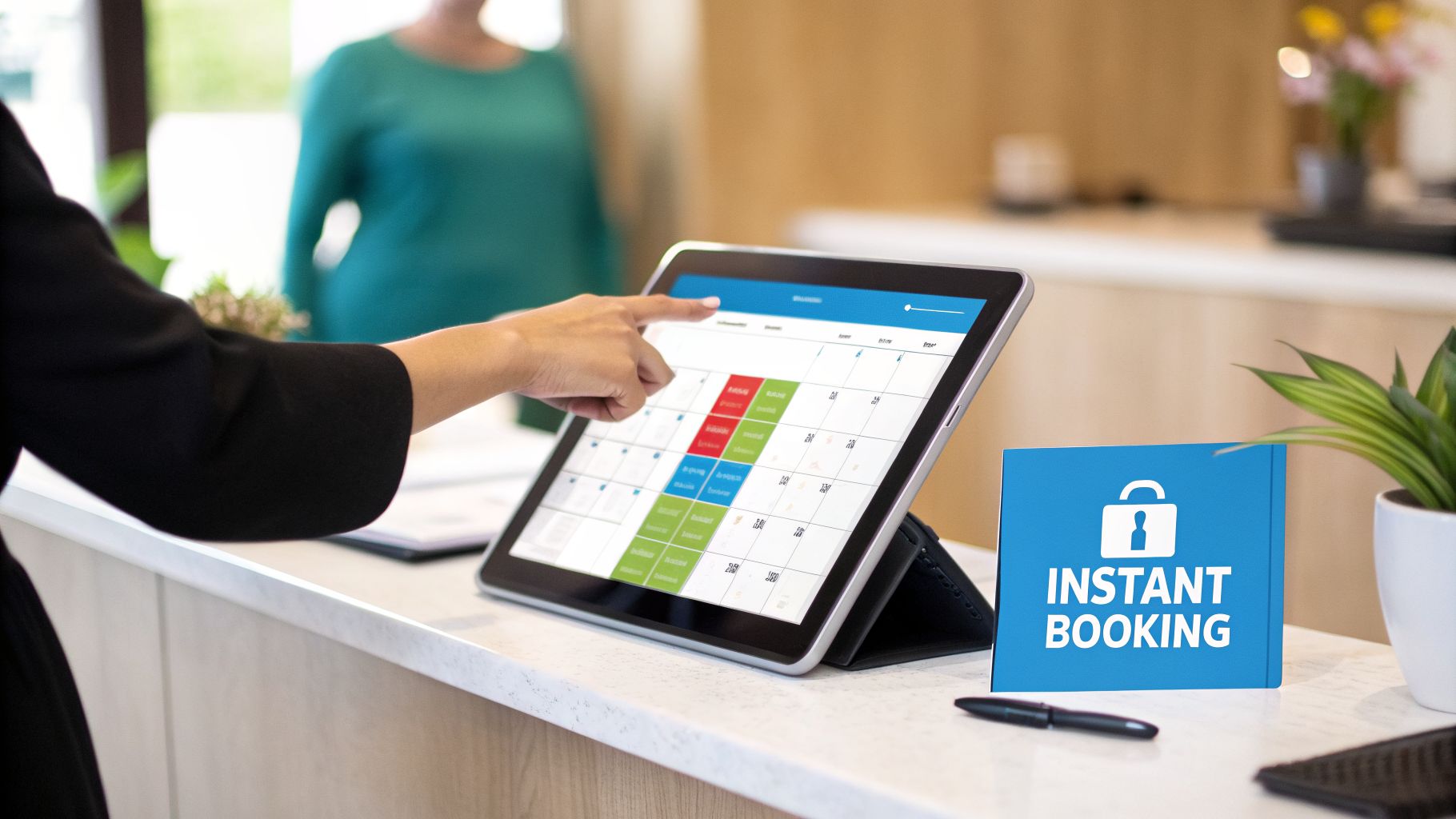
For service-based businesses, a well-managed calendar is the engine of profitability. An open slot is lost income, while a scheduling error can lead to a negative review. The role of an intake specialist, for example, often overlaps here, as the initial call to qualify a client flows directly into securing a spot on the calendar. Modern receptionists integrate with CRMs and platforms like Google Calendar or Outlook, and increasingly, AI receptionists handle up to 80% of scheduling tasks automatically.
Practical Implementation and Examples
Effective scheduling balances automation for routine tasks with human oversight for complex requests. AI tools can manage high-volume bookings, while receptionists handle VIP clients or intricate multi-part appointments.
- Cleaning Service Franchises: A client wants to book a deep clean for their 3-bedroom house. An AI receptionist integrated with the company's booking software asks for the number of rooms, calculates the service duration as 4 hours, and offers the client three available time slots that fit that block.
- Plumbing Companies: A homeowner calls with a "burst pipe" emergency. An AI receptionist recognizes the keyword, accesses the GPS location of all on-duty technicians, identifies the closest one with an open schedule, and books the appointment for 30 minutes later, all without human intervention.
- Dental Practices: A receptionist needs to schedule a patient for a crown, which requires two separate appointments. They use the practice management software to book the initial 90-minute procedure and simultaneously schedule the 30-minute follow-up two weeks later, ensuring both are confirmed in one interaction.
- HVAC Contractors: An AI system is programmed to book fall furnace maintenance appointments. It automatically sends a text to all clients from the previous year, offering a link to self-book their service online, filling the calendar for the slow season proactively.
Actionable Tips for Better Scheduling
Refining your scheduling process prevents lost revenue and improves the customer experience. A combination of clear rules and the right software is key.
- Configure Service Durations: In your scheduling software, set the default time for a "Standard Service Call" to 60 minutes and an "Emergency Call" to 90 minutes. This prevents technicians from being overbooked.
- Automate Confirmations: Set up your system to automatically send a text message 24 hours before an appointment that says, "Reply YES to confirm your appointment with Apex Plumbing tomorrow at 2 PM." This dramatically reduces no-shows.
- Add Buffer Time: Program a mandatory 15-minute buffer after every on-site appointment in your scheduling software. This gives technicians time to write notes, travel, or handle unexpected delays without falling behind.
- Sync Your Systems: Ensure your scheduling software is fully synced with your field service management or CRM platform for real-time technician and staff availability. For a closer look at what to look for, explore the options for appointment scheduling software for small business.
- Analyze Your Data: Run a report in your scheduling software to find your least-booked day of the week (e.g., Wednesdays). Create a "10% Off Wednesday" promotion to fill those empty slots.
3. Lead Capture and Qualification
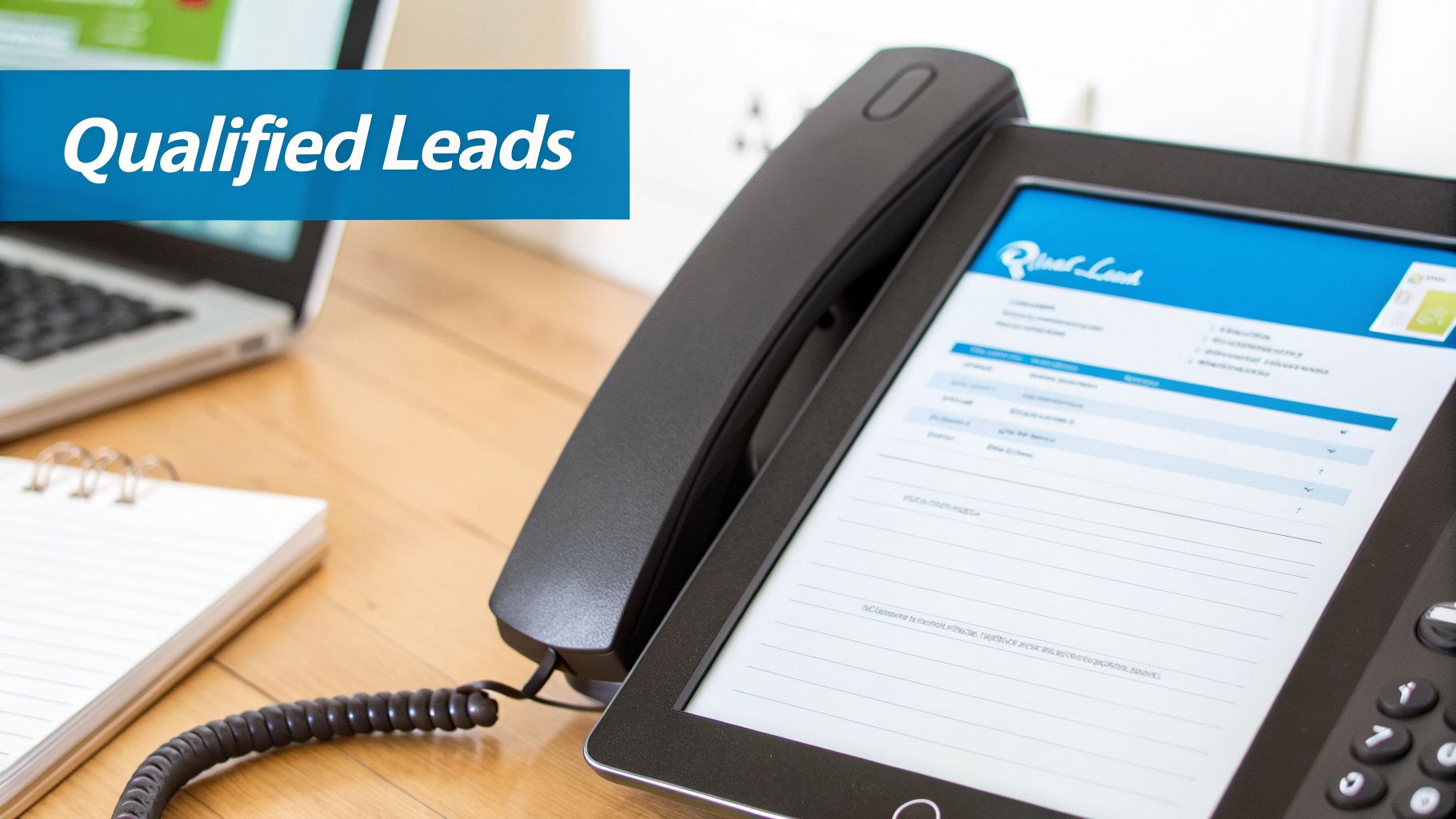
Beyond just greeting visitors and answering calls, a modern front desk receptionist plays a crucial part in revenue generation through lead capture and qualification. This duty involves collecting inquiries from calls, emails, and web forms and then asking targeted questions to determine which prospects are a good fit for the business. This process ensures that the sales team's valuable time is spent on high-potential leads most likely to convert.
Effective lead qualification is a fundamental duty for a front desk receptionist in any growth-focused business. By filtering inquiries based on service needs, budget, urgency, and other criteria, the receptionist acts as the first line of defense for the sales pipeline, improving efficiency and directly impacting closing rates.
Practical Implementation and Examples
Today, lead qualification is a combined effort of human intuition and automated systems. A receptionist can provide a personal, empathetic assessment, while AI tools like Recepta.ai can instantly score leads against predefined criteria, ensuring no opportunity is missed, even after hours.
- Construction Companies: A caller asks for a quote on a kitchen remodel. The receptionist asks, "What is your approximate budget for this project?" and "What is your ideal start date?" If the budget is below the company's minimum or the timeline is too aggressive, they are identified as a lower-priority lead.
- Pest Control Franchises: A potential customer calls about termites. An AI system asks for their zip code. If the zip code is outside the service area, the AI automatically informs them and provides a referral, saving the sales team from a pointless follow-up.
- Law Firms: A new inquiry comes in. An AI asks, "Are you currently represented by another attorney for this matter?" If the answer is yes, the lead is automatically disqualified to avoid ethical conflicts, and the system logs the interaction without involving a paralegal.
Actionable Tips for Better Lead Qualification
To turn your front desk into a lead-qualifying powerhouse, establish clear guidelines and support them with the right tools.
- Define Qualification Criteria: Create a simple checklist. For example, for a roofer: 1) Is the property within our 30-mile service radius? 2) Is the project for a full roof replacement (our specialty)? 3) Does the caller own the property?
- Ask Open-Ended Questions: Instead of "Do you need a quote?", train your receptionist to ask, "Could you tell me a bit more about the problem you're trying to solve?" This helps uncover the caller's true needs and urgency.
- Track Accuracy: Once a month, review all leads marked "Qualified" by the front desk against the list of actual sales. If many qualified leads didn't close due to budget, adjust your budget-screening question.
- Create Feedback Loops: Create a shared spreadsheet where the sales team can add a "feedback" column next to the leads the receptionist provides. A note like "Good lead, but not ready to buy for 6 months" helps the receptionist better categorize future calls. For a detailed guide on structuring this, you can explore more on how to qualify sales leads.
- Set Up Automatic Follow-ups: Use your CRM to create a rule: if a lead is marked "Qualified but not ready," automatically add them to a 6-month email nurture sequence.
4. Message Taking and Information Relay
Beyond just answering calls, one of the most critical duties for a front desk receptionist is the accurate capture and relay of information. Inaccurate or delayed messages can lead to misunderstandings, missed appointments, and frustrated customers who feel ignored. Effective message taking acts as the central nervous system for a business, ensuring vital information flows to the right person at the right time.
This responsibility is a direct safeguard against lost revenue and poor customer service. For a medical practice, a poorly relayed message could have serious health implications for a patient. For a home service company, it could mean losing an emergency repair job to a competitor who was more responsive. Proper message management ensures continuity of service and maintains a professional standard of communication.
Practical Implementation and Examples
Modern systems automate much of the manual work involved in message taking, transcribing communications and routing them based on predefined rules. This works alongside a human receptionist to ensure nothing is ever missed, even when the front desk is busy.
- Medical Offices: A patient calls with an urgent concern after hours. An AI receptionist transcribes the message, identifies keywords like "high fever" or "chest pain," and automatically flags it as "URGENT" in the electronic health record system, simultaneously sending a text alert to the on-call nurse.
- Law Firms: A partner is in court and misses a call from an opposing counsel. An AI system transcribes the voicemail, attaches the audio file and transcript to an email, and sends it to both the partner and their paralegal, ensuring the message is received and logged.
- Plumbing Companies: A property manager calls to report a leak in one of their apartment buildings. The receptionist takes the message in their CRM, including the building address, unit number, and tenant contact info, and assigns it as a task directly to the commercial plumbing team.
Actionable Tips for Better Message Handling
To improve this core duty, establish clear protocols and use tools that guarantee accuracy and speed.
- Use a Message Template: Create a digital form in your CRM or even a shared Google Doc that requires: 1) Caller Name, 2) Caller Phone Number, 3) Reason for Call, 4) Urgency (Low/Medium/High), and 5) Action Taken (e.g., "Told them Sarah would call back").
- Set Callback Reminders: When a receptionist takes a message for a salesperson, they should create a task in the CRM with a 1-hour reminder. If the task isn't marked as complete, the system automatically notifies a manager.
- Establish Urgency Protocols: Define what's urgent. For example: In an HVAC business, "no heat" or "no AC" is urgent. In a law firm, a call from the court is urgent. Urgent messages should trigger an immediate text message to the recipient, not just an email.
- Acknowledge Receipt: In your team chat (like Slack or Microsoft Teams), create a
#messageschannel. When a message is posted, the intended recipient must reply with a "✅" emoji to confirm they've seen it and are taking ownership. For more on converting voice messages into actionable text, you can find helpful information on setting up voicemail-to-email systems.
5. Customer service and professional communication
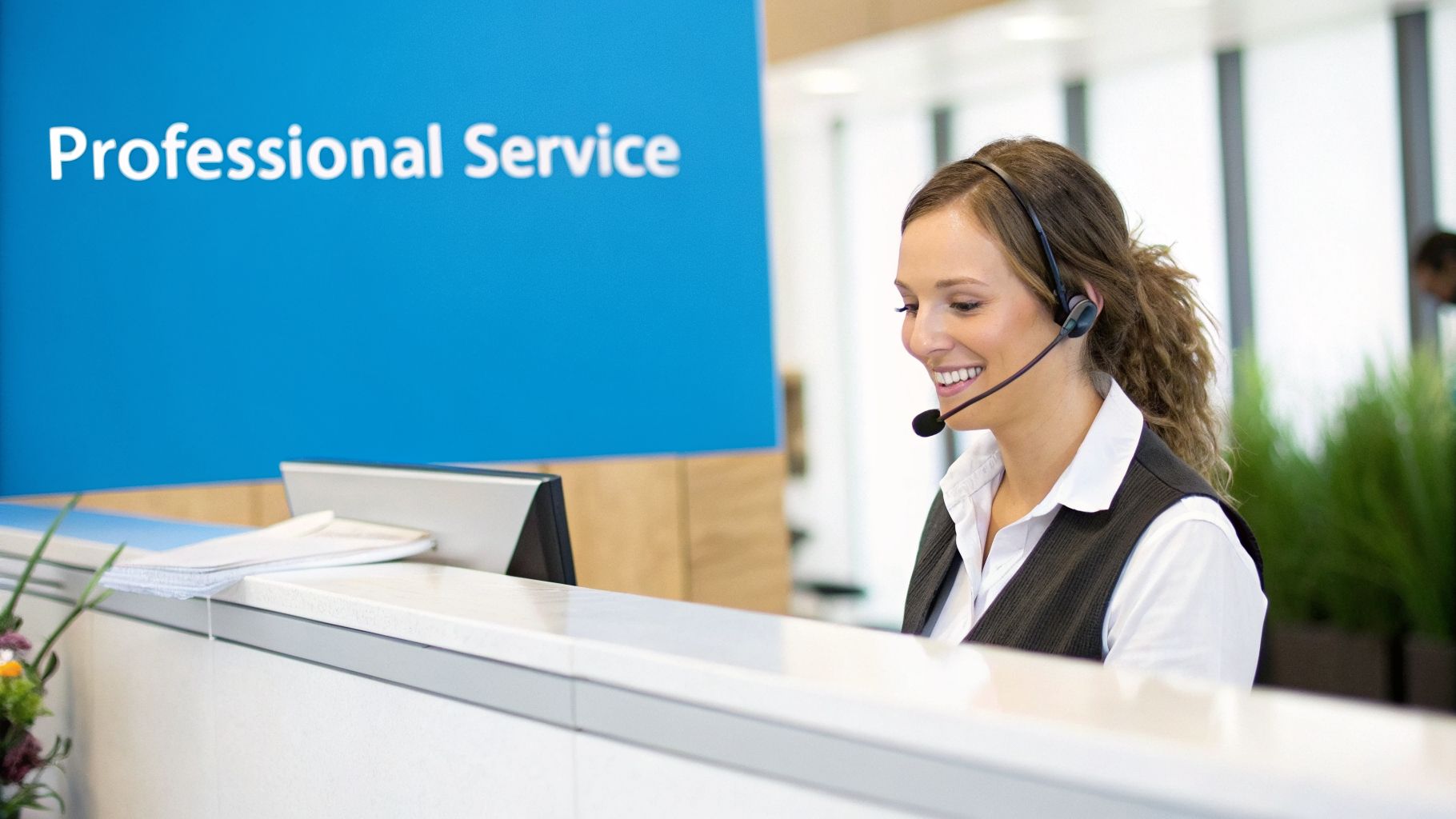
Beyond administrative tasks, a core part of the duties for a front desk receptionist is delivering exceptional customer service. This role is the face and voice of the business, responsible for providing courteous, professional, and empathetic interactions that reflect the company's brand and values. Every interaction, whether with a calm, curious customer or a frustrated, urgent caller, sets the tone for the entire relationship and directly impacts satisfaction and retention.
Exceptional service at the reception point is a non-negotiable asset. A receptionist with strong emotional intelligence can navigate diverse customer scenarios, turning potentially negative experiences into positive ones and building lasting loyalty from the very first contact.
Practical Implementation and Examples
Delivering consistent, high-quality customer service requires clear standards and the ability to adapt to specific industry needs. The approach to communication should be intentional and reflect the unique circumstances of your clientele.
- Healthcare Practices: A nervous patient calls before their first dental visit. The receptionist says, "I understand feeling anxious. Dr. Smith is very gentle, and we'll make sure to explain everything before we begin. Is there anything specific you're worried about?" This empathetic approach helps calm the patient.
- Home Service Companies: A homeowner calls, angry that a technician is late. The receptionist says, "I am so sorry for the delay. Let me check the technician's GPS right now and give you an exact ETA. I will call you back in the next two minutes with an update." This takes ownership and provides a clear action.
- Legal Firms: A potential client calls, speaking quickly and sounding distressed about a family law issue. The receptionist uses a calm, steady tone and says, "Sir, please take a breath. I am here to help. Could you start by spelling your last name for me?" This helps de-escalate the situation and brings control back to the conversation.
Actionable Tips for Better Communication
To make excellent service a standard, equip your reception team with the right training, protocols, and empowerment.
- Develop Brand Voice Standards: Create a one-page guide with phrases to use and avoid. For example: Use "My pleasure" instead of "No problem." Use "Let me find out for you" instead of "I don't know."
- Train in Active Listening: As the first point of contact, a receptionist's role in customer service relies heavily on excellent communication, including the ability to improve active listening skills to truly understand and address inquiries. Practice this by having staff repeat back a caller's request: "So, just to confirm, you need to reschedule your appointment from Tuesday to sometime next week, is that correct?"
- Establish De-escalation Protocols: Create a simple 3-step process: 1) Listen without interrupting. 2) Empathize ("I can understand why you're frustrated"). 3) Offer a solution or escalate ("I'm going to transfer you to my manager, John, who can better assist with this.").
- Empower Problem-Solving: Give receptionists the authority to offer a 10% discount on a future service for minor issues without needing a manager's approval. This allows for instant resolution.
- Celebrate Positive Feedback: When a customer's review mentions a receptionist by name (e.g., "Sarah was so helpful!"), read the review aloud in the next team meeting and give Sarah a $10 coffee gift card.
6. Follow-up and Customer Relationship Management
A crucial duty for a front desk receptionist that often separates growing businesses from stagnant ones is systematic follow-up. This responsibility extends beyond the initial interaction; it involves proactively nurturing leads and customers to maintain engagement, answer questions, and guide them toward a decision. Effective follow-up transforms a one-time inquiry into a lasting business relationship.
This process is a direct driver of revenue. Sales psychology research consistently shows that persistent, timely follow-up can dramatically increase conversion rates, with some studies indicating a lift of over 50%. By establishing a reliable follow-up system, a receptionist ensures that no potential customer who showed initial interest is forgotten, maximizing the return on every marketing dollar spent.
Practical Implementation and Examples
Modern follow-up combines consistent human effort with the power of automation through CRM (Customer Relationship Management) systems. This allows a receptionist to manage a high volume of interactions while still providing a personal touch where it counts most.
- Home Services: A receptionist sends a quote for a new AC unit to a customer. They create a task in the CRM to call the customer in two days. During the call, they say, "Hi, this is Sarah from Cool Air Inc. I'm just calling to see if you had any questions about the estimate we sent over on Tuesday."
- Insurance Agencies: After sending a new policy quote, an automated system sends an email 24 hours later saying, "Hi [Client Name], just a friendly reminder to review your custom quote." If the client opens the email but doesn't reply, it creates a task for the receptionist to make a personal follow-up call.
- Healthcare Practices: A patient cancels a routine cleaning appointment. The receptionist immediately asks, "Would you like me to book you for the same time in three months?" If not, the system automatically sends a reminder text one month later to prompt them to re-book.
Actionable Tips for Better Follow-up
To make follow-up a core strength, create clear processes and equip your front desk with the right tools.
- Establish a Schedule: Create a simple "2x2x2" rule: a receptionist should follow up on a new lead within 2 hours of inquiry, 2 days later, and then 2 weeks later.
- Personalize Your Message: When following up, reference a specific detail. For example: "Hi Mr. Jones, you mentioned you were concerned about your old roof leaking near the chimney. I wanted to let you know our repair team can be out as early as tomorrow to inspect that specific spot."
- Use a Multi-Channel Approach: For a high-value lead, create a workflow: Day 1 (Email), Day 3 (Phone Call), Day 5 (Text Message). This increases the chance of making contact.
- Track Your Outcomes: In your CRM, create dispositions like "Follow-up: No Answer," "Follow-up: Booked Appointment," and "Follow-up: Not Interested." This data will show you which leads require more nurturing.
- Define Clear Next Steps: End every follow-up with a clear action. Don't say, "Let us know." Say, "Would you be available for a 15-minute call tomorrow to finalize the details?"
7. Data Entry and Record Keeping
Accurate data entry and record keeping are foundational duties for a front desk receptionist that extend far beyond simple typing. This responsibility involves maintaining a clean, organized, and precise log of all customer interactions, appointments, and transactions within systems like a CRM or scheduling software. It is the backbone of operational efficiency, customer service quality, and regulatory compliance.
Flawless record keeping ensures that any team member can access a client's history and provide seamless, informed service. For businesses in regulated industries or those that rely on repeat customers, incomplete or incorrect data can lead to poor service, compliance penalties, and lost revenue. Clean data is not just an administrative task; it’s a critical business asset.
Practical Implementation and Examples
Modern data management focuses on reducing manual entry to minimize human error and save time. Automated systems can capture interactions and log them directly, ensuring every detail is recorded with perfect accuracy.
- Financial Services: When a client calls, an AI receptionist answers and asks for their name and date of birth to verify their identity. It then automatically transcribes the entire call and logs it under the client's contact record in the CRM, creating a compliant, searchable record of the conversation.
- Multi-Location Franchises: A customer who previously used "Plumb-Perfect of Austin" calls "Plumb-Perfect of Dallas." The receptionist enters the customer's phone number, and the centralized CRM instantly pulls up their entire service history, including notes from the Austin technicians, allowing for a seamless and informed customer experience.
- Healthcare Practices: A patient calls to schedule an appointment. An AI system integrated with the EMR (Electronic Medical Record) system automatically creates a new patient record, populating the name, phone number, and reason for visit directly from the phone call, eliminating manual data entry and potential typos.
Actionable Tips for Better Record Keeping
To improve this vital receptionist duty, establish clear standards and use technology to support your data management efforts.
- Standardize Entry Fields: Create a rule that all phone numbers must be entered in the format (XXX) XXX-XXXX and all state names must be the two-letter abbreviation (e.g., TX, not Texas). This keeps data uniform and searchable.
- Automate Data Capture: Use a tool like Recepta.ai that automatically captures the caller's phone number, call duration, and a full transcript, then logs it into the corresponding contact in your CRM. This eliminates manual note-taking for phone calls.
- Schedule Regular Audits: On the first Friday of every month, task the receptionist with spending one hour using the CRM's "merge duplicates" feature to clean up redundant contacts.
- Implement Access Controls: In your CRM, set permissions so that receptionists have "read/write" access to contact and appointment records, but "read-only" access to financial or sales pipeline data. This protects sensitive information.
8. Call Transfer and Escalation Routing
Beyond simply answering the phone, a core receptionist duty involves directing callers to the exact person or department they need. This process, known as call transfer and escalation routing, is critical for efficiency and customer satisfaction. Misdirecting a call leads to frustration, multiple transfers, and a perception of disorganization, while skilled routing ensures issues are resolved on the first attempt.
Poor call transfers are more than just an annoyance; they can actively harm the business. When a client with a complex legal question is bounced between three different paralegals, or a patient with urgent symptoms is sent to the billing department, it erodes trust. Effective routing is a sign of a well-run organization and is a fundamental part of the duties for a front desk receptionist that directly impacts client retention.
Practical Implementation and Examples
Modern routing combines a deep understanding of the organization's structure with technology that makes connections seamless. The goal is to get the caller to the right expert with the least amount of friction.
- Law Firms: A client calls about a document request in their case. The receptionist says, "That's a great question. Let me connect you with Maria, the paralegal assigned to your case. Please hold one moment while I get her on the line." They then brief Maria before connecting the client, performing a "warm transfer."
- Multi-Location Home Services: A caller dials the main number of a national HVAC franchise. The AI system greets them and says, "To connect you with your local service team, please say or enter your five-digit zip code." Based on the zip code, the call is automatically routed to the phone line of the nearest franchise location.
- Healthcare Practices: A patient calls reporting severe chest pain. The receptionist is trained to recognize this as a top-tier emergency. They do not put the patient on hold but instead say, "Stay on the line with me. I am connecting a nurse to our call right now," and uses the phone system's three-way conference feature.
Actionable Tips for Better Call Routing
To master call transfers, you need clear internal maps and established protocols. Support your front desk with the information and tools needed to make smart decisions quickly.
- Create a Routing Directory: Make a simple, one-page PDF that lists common inquiries and who to send them to. For example: "Billing Questions -> Jane Doe (ext. 102)"; "New Sales Leads -> David Smith (ext. 104)"; "Technical Support -> support@company.com".
- Establish Clear Routing Rules: Program your phone system with simple rules. For example: Set up an IVR (Interactive Voice Response) that says, "Press 1 for Sales, Press 2 for Support, Press 3 for all other inquiries."
- Practice Warm Transfers: Role-play this with your receptionist. Have them practice saying, "Hi Jane, I have Mr. Smith on the line, and he has a question about his last invoice. Do you have a moment to speak with him?" before they complete the transfer.
- Offer Callback Options: If the correct person is unavailable, train the receptionist to say, "Jane is in a meeting until 2 PM. I can have her call you back right after that, or I can transfer you to her voicemail. Which would you prefer?"
- Monitor Transfer Rates: Use your phone system analytics to find out if one person is receiving an unusually high number of incorrect transfers. This indicates that the routing directory or IVR menu needs to be updated.
8-Point Comparison of Front Desk Receptionist Duties
Unlocking Your Front Desk's Full Potential
The journey through the extensive duties for a front desk receptionist reveals a fundamental business truth: this role is not merely administrative but the central hub of your customer experience and growth engine. From the initial point of contact through inbound call management to the long-term relationship building involved in customer follow-ups, each function is a critical touchpoint. We've explored how these responsibilities, including precise appointment scheduling, diligent lead capture, and accurate record keeping, form the backbone of a successful operation across diverse industries like home services, healthcare, and legal practices.
The challenge, however, lies in executing these varied and demanding tasks with unwavering consistency and quality. A single missed call can be a lost high-value client, and a poorly handled scheduling request can damage your reputation. The modern business environment, with its 24/7 customer expectations, places immense pressure on a single individual or even a small team to be constantly available, perfectly efficient, and consistently professional. This is where the strategic integration of technology becomes not just an option, but a necessity for scaling and thriving.
From Core Duties to Strategic Assets
Mastering the duties for a front desk receptionist means transforming a cost center into a powerful profit center. This requires a shift in perspective. Instead of viewing the front desk as just a gatekeeper, see it as your primary opportunity for conversion and retention.
- Actionable Step: Conduct an audit of your current front desk operations. For one week, track the number of calls missed, the time it takes to follow up on leads, and any scheduling errors that occur. This data will provide a clear baseline and highlight immediate areas for improvement.
- Practical Example: A plumbing company might discover they miss 15% of their calls, primarily after hours. By calculating the average value of a service call ($450), they can quantify the exact revenue being lost each month (e.g., 100 missed calls x 15% = 15 lost jobs x $450 = $6,750), creating a strong business case for adopting a 24/7 answering solution.
The Power of the Hybrid Model
The most effective approach for modern businesses is not a simple choice between a human receptionist and an automated system. It’s about creating a hybrid model where technology and human expertise work in concert. This allows you to delegate the routine, high-volume tasks to a reliable system while freeing up your skilled staff to focus on high-value, complex interactions that require empathy and nuanced problem-solving.
Key Insight: A hybrid front desk ensures you capture every opportunity with the speed and efficiency of AI, while still providing the personalized, human touch that builds lasting customer loyalty. You get the best of both worlds: operational excellence and superior customer service.
This strategic augmentation ensures that essential duties for a front desk receptionist are always covered. An AI receptionist can instantly handle appointment bookings and lead qualification around the clock, while your in-house team can dedicate their time to managing client escalations, building relationships with key accounts, or coordinating complex project logistics. The result is a more resilient, efficient, and customer-centric operation that is prepared to grow.
Ultimately, investing in the optimization of your front desk is a direct investment in your company’s reputation and bottom line. By embracing a modern, technology-supported approach, you empower your business to not only manage the daily flood of interactions but to turn each one into a stepping stone for sustainable growth and an exceptional brand experience.
Ready to see how an AI-powered receptionist can master these duties for your business 24/7? Discover how Recepta.ai can capture more leads, book more appointments, and deliver a world-class customer experience from the very first call. Visit Recepta.ai to learn how our industry-specific solutions can help you unlock your front desk's full potential.