Your Guide to Pest Control Business Software in 2026
If you're still running your pest control business with paper, spreadsheets, and a mountain of sticky notes, you're not just old-school—you're actively leaving money on the table. Think of pest control business software as the modern engine for your company. It replaces the horse-and-buggy methods of the past and gives you the horsepower to actually compete and grow.
The Hidden Costs of Sticking With Pen and Paper
Relying on manual processes has moved from being a simple inconvenience to a serious threat to your bottom line. With competition fiercer than ever, every small inefficiency is a cut that bleeds profit.
The U.S. pest control market is booming, projected to jump from $22.7 billion in 2022 to an estimated $29.1 billion by 2026. But here's the catch: there are over 34,000 other pest control businesses fighting for that same pie. In a market this crowded, being efficient isn’t a nice-to-have; it's a matter of survival.
Where Inefficiency Really Hits You
Manual methods create friction everywhere in your business. These aren't just minor headaches; they snowball into major financial drains and unhappy customers. Sound familiar?
- Lost Jobs from Missed Calls: A frantic homeowner calls about a termite swarm on a Saturday. Your office is closed, so it goes to voicemail. By the time you call back Monday morning, they’ve already hired the competitor who answered. That's a high-value job, gone.
- Wasted Fuel on Bad Routes: Your techs spend half their day zigzagging across town, burning fuel and time because their paper schedules weren't optimized. For example, a technician starts in the north end of the city, drives south for their next job, then has to drive all the way back north for the last appointment of the day. That’s at least an hour of wasted drive time and fuel that could have been another billable service call.
- Cash Flow Nightmares: You mail paper invoices, wait for checks to arrive, and then spend hours chasing down customers who haven't paid. This administrative slog kills your cash flow and ties up time you should be using to find new clients.
These are the real-world consequences of a system that can't keep up. For instance, poor lead follow-up is a classic failure of manual systems. You can learn more about how crucial solid follow-up is in our guide on https://www.recepta.ai/blog/lead-management-software-for-small-business.
Let's quickly summarize the immediate impact software can have.
Instant Wins With Pest Control Software
This table shows just a few of the quick, tangible improvements you'll see. It’s about plugging the leaks that are costing you money every single day.
From Paper Chaos to Digital Control
At its core, pest control business software is your central command center. It takes all that messy paperwork, the binders, the clipboards—and organizes it into clean, instantly accessible digital information.
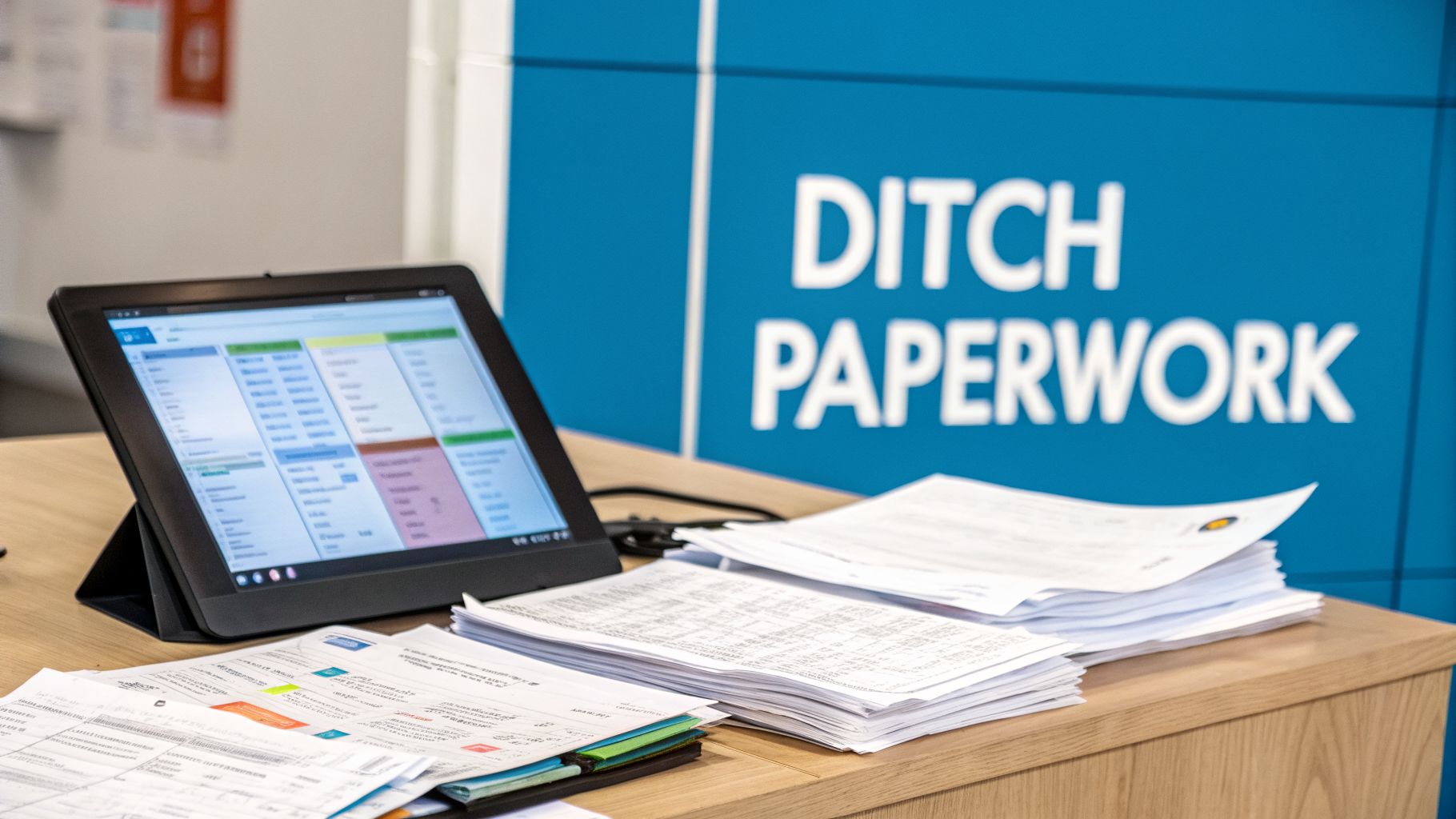
This image says it all. You're trading stacks of paper for a single screen. This isn't just about going green; it's about giving your technicians instant access to job histories, chemical usage logs, and customer notes right on their phone or tablet.
The key takeaway: Ditching paper isn't a simple tech upgrade. It's a fundamental business decision to cut down on errors, get paid faster, and make your entire operation look and feel more professional from the field to the office.
This principle applies across the service industry. For anyone looking to grow your cleaning business, for example, manual methods are the number one bottleneck to scaling. The solution is always the same: smart automation is what unlocks profitable growth.
Alright, we've talked about the "why." Now, let's get into the nuts and bolts of what modern pest control business software actually does for you on a day-to-day basis. Forget the technical jargon; this is a look at the tools that will genuinely save you time, cut down on headaches, and put more money in your pocket. Think of these features as your new, hyper-efficient digital team members.
Intelligent Scheduling and Dispatching
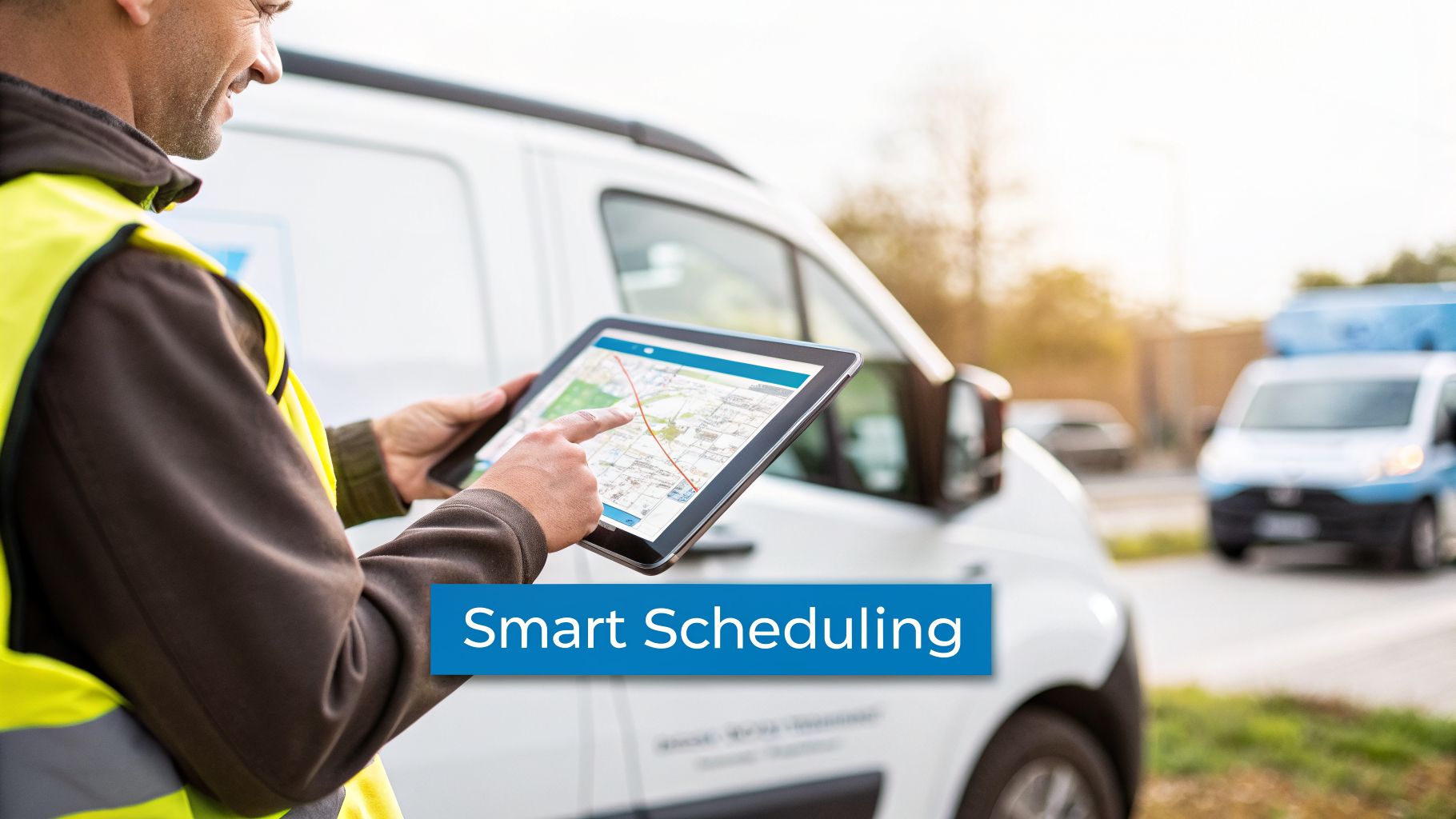
This is the command center for your entire field operation. Gone are the days of messy whiteboards and confusing spreadsheets. Smart scheduling gives you a clean, color-coded overview of your whole team's schedule, turning logistical chaos into organized calm.
But the real magic is in the "intelligent" part. Imagine a frantic call comes in about a massive wasp nest at a local daycare. The software doesn't just show you who’s available. It sees that Technician A is 45 minutes away on a routine check-in, but Technician B is just five minutes from the daycare, wrapping up another job. The system lets you dispatch Technician B instantly, making you a hero to the client and saving nearly an hour of drive time.
Automated Billing and Invoicing
Let's be honest: chasing down late payments is awkward for everyone involved and a massive time sink for your office. Automated billing completely removes that friction. It shifts your payment process from a manual, hope-for-the-best chore into a reliable, automatic cash flow engine.
For any service business, consistent cash flow is king. Putting quarterly service plans on auto-pay means you get paid on time, every single time, without lifting a finger. This feature alone can slash your time spent on collections by over 50% and drastically improve your financial stability.
Here’s how it works in the real world: A new customer signs up for your quarterly pest prevention plan. You set them up once in the system. After that, their card is automatically charged every three months, and an invoice is emailed to them. No more printing and mailing, no more "the check's in the mail"—just predictable revenue you can count on.
Customer Management That Empowers Your Techs
A good CRM (Customer Relationship Management) tool is like giving every one of your technicians a perfect memory. It’s a central database holding every critical detail about a client, all accessible from a phone or tablet right there in the field. This is about so much more than just a name and address.
- Complete Service History: Your tech arrives on-site and can immediately see every past treatment, what chemicals were used, and which pest issues were reported. This stops them from asking the same old questions and shows the customer you know their property.
- Property-Specific Notes: Critical details are never forgotten. A simple note like, "Nervous dog in the backyard. Please knock loud and wait for owner to secure him," prevents a stressful situation for the pet, the owner, and your technician.
- Contact Information and Preferences: The system holds gate codes, preferred contact methods, and other specific requests, ensuring every service call feels professional and seamless.
This level of detail gives your technicians the power to deliver personalized service that builds real trust and customer loyalty. It makes them look like absolute pros, which makes your entire business shine. This same principle of using software to elevate customer service holds true across the trades, as we cover in our guide to HVAC business management software.
Route Optimization and Chemical Tracking
Beyond those core three, two other features deliver a huge return on investment. First up is route optimization. The software looks at all of the day's jobs and automatically maps out the most efficient routes for your techs. This slashes fuel costs and drive time, often creating enough breathing room to fit one or two extra jobs into the day—a direct boost to your bottom line.
Second is chemical usage tracking, which simplifies one of your most important compliance duties. Technicians can log the exact chemicals and amounts used right in the app at each job. For example, after treating a kitchen for roaches, a tech can enter "0.5 oz of Advion Roach Bait Gel" and the app timestamps it and attaches it to the customer's record. The software then automatically compiles this data into the reports you need, making state compliance and potential audits practically effortless.
The Future Is Here: Predictive Pest Control
For decades, the pest control industry has largely followed a simple script: the phone rings with a frantic customer, and you roll a truck to put out the fire. This reactive model works, but it's like being a firefighter who only shows up after the blaze has already started. The real game-changer, made possible by modern pest control business software, is flipping that script from reaction to prediction.
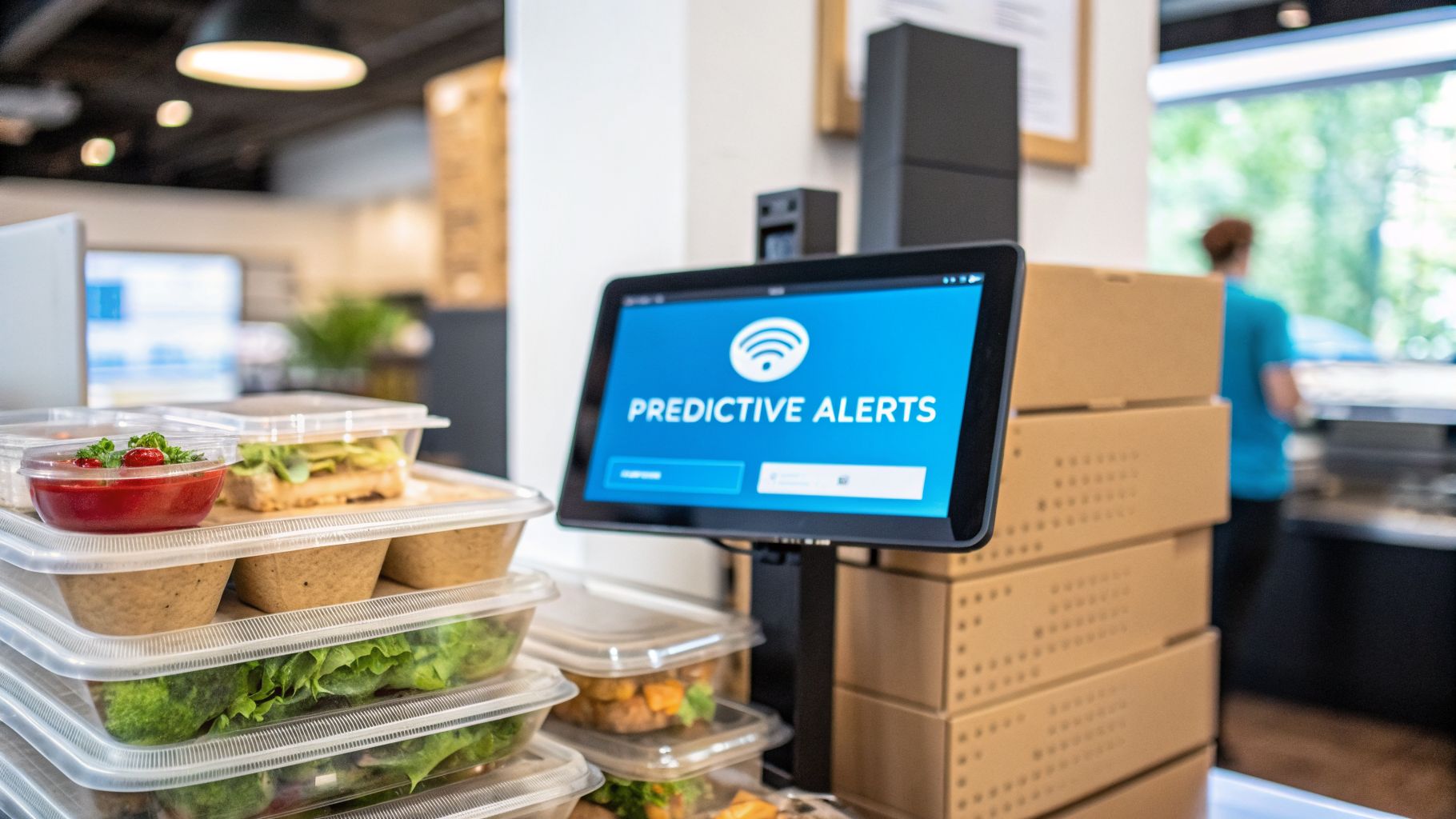
Think of this new approach as a smart smoke detector for pests—one that alerts you to the danger long before it becomes a full-blown emergency. By using technologies like the Internet of Things (IoT) and artificial intelligence (AI), you can shift from responding to service calls to performing intelligent, proactive interventions.
IoT Sensors for 24/7 Monitoring
Consider a high-stakes commercial client, like a restaurant or food processing plant. For them, any sign of pest activity can be catastrophic. Instead of just relying on scheduled check-ups, you can install small, discreet IoT sensors in hotspots like storage rooms, basements, and behind kitchen equipment.
These smart sensors are your eyes and ears on the ground, providing around-the-clock monitoring for things a person would easily miss.
- Rodent Activity: Sensors can pick up the subtle vibrations and movements of rodents, logging the exact time and location of the activity.
- Insect Traps: Smart traps do the counting for you, signaling when a capture threshold is hit or an unexpected pest type shows up.
- Environmental Changes: They can also watch for conditions that invite pests in, like spikes in humidity or sudden temperature drops.
When a sensor detects the first sign of trouble—say, a single mouse skittering through a restaurant's dry storage at 2 AM—it doesn't just log the data. It sends an instant alert directly to your pest control software, automatically generating a high-priority work order before your client even knows a problem exists.
This means you can send a technician to handle a minor issue before it becomes a major infestation. You’re not just saving your client from product loss and health code violations; you’re elevating your service from a necessary expense to an invaluable protective partnership.
AI for Predictive Analytics
If IoT sensors provide the real-time data, AI is what makes that data smart. It gives you the power to look into the future. Modern software can dig through massive datasets to spot hidden patterns and forecast future pest outbreaks with surprising accuracy.
This isn't just a hunch; it's data-driven forecasting. Your pest control business software can analyze a mix of inputs to predict what’s just around the corner.
Practical Example:
Let's say your software's AI model crunches the numbers from the last five years. It analyzes:
- Historical Service Data: It finds a consistent spike in ant-related calls every single year, always starting two weeks after the first 70-degree week.
- Current Weather Patterns: It notes that an unusually warm, wet spring is forecasted for your region.
- Geographic Hotspots: It cross-references this with service history, identifying specific neighborhoods that consistently have the highest ant activity.
The system then flags a 90% probability of a major ant surge in two specific zip codes within the next 10-14 days. With this intel, you can launch a targeted email campaign offering preventative ant treatments to customers in those areas. Better yet, you can proactively schedule services for your high-risk commercial clients before a single ant ever crosses their threshold.
This shift toward predictive models is a huge driver of industry growth. The global digital pest control management market is expected to skyrocket from an estimated $8.5 billion in 2025 to $20.3 billion by 2033. This growth is all about smart technologies that enable a more efficient, proactive, and scalable business. You can dive deeper into the market trends and find more details about this digital shift.
How to Choose the Right Software for Your Business
Picking the right software for your pest control business is one of the most critical moves you’ll make. It’s not just about buying a tool; it's about building the foundation for how your entire company will run for years to come. It’s easy to get wowed by flashy sales demos, but the best software isn't the one with a million features—it's the one that actually fits your daily workflow, your team's comfort level, and your real-world growth plans.
Asking the tough questions upfront can save you a world of headaches and wasted money. Don't let someone sell you on "bells and whistles" you'll never touch. Instead, focus on what solves your biggest operational pains. Looking at how other service professionals use essential platforms for business success can give you some great ideas, but your final choice has to be all about pest control.
Key Questions for Your Software Shortlist
Before you even think about signing a contract, you need to grill your potential software providers. Their answers will tell you everything you need to know about whether they're a good fit or a future frustration.
- How does the pricing really scale? Get a crystal-clear breakdown. What happens when you add your fourth technician? Ask for a specific quote: "We have 3 technicians now. What will our monthly bill be when we hire a fourth next quarter?" A platform that punishes you with huge price jumps every time you grow is a partner working against you.
- How good is the mobile app—for real? Your technicians are the heart of your business. If the app is a clunky, slow, confusing mess, they simply won't use it properly. That means missed notes, incorrect chemical logs, and lost revenue. Demand a trial and have your techs test it in the field. Can they easily find their next job, log product usage, and take a payment without wanting to throw their phone?
- What does "integration" actually mean? "We integrate with QuickBooks!" is a claim everyone makes. But you have to dig deeper. Does it need a separate, paid connector to work? Does the data sync both ways, or is it just a one-way data dump? A good integration should make your bookkeeping almost automatic, not create a new chore of manual data entry.
The right software should feel like a natural extension of your business, not a foreign system you have to fight with every day. Focus on usability, fair pricing, and seamless connections with the tools you already rely on.
Think about how software can plug the gaps in your current operation. For instance, hooking your system up to a 24/7 answering service can help you capture leads that call after hours—money you’d otherwise miss. To see what that looks like in action, check out our guide on how an AI-powered receptionist benefits pest control companies.
Evaluating Your Top Contenders
The right software is no longer a luxury; it’s a competitive necessity. With over 34,000 pest control businesses in the U.S., specialized platforms like PestPac, FieldRoutes, and Jobber are becoming the standard. They offer powerful tools like real-time analytics, automated scheduling, and built-in CRM features that were once only available to the giants.
For established businesses and franchises, making the switch can lead to massive 20-40% efficiency gains. This isn't just a number; it means more jobs per day, fewer scheduling errors, and a better handle on your bottom line.
A solo operator has wildly different needs than a multi-state franchise, so the "best" software is relative. The table below breaks down which features matter most at each stage of business growth.
Software Feature Comparison for Different Business Sizes
This comparison gives you a practical look at what to prioritize based on the size of your team.
By evaluating platforms based on your current reality and future goals—not just marketing hype—you can confidently choose a solution that will become the backbone of your success for years to come.
Getting Real Returns With Smart Integrations
Your pest control business software is powerful on its own, but its real value comes alive when it works with your other business tools. Think of your core software as the brain of your operation. For it to be truly effective, it needs to connect to the eyes, ears, and hands of your business—the other software you use every day.
When your systems are disconnected, you create information bottlenecks and a ton of manual work. You're constantly copying and pasting data, which wastes time and leads to mistakes. But when they're all talking to each other, you build a smooth, automated workflow that actually boosts your bottom line. This is how you stop just treading water and start actively growing your business.
Turn After-Hours Calls Into Booked Jobs
One of the biggest leaky buckets in any service business is the after-hours phone call. A frantic homeowner finds termites at 8 PM on a Friday. They call you and get voicemail. What happens next? They hang up and call the next company on Google. That's a lost job, pure and simple.
This is where connecting your pest control business software with an AI receptionist like Recepta.ai completely changes the game.
- Capture Every Lead: Instead of a voicemail box, the AI answers the phone 24/7. It can ask the right questions to qualify the lead—what’s the pest, where are they located, and how urgent is it?
- Book the Job Instantly: The AI then checks your software’s live calendar, finds an open appointment slot based on technician routes and availability, and books the job right then and there.
- Confirm and Get to Work: The customer gets an automatic confirmation, and the job pops up on your dispatch board. All of this happens without anyone on your team lifting a finger.
This one integration transforms a missed call—and lost revenue—into a paying customer. You’ve solved their problem at their moment of need and provided a surprisingly professional experience, all while your team is at home with their families.
Choosing software with the right integration capabilities is key. It's just as important as ensuring it can scale with your business or has a solid mobile app for your techs.
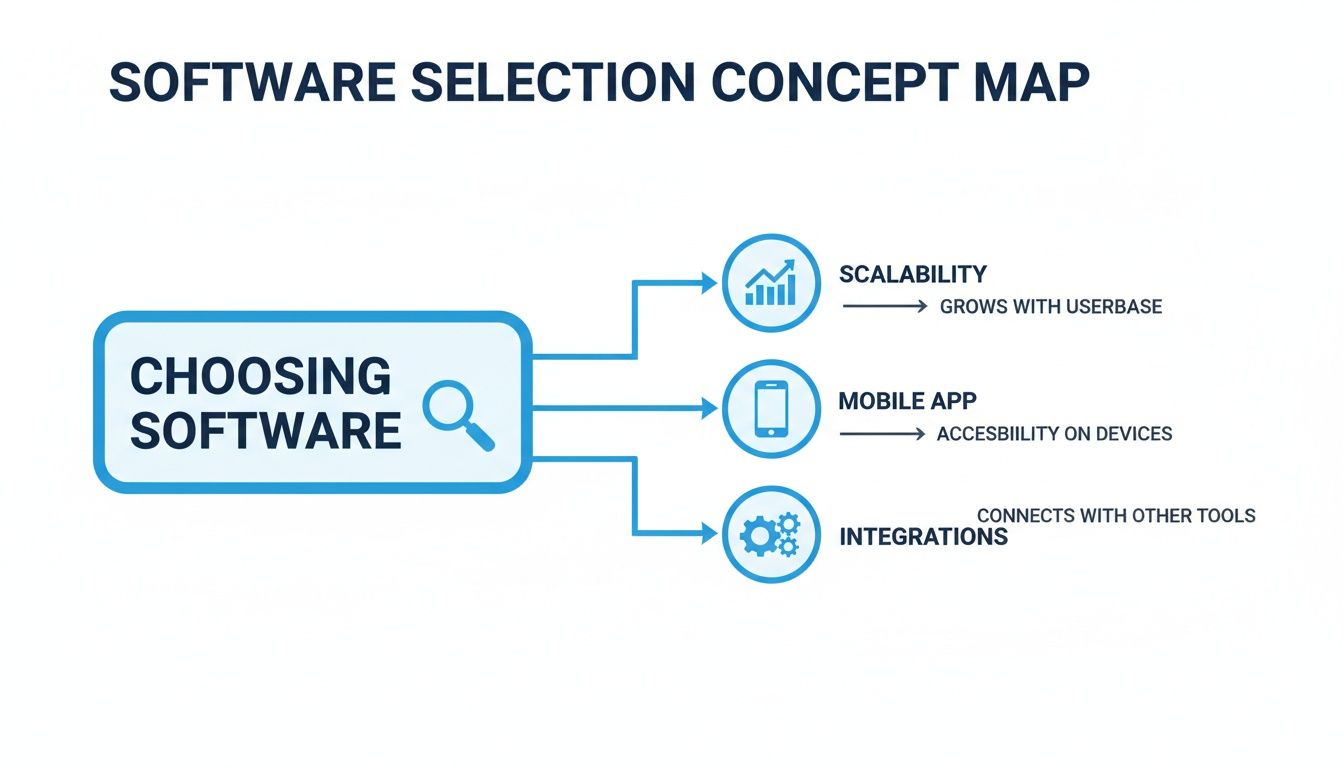
As you can see, these three pillars—scalability, mobile access, and integrations—are what support a truly modern, efficient operation.
Get Paid Instantly, Not Eventually
Here's another classic administrative drag: the invoicing process. A tech finishes a job, and then... what? Someone back at the office has to manually generate an invoice, email it out, and then chase down the payment. That delay is a direct hit to your cash flow.
By integrating your software with an accounting platform like QuickBooks or Xero, you can automate that entire workflow.
The moment a technician marks a job "complete" on their phone, the system can automatically create a detailed invoice in your accounting software and email it directly to the customer. The time from job completion to getting paid shrinks from weeks to hours.
This connection wipes out double data entry, slashes human error, and massively speeds up your payment cycle. For a company doing dozens of jobs a week, this automation can easily save 10-15 hours of administrative work, freeing up your office staff to focus on things that actually make you money.
Create a Five-Star Customer Experience
Integrations aren't just about internal efficiency; they also create a much better, more professional experience for your customers. Connecting your main software to your CRM is a perfect example of this. If you want to dive deeper into the nuts and bolts, check out our guide on what CRM integration means for your business.
Here’s how it works in the real world:
- A long-time customer calls to reschedule their quarterly service.
- Your integrated receptionist (whether AI or human) pulls up their record and makes the change in your scheduling software.
- The CRM is instantly updated with a note about the call and the new appointment date.
- The customer immediately gets an automated text and email confirming the change.
Every interaction is logged and shared across your systems. This means anyone on your team can have a full, up-to-date picture of that customer's history. It’s this unified view that lets you deliver the kind of organized, polished service that earns rave reviews and keeps customers coming back.
Your Smooth Software Implementation Plan
Switching to a new pest control business software feels like a huge undertaking, but it doesn't have to be. With a solid game plan, you can make the move smoothly without causing chaos in your day-to-day operations.
Think of it like prepping for a complex commercial job. You wouldn’t just show up and start spraying. You’d do a thorough inspection, map out your strategy, and brief your team so everyone knows their role. The same logic applies here. A little prep work turns a potentially stressful transition into a confident step forward for your company.
Phase 1: Get Your Data in Order
Before you even think about migrating, you have to clean up your existing data. If you pour messy records into a shiny new system, all you get is a faster, more expensive mess. This is your chance to get everything straight.
Go through your customer lists and service histories. Are there duplicate entries, like “123 Main St” and “123 Main Street” for the same client? Now is the time to merge them. Correct old phone numbers and standardize your records. It's tedious work, but it will save you from massive headaches down the road.
Phase 2: Train Your Team the Right Way
Let’s be honest: the biggest challenge with new software isn’t the tech, it’s getting your people on board. A single, two-hour training session is the fastest way to guarantee nobody remembers a thing.
A much better strategy is to use targeted micro-training for specific roles.
- For Your Techs: They live on their phones, so train them there. Record a few short videos (3-5 minutes max) showing them exactly how to pull up their route, update a job, log chemical usage, and take a payment in the field.
- For Your Office Staff: Focus their training on their core tasks. Create separate, quick guides on how to schedule a new customer, process invoices, and pull the reports they need.
This approach respects their time and gives them cheat sheets they can actually use when they get stuck.
A smooth transition depends entirely on team buy-in. When your technicians see the software as a tool that makes their jobs easier—not harder—they'll become its biggest advocates.
Phase 3: Go Live in Stages
Don’t try to do everything at once. A "big bang" launch is risky and can easily overwhelm your team. Instead, roll out the new pest control business software in phases. This lets everyone get comfortable with one piece of the puzzle before moving on to the next.
Here’s a simple, proven rollout plan:
- Weeks 1-2 (Scheduling & Dispatch): Start by using the software only for scheduling. Your team can get used to the new calendar and mobile app without the added stress of learning new billing procedures.
- Weeks 3-4 (Billing & Payments): Once scheduling is running like a well-oiled machine, turn on the invoicing and payment features.
- Week 5+ (Advanced Features): With the core functions mastered, you can start exploring the more advanced tools, like reporting dashboards and marketing automations.
Phase 4: Use Your Data to Optimize
After about 90 days, your new system will have collected a ton of valuable data. Now it's time to put that information to work.
Start digging into the reports. You can finally get clear answers to important questions. Which technicians are your most efficient? What are your most profitable services? Where are the bottlenecks in your routing?
Maybe you'll find that one of your routes could be tightened up to save an hour of drive time each day. Or you might realize a specific service consistently takes longer than you've been billing for. Use these insights to fine-tune your operations and unlock the true potential of your new software.
Common Questions About Pest Control Software
Whenever you're thinking about bringing new technology into your business, you're bound to have questions. When it comes to pest control business software, I find that owners often circle back to the same core concerns about cost, security, and whether it's really worth it.
Let's tackle the most common questions I hear from business owners just like you.
How Much Should I Expect to Pay?
Let's get right to it: what's this going to cost? That's the first question on almost everyone's mind, and the honest answer is that it really depends on the size of your operation and what you need the software to do. There’s no single price tag.
Instead, you'll usually find a few common pricing structures:
- Per-User, Per-Month Fees: This is probably the most popular model. You pay a set monthly fee for every person who needs access, from your techs in the field to your office manager. This can run anywhere from $30 to over $100 per user each month.
- Tiered Plans: Many companies package their features into different levels. A solo operator might get everything they need on a basic plan for $50-$150 a month. A growing company that needs multi-truck route optimization and detailed reporting might be looking at a higher-tier plan in the $300-$500 per month range.
- Base Fee Plus Add-ons: Some platforms start with a core subscription and let you bolt on extra capabilities as you need them, like advanced marketing tools or specific integrations. This can be a great way to start without overspending.
The most important thing is to find a provider whose pricing grows with you, not one that hits you with a massive price jump the moment you add another truck.
Can Software Really Help a One-Person Operation?
Absolutely. In fact, you could argue a solo owner-operator needs it more than anyone. Think about it—you’re the technician, the scheduler, the bookkeeper, and the sales team all rolled into one. The right software is like hiring your first admin for a tiny fraction of the cost.
It automates the tedious, non-billable work that eats up your evenings and weekends. Imagine finishing a job and the invoice is already in the client's inbox before you’ve even backed out of the driveway. Or starting your day with all your stops perfectly mapped out in the most efficient order. That's not just saved time; that's time you can use to squeeze in another paying job or finally follow up on new leads.
How Do I Know My Customer Data Is Secure?
It’s completely understandable to feel a little nervous about moving your customer list, financials, and schedules to a cloud-based system. But here’s the reality: a good software provider invests far more in security than a small business ever could on its own. They rely on bank-level security standards to keep your business and customer data locked down.
Security isn't just a bullet point on a feature list; it's the foundation of their business. Look for providers that talk about data encryption (which scrambles your data to make it unreadable to intruders) and role-based user permissions. This is huge, as it means a technician can see their own schedule but can't access your company's P&L report.
These protections guard you from both outside threats and simple internal mistakes, letting you focus on running your business.
What Is the Biggest Mistake Businesses Make?
I see this one all the time. The single biggest mistake is buying a great piece of software and then just forcing it on your team without getting their input first. You can spend a fortune on the "best" platform on the market, but if your technicians find it clunky or see it as "just more work," they won't use it correctly. And if they don't use it, your investment is worthless.
The solution is simple: involve your team from the very beginning. Ask them what their biggest daily frustrations are during the selection process. When it's time for training, don't just show them what to click. Show them why it helps them—no more messy paperwork, no more calling the office for an address, and instant access to service history.
When your crew sees the software as a tool that makes their job easier, you'll get the buy-in you need for a smooth and successful rollout.
Don't let missed calls and administrative headaches slow your growth. Recepta.ai works hand-in-hand with your business software to make sure every lead is captured and every appointment gets booked, 24/7. Find out how our AI-powered receptionists can help you book more jobs and give every customer a five-star experience. Get started with Recepta.ai today.