Solutions for Small Business: Your 2026 Growth Toolkit
Most small business owners don't have a workload problem. They have a systems problem.
You might be great at plumbing, dentistry, bookkeeping, legal work, or running a cleaning crew, but your day keeps getting eaten by missed calls, scattered notes, schedule changes, unpaid invoices, and follow-up that depends on memory. That's where growth stalls. Not because demand disappears, but because the business still runs like a single busy person instead of a connected operation.
The most useful way to think about solutions for small business in 2026 is as an Operational Flywheel. One tool captures the inquiry. Another stores the customer context. Another books the job. Another triggers reminders. Another collects payment and feeds the books. Each part makes the next part stronger. Random apps don't create momentum. A connected stack does.
The Small Business Scaling Challenge
A lot of owners are carrying five jobs at once. They answer phones between appointments, text prospects at night, patch together spreadsheets on weekends, and hope nothing slips through. The problem isn't effort. It's that manual work doesn't scale.
That pressure is widespread. Small businesses make up 99.9% of all U.S. businesses, and 66% struggle with financial challenges, often worsened by operating costs and missed opportunities tied to weak call handling, according to The Zebra's small business statistics. The same source notes that the global AI market for small and medium businesses is projected to reach USD 86.5 billion by 2033, and 57% of owners cite time savings as a key adoption driver.
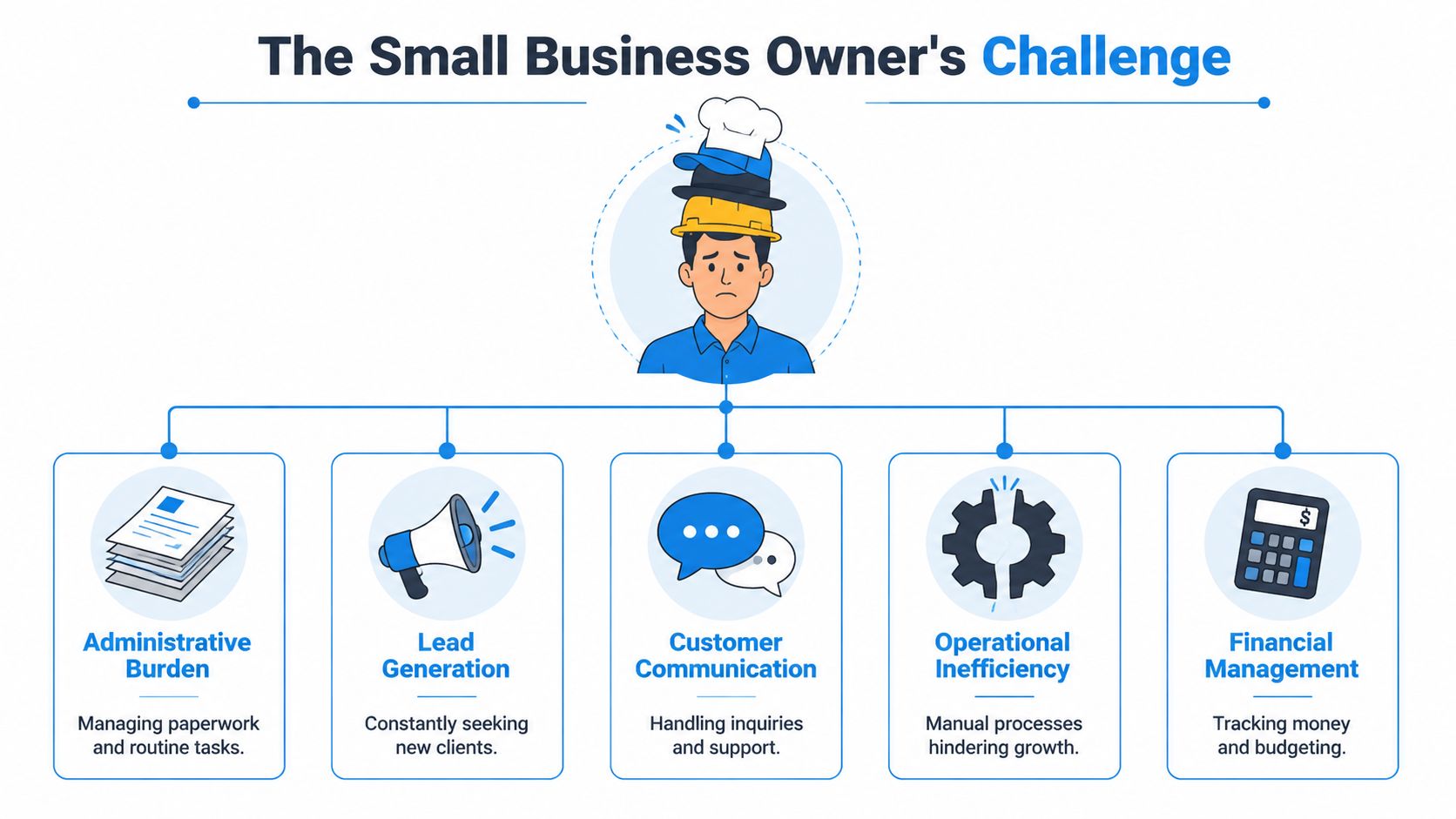
What operational drag looks like
The pattern is usually easy to spot:
- Communication breaks first: Calls go to voicemail, texts stay unanswered, web leads sit in an inbox.
- Customer data gets fragmented: One detail lives in email, another in a calendar note, another in someone's head.
- Scheduling becomes reactive: The team spends time reshuffling appointments instead of serving customers.
- Finance gets delayed: Invoices go out late, reporting lags, and decision-making turns into guesswork.
Each of those issues seems separate. They're not. They stack on top of one another.
Practical rule: If a customer has to repeat themselves every time they contact you, your tools aren't connected well enough.
The flywheel mindset
Owners often buy software one need at a time. A calendar tool here, a phone app there, a CRM later. That usually creates more tabs, more logins, and more copying and pasting.
A better approach is to build around flow. Inquiry to record. Record to appointment. Appointment to follow-up. Follow-up to invoice. Invoice to reporting.
That's why I like to frame solutions for small business as a flywheel rather than a shopping list. When the front end of the business works cleanly, every later step gets easier. When it doesn't, every department feels the friction.
If you're reviewing communication systems first, the SnapDial guide to growth is a useful place to compare how modern business calling fits into a broader growth plan.
The Front Door Modern Communications Solutions
At 5:42 p.m., a homeowner finds water spreading across the kitchen floor and calls the first plumber on Google. If that call hits voicemail, the sale is already drifting to the next company on the list.
That is why communications sit at the front of the operational flywheel. If the first contact is captured cleanly, every system behind it gets better data and a better chance to do its job. If the first contact is messy, the CRM fills with gaps, scheduling starts with bad information, and follow-up becomes guesswork.
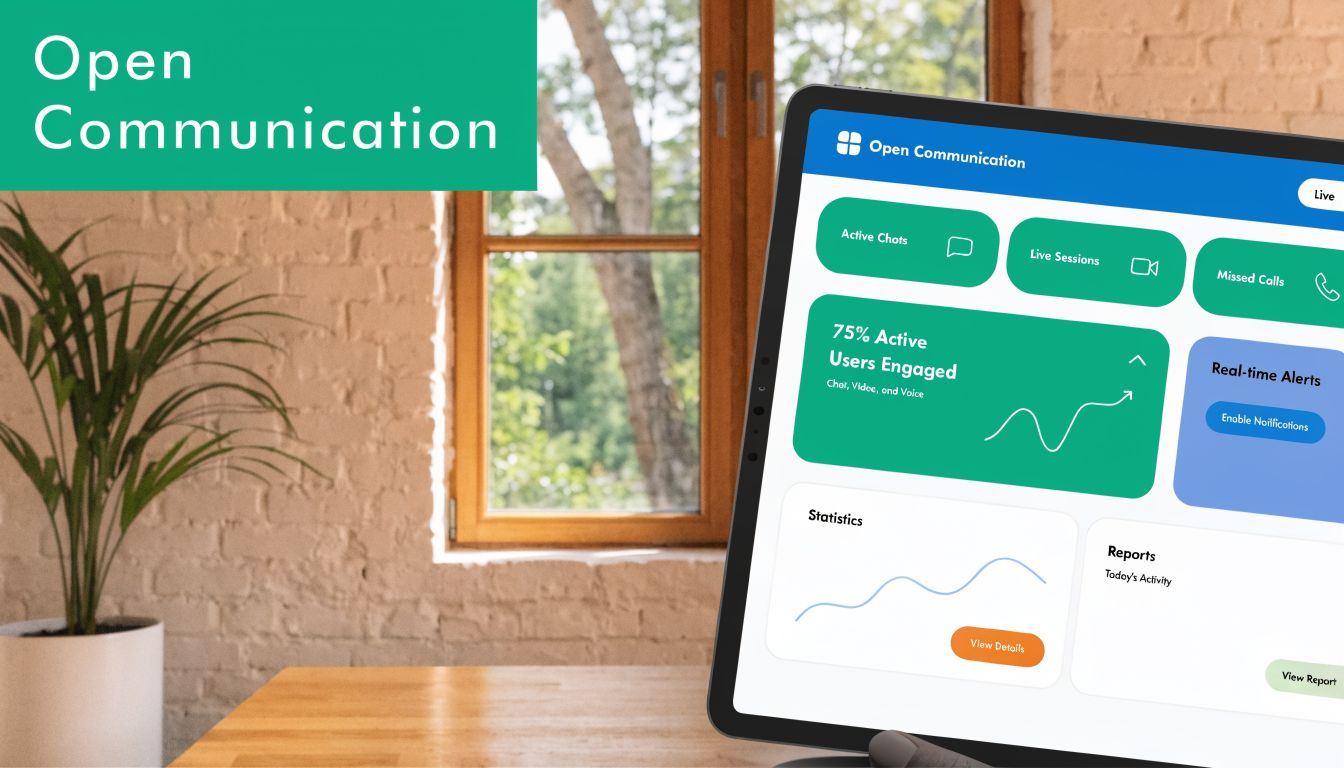
Why the old setup breaks under growth
A cell phone, a front-desk line, and voicemail can carry a business for a while. Then volume increases. Calls arrive during jobs, after hours, and while staff are tied up with paying customers. The failure point is rarely effort. It is handoff.
I see the same pattern across home services, dental practices, legal firms, and insurance agencies. One person has the text thread. Another has the voicemail. The calendar lives somewhere else. By the time someone pieces it together, the prospect has cooled off or booked elsewhere.
The cost is not only lost leads. It is rework. Staff spend time asking questions the customer already answered, retyping contact details, and correcting scheduling errors that started with incomplete intake.
What a modern front door needs to do
A good communications setup does more than answer the phone. It should capture intent, route it correctly, and pass the right context into the next system.
The core pieces usually look like this:
- Business VoIP: Routes calls by location, service line, or urgency. It also gives managers call logs and attribution data.
- Shared messaging inboxes: Keep texts, chat, and web inquiries out of personal devices and visible to the team.
- AI-supported intake with human escalation: Collects routine details, answers common questions, and hands off sensitive or complex calls to staff.
- CRM and calendar connections: Turn a conversation into a contact record, task, or appointment without duplicate entry.
According to Forbes Advisor's small business phone system guide, modern business phone platforms commonly include call routing, voicemail transcription, analytics, and CRM integrations. Those features matter because they reduce administrative drag. They also make the rest of your stack more useful.
A communication tool earns its place when it reduces handoffs, not when it adds another inbox to check.
How this works in practice
Take that plumbing company again. An after-hours emergency call comes in. The system answers immediately, identifies it as urgent, captures the address, logs the issue, and offers the next available dispatch window. If the customer sounds distressed or the job falls outside preset rules, the call escalates to the on-call manager.
Now the front office starts the next day with a complete record instead of a vague voicemail. The dispatcher sees the problem type. The technician arrives with context. The owner can trace whether those calls came from paid search, local SEO, or repeat customers.
That is the flywheel effect. Better intake improves records. Better records improve scheduling. Better scheduling improves service delivery and follow-up.
One option in this category is AI receptionist for small business, which explains how AI-supported reception can handle routine intake while sending more sensitive conversations to a person.
What to check before you buy
Some communication tools look polished in a demo and create more friction in real use. I tell owners to vet them against operating reality, not feature lists.
| Question | Why it matters |
|---|---|
| Does it answer or route after-hours inquiries? | High-intent prospects often call outside office hours. |
| Does it write information into your CRM and calendar? | If not, staff will keep copying details by hand. |
| Can it send complex or emotional calls to a human? | Medical, legal, financial, and upset-customer calls need judgment. |
| Does it keep searchable summaries, recordings, or logs? | Clear records reduce missed follow-up and bad handoffs. |
The front door has one job. Capture demand while it is still warm, then push it into the rest of the system without losing context.
Building Relationships With CRM and Customer Management
Once you've captured the conversation, you need somewhere reliable for it to live. That's the CRM's job.
The simplest explanation is this. A CRM is a digital rolodex with a memory. It doesn't just store names and phone numbers. It stores context: what the customer asked for, when they called, what they were quoted, what happened next, and what should happen now.
Why spreadsheets stop working
Spreadsheets feel efficient early on because they're familiar. Then the business grows a little, and the weaknesses show up fast. One person updates the sheet. Another forgets. A third keeps separate notes in email. Nobody knows which version is current.
That's where centralized customer management starts paying off. Advanced CRM and data platforms can reduce analysis time by up to 75% compared to manual spreadsheet methods, and centralizing data can improve decision accuracy by 20% to 30%, with sales use cases showing pipeline predictions of over 85% accuracy, according to Business News Daily's overview of big data solutions.
A practical CRM flow
A real estate agent is a good example because the sales cycle has a lot of moving parts.
A lead comes in through a website form or phone call. The CRM creates a record. Notes from the first inquiry are attached. A follow-up task is assigned. Property preferences are saved. Viewing dates are tracked. Every email and call becomes part of the same timeline.
Now the agent isn't guessing which prospects need attention. The system shows it.
That's also where integration matters. If your communication system sends intake details straight into the CRM, you avoid the common failure point where a promising lead sits in someone's text thread. This overview of what CRM integration means in practice is useful if you're trying to connect customer conversations with the rest of your operational tools.
A CRM doesn't create discipline by itself. It makes discipline visible, repeatable, and easier to manage.
What a small business should actually track
Most owners overcomplicate CRM setup at first. Keep the fields practical.
- Source of inquiry: Call, website form, referral, ad, repeat customer.
- Service interest: What they want, in plain language.
- Stage: New lead, quoted, booked, completed, awaiting payment, lost.
- Next action: Call back, send estimate, confirm appointment, follow up in a week.
- Important context: Access instructions, family details, urgency, prior concerns.
If you run a legal office, that may mean consultation status and matter type. If you run a dental clinic, it may mean treatment category and appointment history. If you run a cleaning business, it may mean frequency, square footage, and preferred schedule.
What works and what doesn't
What works is one shared system with clear ownership. What doesn't work is a CRM that becomes a dumping ground with no process behind it.
Good CRM use usually comes down to three habits:
- Every new lead gets entered automatically or immediately.
- Every open opportunity has a next step.
- Every customer interaction updates the same record.
When that discipline is in place, follow-up gets sharper and the business feels less chaotic because the team no longer depends on memory.
Eliminating Chaos Through Scheduling and Automation
Scheduling is where many service businesses bleed time without noticing it. The work isn't hard. It's repetitive, interrupt-driven, and costly when handled manually.
A dental clinic shows the problem clearly. The front desk takes calls, checks availability, leaves reminder voicemails, reshuffles cancellations, and tries to fill open slots. By the end of the week, the team has spent hours doing coordination work that software should handle.
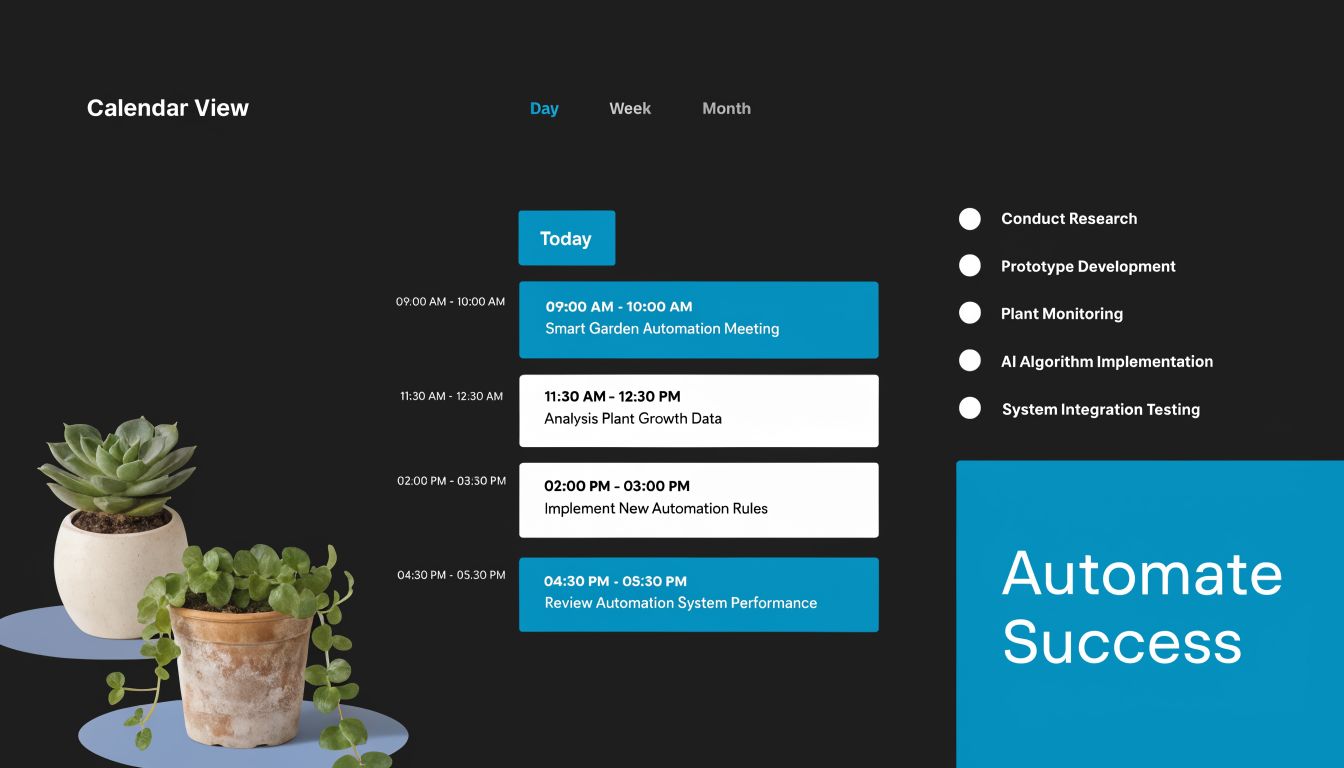
Before and after the handoff to automation
Before automation, the schedule lives in too many places. The calendar says one thing, the patient says another, and the CRM may not reflect either. Staff spend their day confirming, apologizing, and patching holes.
After automation, the booking process starts to feel orderly. A patient books online or by phone. The appointment syncs to the calendar. The customer record updates. Reminder messages go out automatically. Rescheduling follows rules instead of requiring a long chain of calls.
That shift changes customer experience, but it also changes staffing. Front-desk employees stop acting like switchboards and start handling the exceptions that need a person.
A practical walkthrough of automated appointment scheduling software can help if you're mapping how booking, reminders, and staff calendars should connect.
Where automation helps most
The biggest wins usually come from a short list:
- Booking intake: Let customers request or confirm times without waiting for office hours.
- Reminder workflows: Reduce forgotten appointments and last-minute confusion.
- Rescheduling rules: Fill open spots faster when someone cancels.
- Staff coordination: Make availability visible so double-booking becomes rare.
This is a good point to see the workflow visually:
The trade-off most owners miss
Automation can feel impersonal if it's badly designed. The answer isn't to avoid it. The answer is to automate the predictable parts and leave room for human judgment where it matters.
A wellness clinic shouldn't force every nuanced scheduling issue through a rigid form. A contractor shouldn't use the same workflow for a routine estimate and an urgent damage call. The strongest systems use automation to remove clerical work, then route special situations to a person quickly.
That's the pattern across good solutions for small business. Standardize the repeatable steps. Protect human time for the moments that deserve it.
Driving Growth With Marketing and Lead Capture
Monday starts with a familiar problem. Three quote requests came in over the weekend, two social media messages are still unanswered, and one past customer is ready to book again but never got a callback. The issue is not a lack of interest. The issue is that demand is landing in five places and dying in the handoff.
That is why marketing for a small business has to be built as part of an operating system, not as a pile of disconnected campaigns. A good campaign does more than get attention. It feeds a working pipeline. Every form, call, ad click, and referral should enter the same process, get assigned fast, and move toward an estimate, appointment, or sale.
Start with one offer and one path
The businesses that get traction usually simplify first.
A local cleaning company is a good example. Run one timely offer such as spring cleaning, move-out cleans, or a back-to-school reset. Send traffic to one landing page. Capture the name, service need, ZIP code, and preferred timing. Push that lead into the CRM. Trigger a follow-up text or email. If the prospect is qualified, move them straight to a quote or booking step.
That is the operational flywheel in practice. Marketing creates intent. Lead capture records it. Your CRM keeps the context. Your communication tools drive response. Your scheduling process converts interest into revenue.
Build a starter stack that connects
Small businesses do not need ten marketing tools. They need a few tools that share information cleanly.
- Email marketing with Mailchimp: Good for reactivating old leads, promoting seasonal services, and keeping past customers warm between purchases.
- Social scheduling with Buffer: Useful if you want consistent visibility without relying on someone to post manually every day.
- Simple landing pages with Carrd: A practical fit for service offers, quote forms, and campaign-specific pages that are quick to launch.
- Lead routing into your CRM: This is the step that determines whether marketing spend turns into booked work or scattered inquiries.
If you want a grounded overview of campaign mechanics, effective lead generation strategies for small businesses is a practical resource because it stays focused on generating real inquiries instead of vanity metrics.
Measure the handoff, not just the click
Owners often spend too much time on reach, impressions, and follower counts. Those numbers have a place, but they do not tell you where growth is stalling.
Track the points where momentum is won or lost:
| What to review | What it tells you |
|---|---|
| Lead source | Which channels produce qualified inquiries |
| Speed to first response | Whether your team is contacting prospects before interest goes cold |
| Quote or booking rate | Whether your offer and follow-up process are converting demand |
| Repeat customer activity | Whether marketing is supporting retention, not just first-time sales |
A business with average ads and strong follow-up will often outperform a business with better ads and weak intake. I have seen that pattern repeatedly. The return comes from shortening response time, keeping lead records in one place, and making the next step obvious.
Lead tracking needs structure. If your team is collecting names from website forms, calls, Facebook messages, and referral partners, lead management software for small business helps you set up one system for ownership, status, and follow-up.
Better capture beats louder promotion
More traffic does not fix a broken intake process. It just sends more prospects into the same leak.
The better move is to tighten the system first. Use campaigns your team can sustain. Route every inquiry into one pipeline. Follow up while intent is still fresh. Once that machine is working, each new marketing channel adds more value because the rest of the stack is ready to convert it.
Getting Paid Using Modern Payment and Bookkeeping Solutions
Revenue only matters when it becomes collected cash and usable insight.
A lot of businesses still treat payments and bookkeeping as back-office chores. That's a mistake. Payment systems and accounting tools tell you which services produce healthy margins, which customers pay slowly, which team members are filling the schedule efficiently, and where operational friction is costing you money.
The operational upgrade
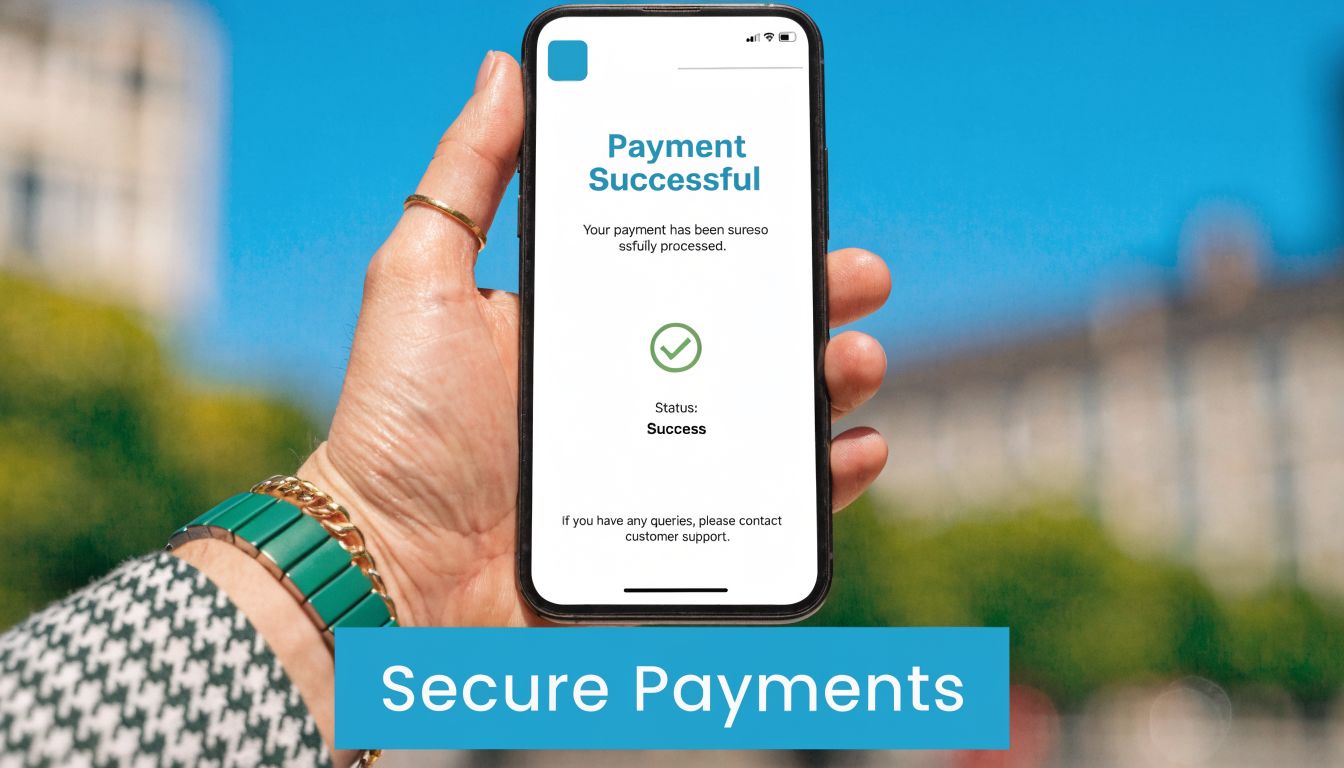
Modern payment tools like Stripe and Square remove a lot of friction at the moment of purchase. A customer can pay online, in person, or from an invoice link without your staff chasing checks and phone payments. That alone improves cash flow discipline.
Cloud bookkeeping tools like QuickBooks Online and Xero matter for a different reason. They keep the financial record current enough to make decisions from. When transactions, invoices, and expenses flow into one system, you stop waiting until month-end to discover problems.
Why reporting speed matters
The value isn't just admin time saved. It's management visibility.
Small businesses using modern BI tools like Microsoft Power BI report 2.5x faster reporting cycles and a 28% increase in revenue from data-driven decisions, according to Miles Education's write-up on big data for small business. The same source says these tools can predict appointment demand with 90% accuracy and help cut no-show rates by 15% to 20% by analyzing call logs and schedules.
Those numbers matter because they show what happens when operational and financial data are connected. Reporting gets fast enough to guide action instead of documenting history after the fact.
What that looks like in practice
Here's the useful chain:
- A customer books a service.
- The appointment is confirmed in the calendar.
- The job is completed.
- The invoice goes out automatically.
- Payment status syncs back to your system.
- The owner reviews service line profitability and overdue balances in one dashboard.
That's a very different business from one where the owner asks, “Did we send that invoice yet?” three weeks later.
If you're improving the handoff between form submissions, follow-up, and conversion, convert leads with Formzz tools is a good companion resource because lead capture quality often affects how quickly revenue gets recognized.
Fast payment is useful. Fast visibility is what helps you steer the business.
Where owners should be careful
Automation can create false confidence if the categories are sloppy. If your payment processor, bookkeeping tool, and reporting dashboard all use different naming conventions, you'll still get bad data, just faster.
A few habits help:
- Standardize service names: Don't call the same offering three different things in three systems.
- Review unpaid invoices weekly: Not monthly, not “when there's time.”
- Separate bookkeeping from interpretation: Recording transactions is one job. Using them to make pricing and staffing decisions is another.
- Build a simple dashboard first: Revenue by service, open invoices, booking volume, and schedule utilization are enough to start.
The goal isn't to become a finance analyst. It's to build a system where money movement becomes visible early enough to act on.
Building Your Small Business Tech Stack
The right stack isn't the one with the most software. It's the one your team will use, in the right order.
Owners get overwhelmed when they try to fix everything at once. Don't. Build the flywheel sequentially so each layer supports the next.
A practical rollout order
Start here:
Fix the front door
Upgrade calling, messaging, and intake first. If inquiries still fall through the cracks, every later investment underperforms.Create one source of truth
Put customer records in a CRM. Stop relying on inboxes, notebooks, and memory.Automate scheduling and reminders
Once customer data is centralized, connect calendars, booking links, reminders, and staff availability.Tighten lead capture and follow-up
Add simple landing pages, email nurture, and social scheduling only after the operational path is ready.Connect payments and books
Make invoices, collections, and reporting part of the same system so you can see what's working.
How to choose without getting stuck
Use a decision filter instead of chasing features.
- Choose integration over novelty: A decent tool that syncs well often beats a smarter-looking tool that lives alone.
- Protect handoffs: Every place where staff copy and paste data is a likely failure point.
- Buy for the exception cases too: A scheduling tool that can't handle real-world edge cases will frustrate your team fast.
- Keep the team load realistic: If setup requires perfect discipline from day one, adoption usually slips.
The simplest stack is often the strongest
For many service businesses, a durable setup looks like this:
| Business function | What to use it for |
|---|---|
| Communications | Answer calls, capture leads, route inquiries |
| CRM | Store customer records and next steps |
| Scheduling | Book jobs, send reminders, manage changes |
| Marketing tools | Run simple campaigns and capture demand |
| Payments and bookkeeping | Collect revenue and monitor performance |
That's enough to create momentum without turning operations into a software project.
The best solutions for small business don't remove hard work. They remove repeated clerical work, prevent avoidable misses, and make good service easier to deliver consistently. That's what creates growth you can maintain.
If you want to tighten the front door of your business without rebuilding everything at once, Recepta.ai is one option to evaluate. It handles inbound and outbound calls, appointment scheduling, lead capture, and follow-ups with AI plus human escalation, and it connects with the CRM and calendar tools that make the rest of the flywheel work.