Best VoIP iPhone Apps for Business Success

A physician leaving one clinic for another still needs to return patient calls. A partner at a law firm still needs to see which client voicemail came in after hours. If those calls and texts are tied to personal cell numbers, the business loses control the moment work happens away from the desk.
That creates predictable problems. Clients and patients see a random mobile number instead of the main business identity. Calls go unanswered because there is no queue, no routing logic, and no shared coverage. Records also get scattered across individual phones, which becomes a real issue for supervision, retention, and compliance.
VoIP iPhone apps fix that by turning the phone your team already carries into a business endpoint. The right app can give staff extension dialing, shared call handling, voicemail, business texting, and in some cases video meetings and team chat. For companies trying to separate personal and work communications, that change is practical, not cosmetic. It reduces missed handoffs and makes offsite work easier to control.
The key decision is simpler than many buyers expect. Some businesses need an all-in-one UCaaS platform that bundles calling, messaging, meetings, admin controls, and integrations in one app. Others already have a PBX or SIP service and only need a reliable iPhone softphone. That split matters more than feature-count marketing.
If your team wants one vendor, centralized administration, and less setup work, start with modern cloud phone systems. If you already use SIP trunks, run 3CX, or have a legacy phone environment you are not replacing yet, a dedicated softphone may be the better fit. The same goes for businesses with specific texting workflows that depend on business VoIP text messaging options, rather than a full unified communications rollout.
Compliance and existing tools should drive the choice. A small legal office using Microsoft 365 may be better served by a platform that ties calls, voicemail, and identity management into that stack. A healthcare group with HIPAA requirements may prefer a provider with clearer admin controls, documented security options, and less reliance on staff forwarding calls to personal numbers. The sections below are organized around that real-world split: all-in-one UCaaS apps first, then pure SIP softphones.
1. RingCentral (RingEX)
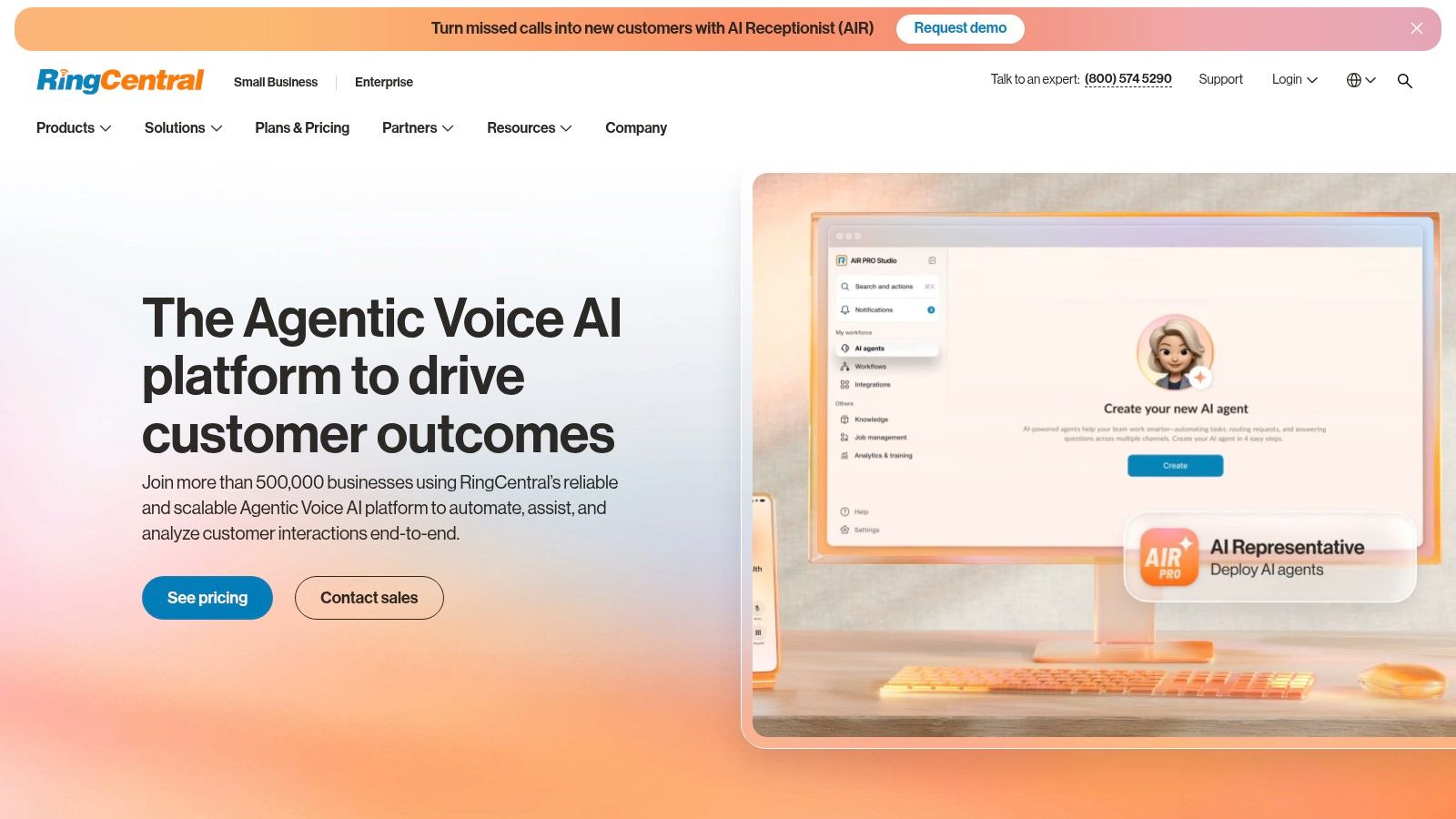
RingCentral is the safe recommendation when a business wants one app to cover calling, messaging, video, and admin controls without a lot of improvisation. On iPhone, it feels like a mature business tool instead of a mobile companion bolted onto a desktop product.
For healthcare groups, legal offices, and franchises, that matters. You’re usually not solving just “how do I make calls on an iPhone.” You’re solving shared inbound coverage, department routing, voicemail management, SMS from a business line, and basic reporting that a manager can use.
A multi-location clinic is a good fit. Each office can have its own number and routing path, patients can reach billing or scheduling through auto-attendant options, and front-desk staff can answer from their iPhones when they’re away from the physical desk. That setup is often cleaner than forwarding calls all over the place and hoping someone picks up.
Where RingCentral works best
RingCentral is strongest when the phone system needs to be more than a dial pad. Call queues, IVR, recording options, analytics, fax support, and a large integration ecosystem make it a good choice for organizations that already live in Microsoft 365, Google Workspace, or Salesforce.
Its iOS experience also benefits from native mobile behavior. In the broader iPhone VoIP market, enterprise buyers continue to favor iOS for security, management controls, and native app integration, which is part of why iOS is projected to grow revenue at a 16.88% CAGR through 2030.
Practical rule: Pick RingCentral when your phone system needs an owner in operations, not just in IT.
The trade-off is cost discipline. RingCentral can become expensive once you add recording, higher-tier admin features, or specialized compliance requirements. It scales well, but not cheaply.
A second trade-off is complexity. Small teams sometimes buy RingCentral and then use only the basics. If you won’t use queues, analytics, routing, and integrations, you may be paying for muscle you don’t need. If business texting is part of your workflow, this guide on VoIP text messaging for business is worth reviewing before rollout.
2. Zoom Phone
Zoom Phone makes the most sense when your team already spends half its day inside Zoom. In that environment, adding phone service is less about changing behavior and more about removing friction.
That’s why I usually recommend it to distributed companies, consultancies, and service teams that already use Zoom Meetings and Chat as their default workspace. A project manager can move from chat to voice without switching apps, and that sounds minor until you see how much context gets lost when staff juggle separate calling tools.
For a tech company with remote engineers, product managers, and client-facing success reps, Zoom Phone creates a clean handoff between internal collaboration and external calling. One app, one login pattern, one place for presence and communication history. That’s easier to train and easier to support.
Best fit for Zoom-first organizations
Zoom Phone includes voicemail, transfer, park, queues, auto attendants, and number portability. It also works well for organizations with some international footprint because Zoom has broad geographic support and carrier options.
This is often a better choice than buying a separate phone platform if your people already think “open Zoom” whenever they need to communicate. In hospitality and distributed service environments, that simplicity matters. For readers comparing setups for guest-facing teams, it’s also useful to discover VoIP for hospitality properties.
If your staff already live in Zoom, adding a different phone app usually creates more support tickets, not more flexibility.
The trade-off is that Zoom Phone can feel lighter on phone-system depth than platforms built around telephony first. It covers a lot, but the farther you move into advanced recording, specialized compliance, or complex call handling, the more carefully you need to validate the exact bundle and add-ons.
Another practical limitation is pricing clarity. Zoom’s packaging varies by region and plan, so budget comparisons take more effort than they should. If you’re a small business replacing a basic legacy line, map your must-haves first, then compare only the bundles that include them. This overview of a small business phone system can help narrow that list.
3. Microsoft Teams Phone
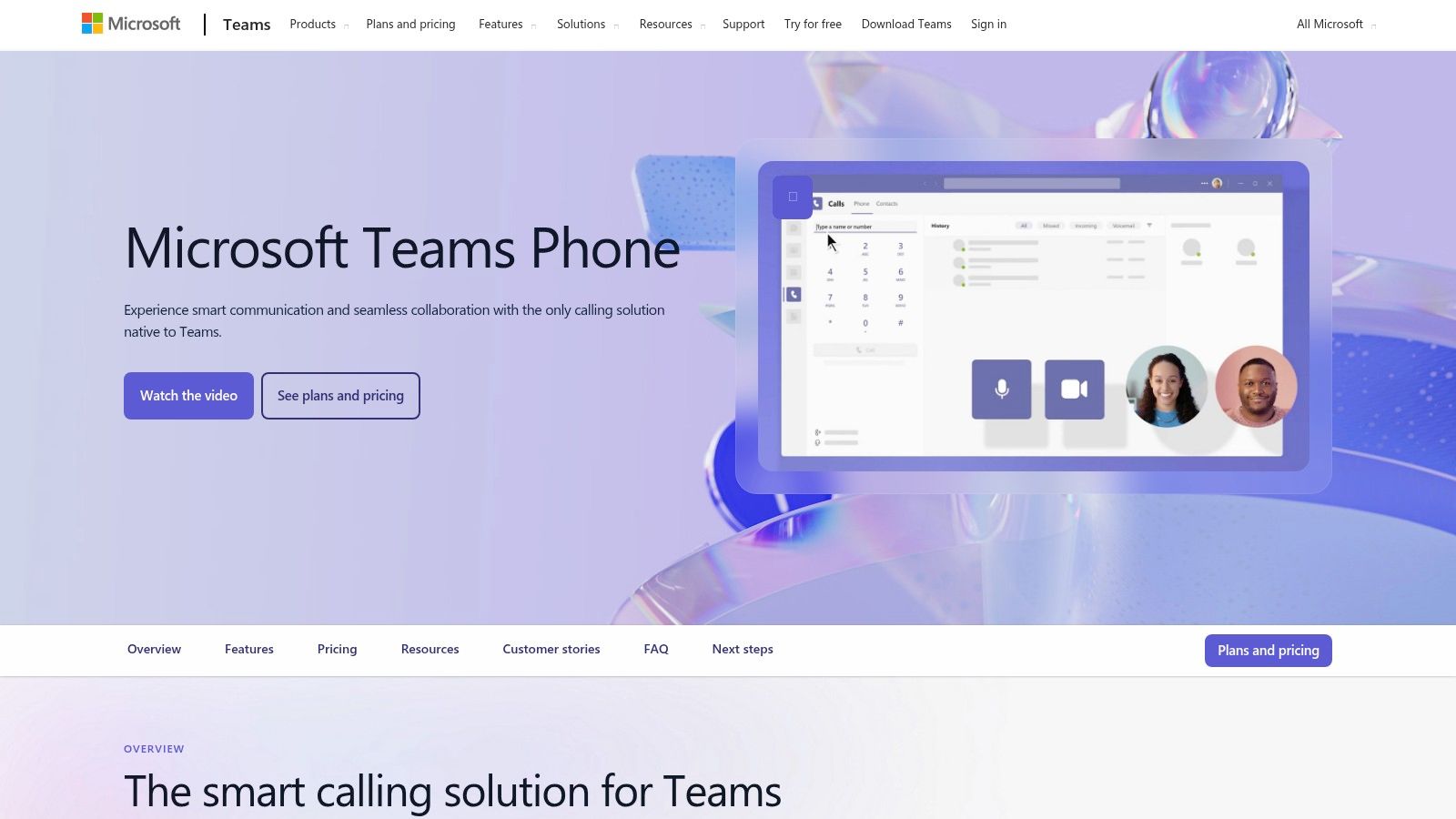
Microsoft Teams Phone fits companies that have already standardized on Microsoft 365 and want calling inside the same admin and identity stack. In practice, that makes it one of the clearest all-in-one UCaaS choices on this list, not a pure SIP softphone. If your users already live in Outlook, Teams, Entra ID, and SharePoint, adding a separate phone app often creates extra provisioning, extra support work, and another place to troubleshoot sign-ins.
I see this most often with legal, healthcare administration, and larger professional services firms. A law office can keep presence, meetings, chat, and calling in one environment, which matters when attorneys, assistants, and intake staff all need to see availability before transferring a client call. In a healthcare setting, the appeal is usually governance first. User access, device policies, conditional access, and retention settings stay closer to the Microsoft controls the IT team already manages. If HIPAA is part of the discussion, that consolidation can simplify review, but it does not remove the need to verify your exact licensing, data handling, and compliance configuration.
Teams Phone also gives larger organizations more PSTN flexibility than many buyers expect. You can choose Microsoft Calling Plans, Operator Connect, or Direct Routing, and that decision affects both cost and control. Direct Routing can make sense if you already have carrier contracts or site-specific telephony needs. Smaller firms usually do better with the simpler path, even if the per-user pricing looks less elegant on paper.
The iPhone app is solid for day-to-day business use, especially for users who already rely on Teams for meetings and chat. A key advantage is consistency. Staff do not have to learn a second communication workflow just to place or receive calls.
Teams Phone supports auto attendants, call queues, voicemail, delegation, and call park. Those features cover a lot of common business use cases. The limit shows up when the phone system is doing frontline operational work, such as legal intake, multi-location healthcare scheduling, or high-volume service dispatch. In those cases, Teams Phone often needs a contact center or reception layer from another vendor.
- Choose Teams Phone if your company is already deep in Microsoft 365: It keeps identity, policy, and user management in one place.
- Choose it carefully if compliance is a buying factor: It can fit regulated environments, but only after you confirm your licensing, retention, recording, and administrative controls.
- Look elsewhere if you want simple pricing: Cost depends on your Microsoft plan, PSTN model, and any add-ons for recording or advanced routing.
Voicemail is usually one of the first workflows teams try to clean up after rollout. For firms that need faster follow-up and less inbox clutter, this guide to voicemail to email for business teams is worth reviewing.
4. Google Voice for Google Workspace
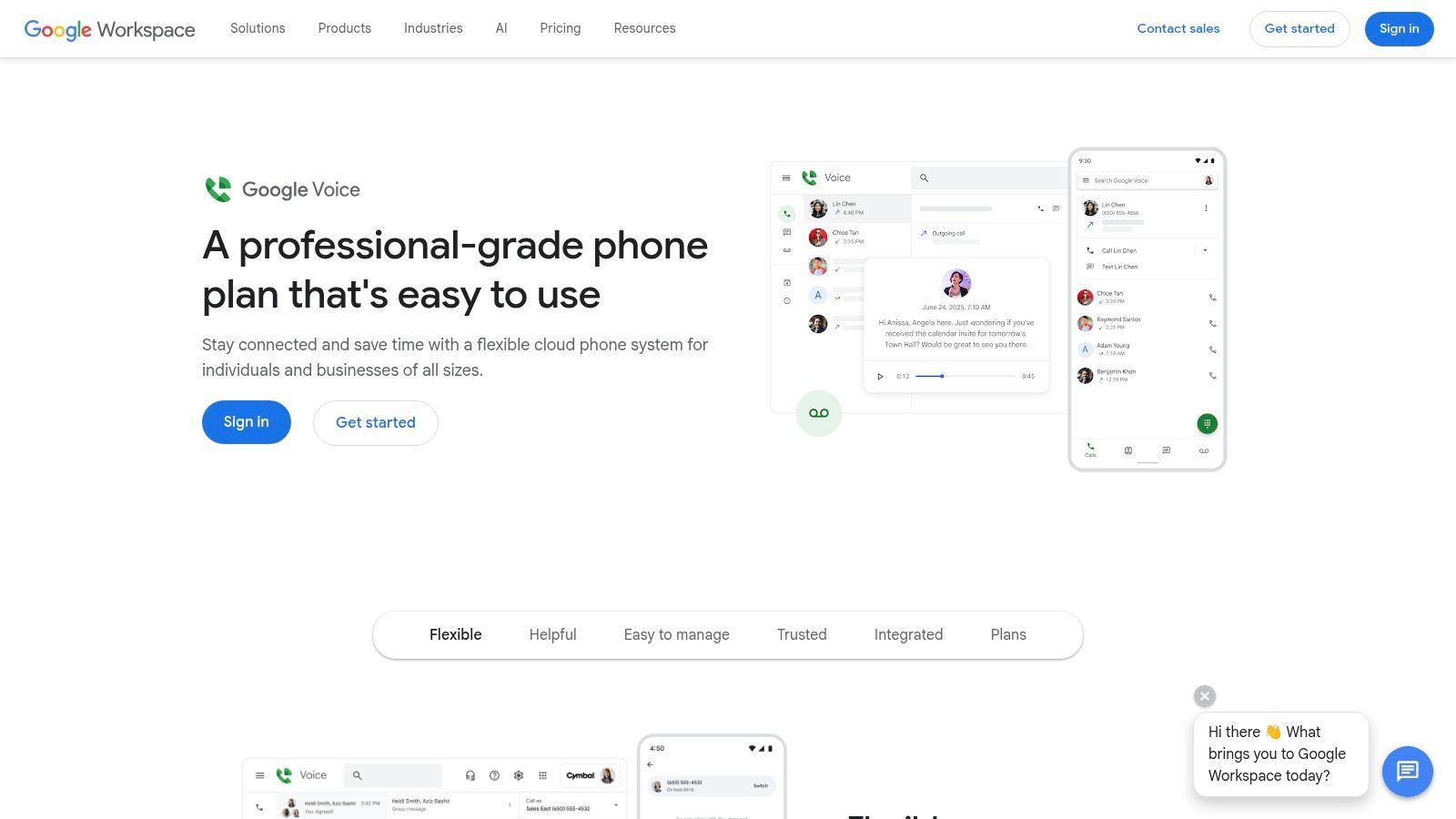
Google Voice for Google Workspace is the practical answer for small teams that don’t need a heavy UCaaS stack. If your company already lives in Gmail, Calendar, and Drive, Google Voice is easy to deploy and easy to explain.
That simplicity is why I like it for solo operators, small clinics, agencies, and home service businesses with light call routing needs. A consultant can answer from iPhone or laptop, review voicemail transcripts between meetings, and avoid handing out a personal number. For a small dental office, it can provide a basic professional layer without turning the phone system into a project.
It’s also one of the easier services to keep tidy. User management feels familiar to any Workspace admin, and the odds of staff resisting the app are lower because it doesn’t try to be everything.
Where Google Voice starts to feel small
Google Voice covers business numbers, forwarding, voicemail transcription, and, on higher tiers, ring groups and auto attendant. That’s enough for many small operations. It’s not enough for every growing one.
The main trade-off is depth. Once a team wants richer analytics, broader CRM integration, more advanced queue behavior, or more nuanced permissions, Google Voice starts showing its limits. It’s functional. It’s not especially ambitious.
Google Voice is a good small-business phone service. It’s rarely the final platform for a company with multi-location complexity.
That matters in sectors where intake and follow-up are revenue-critical. A plumbing company that only needs one main line and a few users may be fine. A larger HVAC business with dispatchers, after-hours escalation, and technician texting from business numbers will usually outgrow it.
If your team is under pressure to answer quickly and log every customer interaction, choose Google Voice only if you’re sure your process is still simple. Once routing, CRM sync, and escalation become central, moving later is possible, but it’s still a migration.
5. Dialpad
A field sales rep misses three client calls between site visits, then has to piece together what happened from voicemails, text threads, and CRM notes. Dialpad appeals to teams trying to avoid that mess. It is an all-in-one UCaaS platform built for people who live on their iPhone and want calling, messaging, meetings, and AI summaries in one place.
Dialpad is usually a strong fit for sales organizations, real estate teams, recruiters, and multi-location service businesses that care more about adoption than deep telephony customization. The app is clean, the learning curve is low, and staff can usually start using it without much hand-holding from IT.
That matters in businesses where speed affects revenue. A real estate agent can return calls from the business number, review a transcript after a showing, and log follow-up without rebuilding the conversation from memory. A home services company can let office staff and technicians work from the same system instead of juggling personal numbers and forwarded calls. If your team frequently needs to activate call forwarding on business lines during schedule changes or after-hours coverage, that mobile-first design helps.
Where Dialpad fits, and where it does not
Dialpad sits in the UCaaS camp, not the pure SIP softphone camp. That is a practical distinction. If you want one vendor for phone service, SMS, video, and light AI assistance, Dialpad makes sense. If you already have a PBX, need to register against a specific SIP environment, or want very fine-grained control over call behavior, a softphone like Bria or Groundwire is usually the better tool.
I usually shortlist Dialpad for companies that want a modern app experience first. I do not put it at the top for organizations with strict compliance rules or unusually detailed routing logic.
Healthcare is a good example of the trade-off. A private practice may like the mobile workflow and voicemail transcription, but HIPAA requirements, retention policies, and access controls need closer review before rollout. Legal teams have a similar issue. Attorneys often want mobile convenience, but they also care about documentation, admin controls, and predictable call handling across intake, assistants, and partners.
A few buying notes matter:
- Best for: SMBs and mid-sized teams that want one mobile-friendly app for business calling, texting, voicemail, meetings, and AI notes.
- Less ideal for: Businesses with complex queue logic, unusual handset setups, or a hard requirement to fit into an existing SIP stack.
- Check before buying: Which AI features, integrations, and admin controls are included in your plan tier.
The main risk with Dialpad is that the polished interface can make the platform look broader than it is. Some features that matter in production, such as integrations, analytics depth, or admin controls, may depend on plan level. Support quality can also matter more than buyers expect once the system becomes client-facing. That does not make Dialpad a weak option. It means you should test the exact workflows your team relies on, not just the demo.
6. Vonage Business Communications (VBC)
Vonage Business Communications sits in the mature-platform category. It’s not the newest-looking tool in every comparison, but it’s broad, proven, and usually capable enough for organizations that want business calling, messaging, video, and a desk phone path if needed.
That makes it a realistic option for healthcare practices, wellness businesses, and growing multi-location operations. A franchise fitness brand, for example, can run a main number with auto-attendant prompts, route callers to the correct studio, and let local managers answer from the iPhone app when they’re away from the front desk.
I often put Vonage on a shortlist when the client wants a known vendor, broad feature coverage, and a system that can support both mobile users and more traditional office phone habits. Some teams still want common-area phones, paging, or a familiar desk setup. Vonage handles that mixed environment well.
Trade-offs that matter before you buy
VBC offers calling, messaging, meetings, queues, auto attendants, paging/intercom, and app integrations. That’s a healthy set for most SMB and lower-midmarket use cases.
Its main weakness isn’t capability. It’s buying clarity. Pricing is usually sales-assisted, contracts can vary, and some features land behind higher tiers or add-ons. That doesn’t make it a bad buy, but it does mean you need a detailed requirements list before you talk to sales.
Mature platforms are usually easier to trust than to price.
Another practical issue is rollout discipline. Businesses often buy VBC for routing and reliability, then leave basic settings untouched for months. That leads to generic greetings, bad forwarding rules, and missed after-hours calls. If your team needs mobile continuity, set forwarding and fallback paths on day one. This walkthrough on activating call forwarding for business use is a useful implementation reference.
Vonage is best for buyers who want a broad, established phone ecosystem and don’t mind a more traditional procurement process.
7. GoTo Connect
GoTo Connect is a practical fit for service businesses that need fast rollout and straightforward administration. I like it for franchises, clinics, and field-service teams because it generally focuses on operational usability rather than trying to impress with platform sprawl.
A plumbing company is a simple example. Dispatch can answer the main line, route overflow calls, and let technicians text customers from a business number on their iPhones before arrival. That preserves privacy and keeps the customer interaction tied to the business, not the employee’s personal cell.
That specific use case matters more than feature marketing. Many voip iphone apps can make a call. Fewer make it easy for a field employee to stay professional without exposing a personal number or breaking the call history trail.
Strong for operational teams, not just office staff
GoTo Connect combines voice, messaging, and meetings with admin tools that are approachable for smaller internal IT teams. It’s often easier to deploy than more enterprise-oriented systems, especially when you have branch locations or nontechnical managers involved in day-to-day use.
For home services and healthcare offices, support and ease of change matter. Ring groups, auto attendants, and queue tweaks shouldn’t require a specialist every time the staffing schedule changes. GoTo Connect tends to be good in that middle ground.
The main caution is that advanced integrations and reporting depth may require higher plans, and public pricing transparency can be limited. So if your business depends on CRM-triggered follow-up, call outcome reporting, or heavy automation, validate that in a trial instead of assuming it’s included.
Another thing to test is how your staff use the iPhone app under pressure. Don’t just place a clean office Wi-Fi test call. Have a technician answer from a driveway, transfer a customer to dispatch, and send a follow-up text from the same business line. This constitutes a thorough evaluation.
8. 3CX

3CX fits the second buying path in this guide. It is closer to a PBX you control than a packaged UCaaS service that abstracts everything away. That distinction matters on iPhone, because the app experience is only one part of the decision. The bigger question is whether your team wants a vendor-managed phone system or wants to choose hosting, SIP trunks, and call routing itself.
I recommend 3CX to clients that already have technical ownership in-house. A multi-office law firm with an IT manager can use 3CX to keep tighter control over carrier costs, extension design, and routing logic than it usually gets from per-seat UCaaS platforms. A healthcare practice can also shape the system around existing workflows, but that only works if someone is prepared to handle updates, device provisioning, and access controls with discipline.
The iPhone app covers the business basics well: extension calling, transfers, voicemail, queues, and presence. The bigger advantage is architectural freedom. You can self-host, use your preferred SIP trunk, and tune call flows in more detail than many all-in-one platforms allow.
That flexibility is the selling point and the risk.
For a 20-person professional services firm, 3CX can lower ongoing costs and avoid paying for bundled features nobody uses. For a five-person office that just wants phones to work, it often creates more responsibility than value. If no one owns the PBX after launch, small issues turn into recurring support tickets.
- Good fit: Businesses with internal IT skills, carrier preferences, or a need to control call flow design.
- Not ideal: Small teams that want one provider to handle voice, support, updates, and mobile setup end to end.
- Key question: Who will maintain security, upgrades, and troubleshooting six months after deployment?
Security and maintenance deserve real attention here. With 3CX, your team is responsible for configuration quality, patching, and access hygiene. That trade-off can be acceptable for an MSP, a legal firm with a capable systems administrator, or a company standardizing around its own infrastructure. It is a poor fit for teams that want the phone system to disappear into the background.
Choose 3CX if control is the priority. Choose a UCaaS app higher on this list if you want the vendor to own more of the stack.
9. Bria (CounterPath/Alianza)
A hospital IT team rolls out iPhones to on-call staff, but the phone system is already in place. The real need is a dependable mobile SIP client that registers properly, rings consistently, and can be provisioned without touching every device by hand. Bria fits that job well.
Bria belongs in the pure softphone group, not the all-in-one UCaaS group. That distinction matters if you are choosing between replacing your phone platform and extending the one you already have. For organizations with a PBX, hosted SIP service, or a telecom team that wants control over the calling backend, Bria gives iPhone users a polished endpoint without forcing a platform migration.
I see the best fit in environments where mobile access has to work with existing telephony rules and compliance processes. Universities, healthcare systems, legal offices, and MSPs often fall into that category. A law firm, for example, may want attorneys to place and receive office calls on iPhone while keeping the existing PBX, extension plan, and call recording policy intact. Bria can support that model. It does not ask the firm to swap out its entire voice stack just to get a usable mobile app.
Why Bria stands out among softphones
Bria supports multiple SIP accounts, HD voice and video, transfer and forwarding controls, and centralized provisioning for business deployments. Centralized provisioning is what keeps this from becoming a support drain at scale. If your team manages dozens or hundreds of mobile users, you need an app that can be configured predictably and updated through policy, not through one-off user instructions.
The trade-off is straightforward. Bria is strong as an endpoint, but it does not replace a UCaaS platform's broader admin, messaging, analytics, and bundled carrier services. If your company needs business SMS, integrated meetings, shared team chat, and one vendor to own the full stack, choose an all-in-one option higher on this list. If your phone system already exists and the weak point is the iPhone experience, Bria deserves a serious look.
A softphone solves the client side of voice. It does not solve platform selection, carrier management, or compliance by itself.
That last point matters in regulated environments. In healthcare, for example, HIPAA considerations usually extend beyond the app and into call routing, recordings, messaging policies, identity management, and vendor agreements. Bria can work in that kind of environment, but only if the underlying SIP or PBX setup is designed for it. The app is one part of the chain.
Choose Bria if you need a managed iPhone softphone that fits into an existing voice system. Skip it if you are really shopping for a complete business phone service.
10. Groundwire (Acrobits)
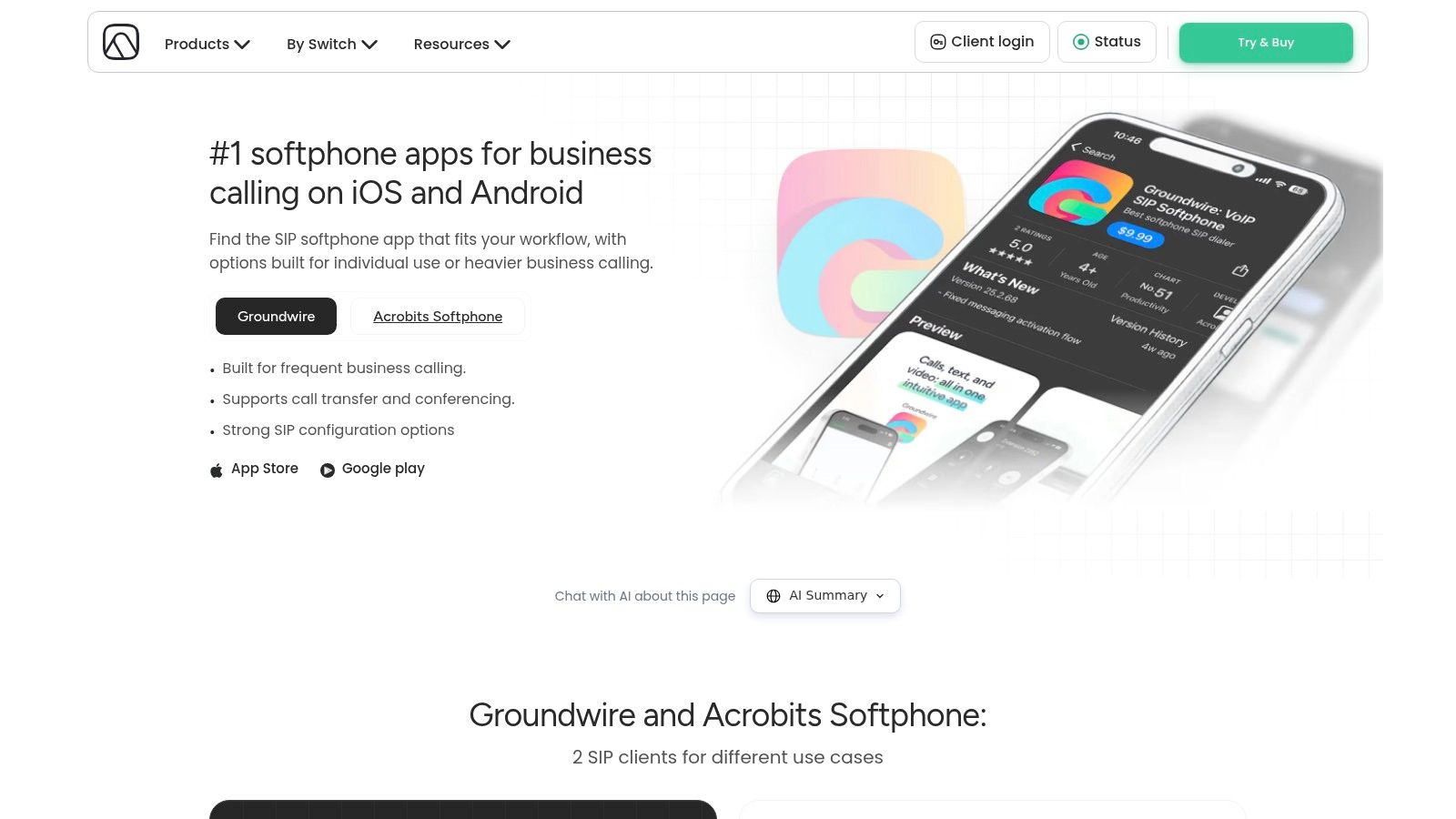
Groundwire is the softphone I usually mention to power users first. It’s built for people who already understand SIP accounts, codecs, providers, and the difference between “an app for calling” and “a mobile endpoint for a phone system.”
That includes IT contractors, telecom admins, and small businesses with an existing SIP trunk or PBX who want a stable iPhone app without paying for a full UCaaS suite. It’s also useful for consultants managing multiple client systems. You can configure separate SIP identities in one app and keep incoming calls clearly labeled.
For technicians, Groundwire’s push architecture and battery-conscious design are a real advantage on iPhone. An app that rings reliably while staying in the background matters more than a flashy interface.
Best when you want SIP control on iPhone
Groundwire supports multiple SIP accounts, call transfer, merge, recording, encryption options, and advanced codec controls. It’s configurable in ways many all-in-one platforms aren’t.
That configurability is the point. You choose the provider, the server, and the account structure. Groundwire then gives you a reliable mobile client to work with that environment. For someone comfortable tuning settings, that’s excellent.
The downside is management overhead. There’s no full admin portal in the UCaaS sense, so per-device configuration and support can become tedious. For a single consultant or a tiny technical team, that’s acceptable. For a larger business with many users, it usually isn’t.
Groundwire also doesn’t solve the business workflow layer. There’s no built-in ecosystem for queues, shared SMS operations, CRM-linked reporting, or company-wide communication management. It’s a softphone. A good one. But still a softphone.
Top 10 VoIP iPhone Apps: Feature Comparison
| Product | Core features | 👥 Target audience | UX / Quality (★) | 💰 Value & Pricing | ✨ / 🏆 Unique selling points |
|---|---|---|---|---|---|
| RingCentral (RingEX) | VoIP, SMS/MMS, video, IVR, call recording, analytics, integrations | SMBs → multi‑site healthcare, legal, franchises 👥 | ★★★★☆ Enterprise-grade reliability, strong iOS | 💰 Mid–High; tiered add‑ons | ✨ Large integrations marketplace, HIPAA-ready 🏆 |
| Zoom Phone | Cloud PBX in Zoom: calling, voicemail, call park, auto attendants | Organizations already on Zoom; distributed teams 👥 | ★★★★☆ Single app for meetings + phone | 💰 Mid; region/bundle pricing varies | ✨ Seamless meetings→calls; global number portability |
| Microsoft Teams Phone | PBX in Teams, presence, auto attendants, multiple PSTN models | Microsoft 365 enterprises, law firms, regulated orgs 👥 | ★★★★☆ Tight M365 integration & compliance | 💰 Mid–High; depends on MS licensing | ✨ Identity + compliance integration, flexible PSTN 🏆 |
| Google Voice (Workspace) | Business numbers, forwarding, ring groups, voicemail transcription | Solo consultants, small clinics, Workspace users 👥 | ★★★☆☆ Simple, low administrative overhead | 💰 Low; cost‑effective for small teams | ✨ Rapid deploy, voicemail→email transcripts |
| Dialpad | Cloud PBX, AI transcriptions, call summaries, messaging & meetings | SMBs, franchises, sales/field teams 👥 | ★★★★☆ Intuitive mobile app; AI-first experience | 💰 Mid; strong SMB value | ✨ Built-in AI call summaries & CRM actions 🏆 |
| Vonage Business Communications | VoIP, messaging, video, auto attendants, app integrations | Multi‑location SMBs, healthcare, franchises 👥 | ★★★★☆ Mature iOS app & reliable platform | 💰 Mid; sales-assisted contracts | ✨ Proven ecosystem for growing multi-site ops |
| GoTo Connect | VoIP + meetings + messaging, auto attendants, analytics | Franchises, home services, clinics 👥 | ★★★★☆ Easy rollout, U.S. support | 💰 Mid; pricing often sales-assisted | ✨ 24/7 support; optional AI Receptionist add‑ons |
| 3CX | Self/hosted or hosted PBX, SIP trunking, IVR, concurrent-call licensing | IT-savvy teams wanting control & low recurring cost 👥 | ★★★★☆ Highly configurable; requires admin expertise | 💰 Low–Med; cost-efficient at scale | ✨ Concurrent-call pricing & carrier flexibility |
| Bria (CounterPath) | SIP softphone, HD voice/video, multi-account, provisioning | Teams with existing PBX; field technicians 👥 | ★★★★☆ Polished SIP client with CallKit behavior | 💰 Low–Med; softphone licensing | ✨ Best‑in‑class SIP client; centralized provisioning |
| Groundwire (Acrobits) | One‑time SIP app, multi-account, SRTP/ZRTP, reliable push | Power users, contractors, small Biz with SIP trunks 👥 | ★★★★☆ Stable, battery‑efficient iOS push | 💰 Low (one‑time purchase) | ✨ One‑time cost; advanced SIP controls and security |
Your Next Step From App to Action
The biggest mistake I see is choosing a VoIP app by brand familiarity instead of by category. Start with the first question that narrows the field. Do you need a complete business phone system, or do you already have telephony in place and just need a mobile client?
If you need the whole system, stay in the UCaaS lane. That’s RingCentral, Zoom Phone, Teams Phone, Google Voice, Dialpad, Vonage, and GoTo Connect. These are the right choices when you need business numbers, routing, voicemail, texting, admin controls, and integrations managed as one service. They’re especially useful for small businesses and multi-location operators that don’t want to assemble a phone stack from separate parts.
If you already have a PBX, SIP trunk, or hosted phone backend, look at the softphones. Bria and Groundwire are the better fit when your real need is “make the existing phone system work well on iPhone.” In that scenario, paying for a second full phone platform usually adds cost and confusion.
The second decision is operational complexity. A solo consultant or small clinic may do perfectly well with something simple. A law firm with delegation, voicemail management, and Microsoft-heavy workflows is usually better served by Teams Phone. A healthcare group with multiple offices and routing needs often benefits from RingCentral or Vonage. A field-service business that lives on mobile devices may get more value from GoTo Connect or Dialpad because the day-to-day iPhone experience matters more than deep back-end customization.
Compliance needs should shape the shortlist early. Healthcare practices should validate HIPAA-related requirements before they get attached to any mobile workflow. Legal and finance teams should confirm retention, recording policy options, user permissions, and audit expectations. Don’t assume “enterprise” language on a website means your exact compliance workflow is covered. Test it.
Integration discipline is where many rollouts succeed or fail. Background research for this topic highlights that integration depth is still uneven across the market, and many guides gloss over that. If your front desk, intake team, or dispatchers rely on calendars and CRMs, test the exact workflow. Create a contact, place a call, leave a voicemail, update a status, and confirm that the result lands where your staff expects it. Don’t evaluate integration by reading a marketplace page.
The same goes for mobile reliability. Some iPhone VoIP implementations perform better than others, especially once staff leave strong office Wi-Fi and work from cellular or mixed network conditions. Test in the parking lot, on the road, and from a home office. Have someone transfer a call while using headphones. Have another staff member retrieve voicemail and reply by text. Those small moments define adoption.
Keep your shortlist to two or three products. More than that usually creates noise. Put a nontechnical employee in the test group, because the best phone app for IT isn’t always the one your receptionist, dispatcher, office manager, or field tech will use correctly.
The right choice isn’t the app with the longest feature list. It’s the one your team answers quickly, routes cleanly, and can manage without workarounds. That’s what makes voip iphone apps worth the switch.
If you want the phone app and the customer-handling layer to work together, Recepta.ai is worth a close look. It gives businesses a 24/7 AI receptionist backed by human support, handles inbound and outbound calls, books appointments, captures leads, syncs with 2,500+ tools, and keeps records current without manual logging. For home services, healthcare, legal, finance, insurance, and multi-location teams, it’s a practical way to stop losing opportunities to missed calls and voicemail while keeping your iPhone-based communication stack professional and scalable.
.webp)