How a 24/7 AI Answering Service Handles Every Call

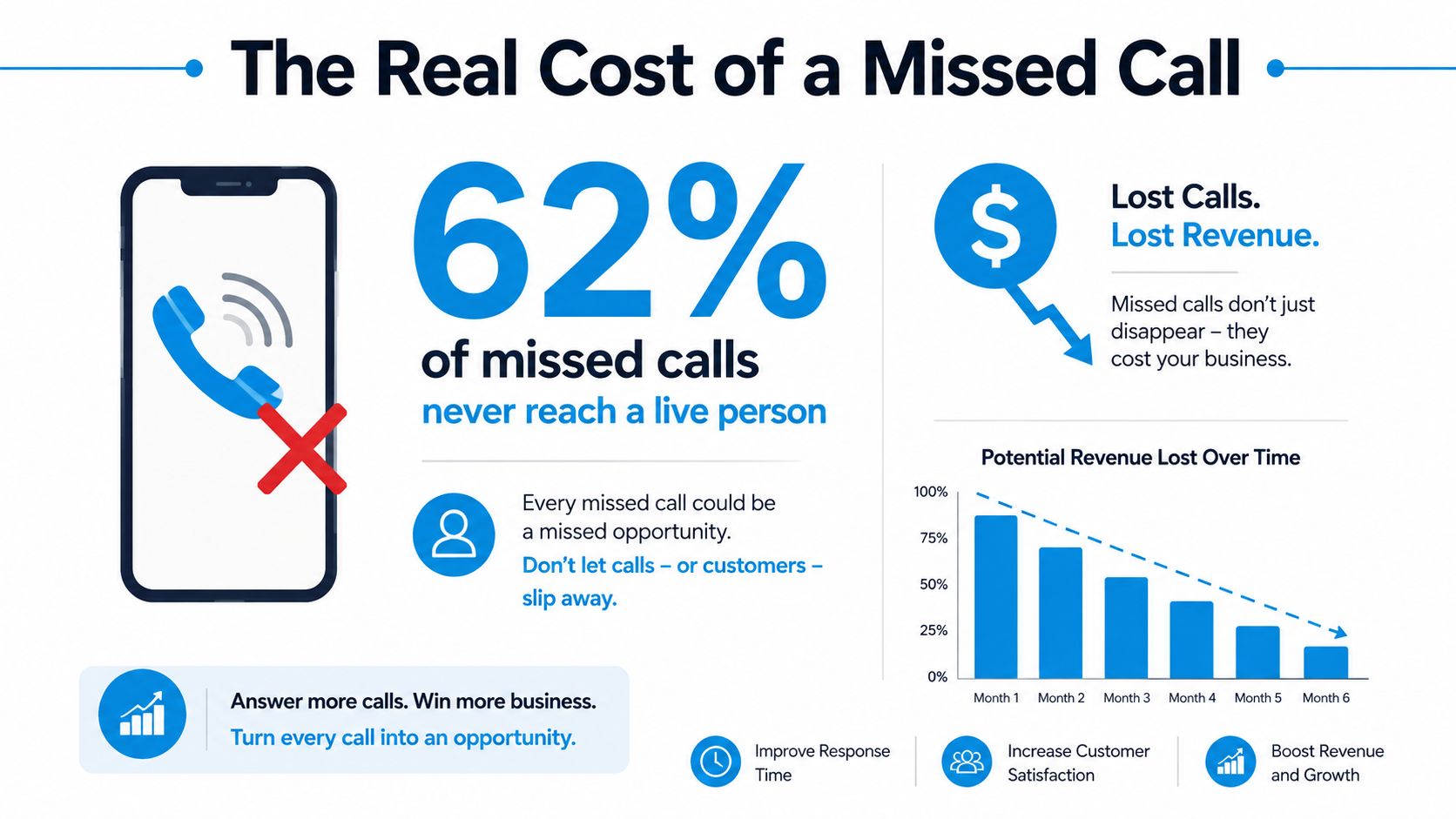
Roughly 62% of inbound calls to small businesses go unanswered, and 85% of people who hit voicemail never call back. That's why a 24/7 AI answering service exists, it's built to capture lost demand before it disappears into a competitor's phone line.
Calculating the True Cost of a Missed Call
A missed call is a revenue leak before it is a service issue. If a meaningful share of inbound calls never reach a live person, you are already losing real demand, not just casual browsers or low-intent leads. When voicemail callers do not follow up, the loss is usually permanent.
After-hours calls matter just as much. A sizeable portion of calls arrive outside standard business hours, and a meaningful slice of those callers are ready to buy. For a plumbing company, HVAC contractor, dental office, or law firm, that is not background noise. That is a customer with a problem and a short patience window.
The clean way to judge the cost is to put a value on every unanswered call. Use your average job value, your booking rate, and the number of calls that roll to voicemail in a normal week. Then compare that lost revenue to the cost of answering properly, using a pricing benchmark like this business answering service cost breakdown before you make a purchase decision.
Practical rule: if the phone rings after hours and nobody answers, assume the caller is already comparing you with the next business on Google Maps.
For service businesses that want local demand without cold calling, the math points in the same direction as these local SEO lead strategies for Fort Myers. You spend money and effort to get the lead, then a weak phone experience gives it away. A 24/7 system should stop that leak, not add another layer of noise.
What a 24/7 AI Answering Service Actually Does
A real 24/7 AI answering service is not voicemail with a nicer voice. It answers inbound calls instantly, holds a natural conversation, figures out why the person called, and moves the interaction toward a useful outcome without waiting for office hours. That means lead capture, appointment booking, urgent-call routing, and CRM updates can all happen during the first call, not hours later.
What the caller experiences
A plumbing company is the clearest example. A homeowner calls at 10 p.m. because a leak is spreading across the laundry room floor. The system picks up, asks a few plain-language questions, identifies the issue as urgent, captures the address and contact details, and slots the job into tomorrow's dispatch board if the business has availability. That is very different from telling the caller to leave a message and hope someone checks it in the morning.
Voicemail only records intent. IVR menus push people through button prompts. Overseas call centers often answer quickly but can't act on what they learn. A modern AI front desk, by contrast, can qualify a lead, book the appointment, and hand off a live summary to the team through the workflow discussed in this AI front desk overview.
Where hybrid systems make sense
The strongest platforms don't pretend every call should stay in automation forever. They use conversational AI for the live exchange, then route complex, emotional, or sensitive calls to trained humans when judgment matters. That's the difference between a call answered and a call properly handled.
Some calls need speed. Some need empathy. The mistake is assuming one tool should do both jobs equally well.
For teams comparing automation models, it also helps to look at AI hiring Q&A examples to see how natural-language intake can be structured around real human questions instead of rigid scripts. The same principle applies on the phone. Good call handling sounds like a conversation, not a form.
How the Technology Works Under the Hood
A modern phone automation stack is layered on purpose. Telephony routes the call, speech-to-text turns audio into text, an LLM handles intent and reasoning, text-to-speech generates the response, and an orchestration layer connects the conversation to calendars, CRMs, and ticketing systems (SocialVik's AI receptionist build guide). That separation matters because each layer can be tuned, tested, and debugged independently.
Why layered design beats a single black box
When owners say they want “AI on the phones,” they usually mean the result, not the architecture. But the architecture is what determines whether the system is usable in production. Telephony failures should be isolated from booking logic. A bad transcript should not break the calendar write-back. A low-confidence intent should trigger escalation instead of a confident wrong answer.
That's why the orchestration layer is where the core business logic lives. Escalation rules, booking actions, record creation, and data writes belong there. The voice layer should handle the live conversation loop, not the operational decisions behind it. If you want a plain-English view of how systems connect, this API connectivity guide is a useful reference point.
Speed is part of the product
A technical benchmark worth respecting is the 600 to 900 millisecond end-to-end loop from speech-to-text through LLM and back to text-to-speech (Aussie AI Agency's receptionist architecture guide). That speed helps the caller feel like the business is present, not stalling behind a recording. It also reduces the chance that people hang up before the system can help.
Video walkthroughs can make the stack easier to visualize, especially for owners who want to see the call flow before they buy.
The final piece is confidence-based escalation. Fast responses are useful, but they're not enough on their own. When the system detects interruption, overlap, or uncertainty, it should hand off to a human with context intact instead of bluffing.
The Business Case for 24/7 Coverage
A missed call is usually a missed booking, a missed estimate, or a missed intake. That is the cost. AI receptionists typically cost $600 to $4,800 per year, while a human receptionist usually costs $30,000 to $60,000 per year, which is about 87 to 97% less (Brilo's 2026 AI receptionist trends). For a service business, that gap changes the math fast.
Compare the cost to the leak
The only comparison that matters is the revenue leaking out of your phones. If calls go unanswered, low-cost coverage still has to recover enough bookings to justify itself. In home services, healthcare, legal, insurance, and franchise operations, the win is captured appointments and qualified leads, not the novelty of automation.
A good buying test is simple. If more than 25% of your calls arrive after hours or over lunch, AI answering is likely to pay off (EVS7's 24/7 AI answering service guide). That gives owners a practical cutoff for deciding whether coverage is a cost center or a revenue recovery tool.
AI vs Human Receptionist Annual Cost Comparison
| Cost Category | AI Receptionist | Human Receptionist | Approximate Savings |
|---|---|---|---|
| Annual cost | $600 to $4,800 | $30,000 to $60,000 | $25,200 to $59,400 |
The market is moving in the same direction. Analysts expect the virtual receptionist market to reach $4.64 billion in 2026, and they project 9.8% CAGR growth, while the broader AI voice agents market is projected to reach $47.5 billion by 2034 at 34.8% CAGR (Brilo's 2026 AI receptionist trends). That points to a category becoming normal operating infrastructure, not a side project.
The tradeoff is availability versus action. This after-hours answering services guide is a useful reference for that decision. Availability alone does not recover revenue. A call only matters if someone captures it, routes it, or books it.
Industry Use Cases That Actually Work
The best use cases are boring in the right way. They take an expensive, repetitive call pattern and make it predictable. If the system can solve the first five minutes of the conversation, the business usually wins the booking.
Home services
HVAC, plumbing, and pest control teams get hit hardest by urgency. A homeowner with a burst pipe or no-heat issue doesn't want a callback window. The AI can capture the address, identify the problem, check whether it's urgent, and either book the next slot or flag it for dispatch. That saves the sale and lowers the chaos for the office.
Healthcare and dental clinics
Clinics don't need every call to reach a manager. They need lunchtime and Saturday overflow to turn into scheduled visits instead of voicemail. A dental patient calling about pain or a broken crown can be routed into booking logic, while anything sensitive or clinically complex goes to a human. That hybrid approach keeps the schedule full without forcing staff to sit by the phone all day.
Law firms and professional services
Law intake is about qualification and discipline. The AI can capture name, callback number, basic case summary, and conflict-check basics, then route the caller to a paralegal or attorney if the matter needs human judgment. It shouldn't try to give legal advice. It should gather enough context so the firm can decide what happens next.
The winning pattern is always the same, quick capture, clear triage, clean handoff.
Franchises and multi-location teams get a separate benefit, consistency. One call script, one booking flow, one escalation rule across locations. That matters when callers don't care which branch answers as long as someone does.
Security, Compliance, and Integration Requirements
If you work in healthcare, legal, finance, or insurance, stop looking at the voice quality first. Look at how the vendor handles sensitive data. You want encryption in transit and at rest, clear retention rules, automatic logging, and a documented escalation path for calls that should never stay in the AI layer. If a vendor can't explain those basics plainly, keep moving.
What regulated businesses should check
HIPAA concerns apply in healthcare, and call recording consent rules can't be treated casually. PII handling should be explicit, not implied. In legal settings, the front door can collect intake information, but anything sensitive should move into a human-controlled process once the call crosses from lead capture into case work.
Here's the practical filter I'd use:
- Security posture: Ask for encryption details and independent attestation, not vague “enterprise-grade” language.
- Retention controls: Confirm how long calls, transcripts, and recordings stay in the system.
- Human handoff: Verify that urgent or sensitive calls can leave automation fast.
- Auditability: Make sure every action is logged so your team can review what happened later.
Integrations are where ROI lives or dies
A 24/7 AI answering service only matters if it can write back to your real systems. That means calendars, CRMs, EHRs, or ticketing tools, not a separate inbox your staff has to babysit. If the call isn't logged and the appointment isn't booked automatically, the business is still doing manual work.
Pricing deserves equal scrutiny. Public examples often show per-month pricing plus per-call usage, and that structure can erode ROI if the setup is shallow or the integrations are billed separately. The cheapest platform on paper is not cheap if your team has to clean up every handoff.
Choosing the Right Service and When to Skip It
Pick the service the same way you'd hire a front-office employee. You want fast response, clean handoffs, and enough context to move the caller forward. If a vendor won't show you latency behavior, escalation logic, integration depth, language coverage, and transparent pricing, it's not ready for real work.
The selection checklist that matters
Use the demo to test actual calls, not marketing claims. Ask how the system reacts when it doesn't understand the caller. Ask what happens when two people talk at once. Ask how it books an appointment, how it writes to the CRM, and how quickly a human can step in.
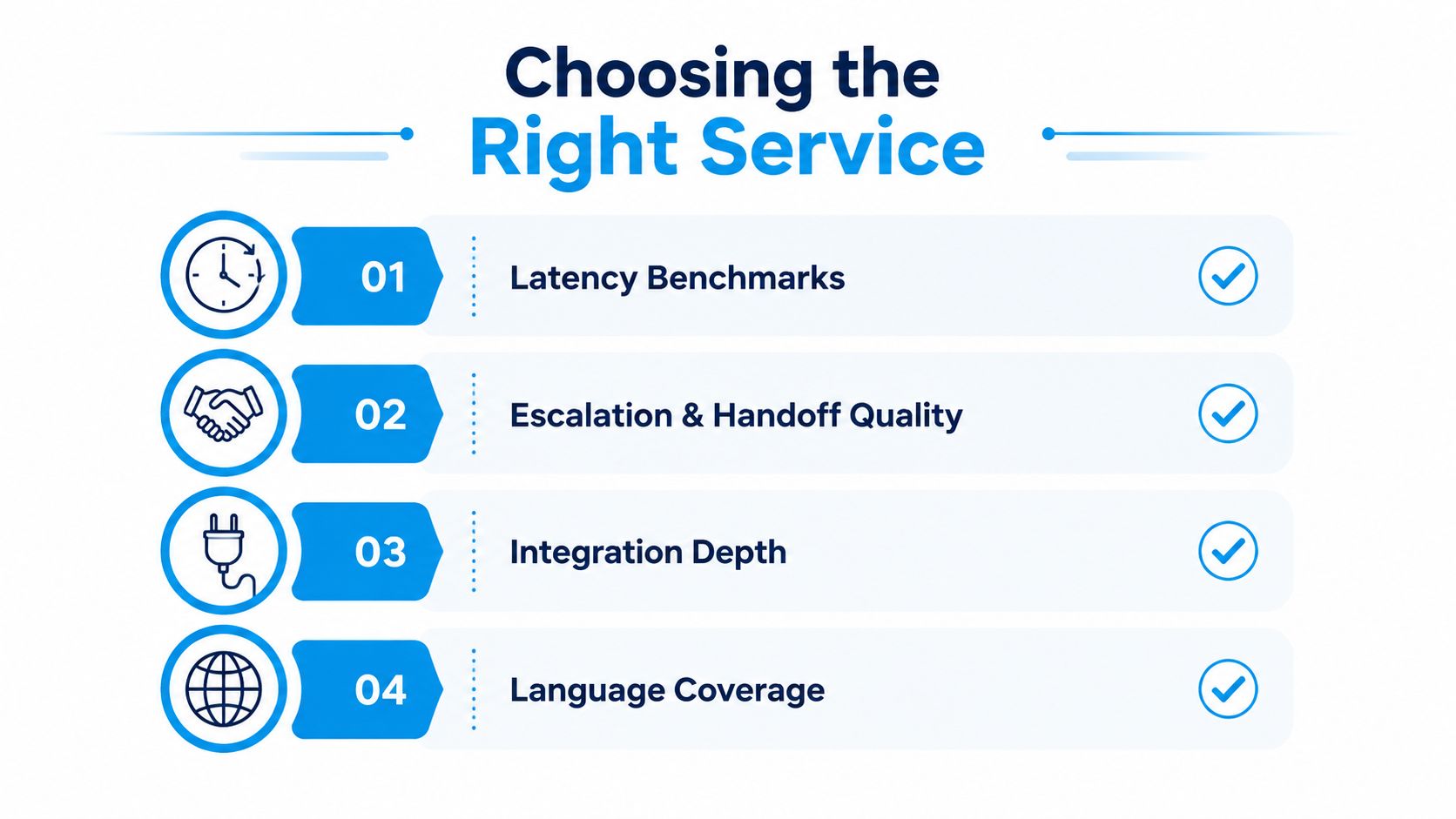
A simple shortlist looks like this:
- Latency benchmarks: The caller should not feel long pauses or awkward dead air.
- Escalation and handoff quality: Complex or emotional calls need a clean transfer.
- Integration depth: Calendar, CRM, and industry systems should be part of the workflow.
- Language coverage: Bilingual or multilingual support should be real, not a brochure line.
When not to fully replace humans
Some calls should stay hybrid by design. High-stakes healthcare, legal, and financial conversations often need empathy, nuance, or disclosure handling that software shouldn't improvise. In those cases, AI should triage volume and humans should handle the exceptions.
That's also why some vendors now package conversational AI with trained human backup. Recepta.ai is one example of a platform that combines AI answering with human support, then connects calls to calendars and CRMs so the outcome is recorded instead of lost. Used correctly, that model fits businesses that want coverage without pretending every caller is interchangeable.
If your callers need reassurance more than speed, don't force full automation. Use AI for the first pass and let trained people handle the calls that carry risk.
FAQs and Your 30-Day Next-Step Plan
Setup usually moves fast once your call flows are mapped and your integrations are known. If the AI doesn't understand a caller, it should escalate, not guess. Multilingual support is possible on some platforms, but don't assume it's automatic. Pricing often scales with usage, so track cost per call, not just the monthly fee.
Your next 30 days should be simple. Baseline your current missed-call rate, request a pilot with a 14- or 30-day trial, connect one calendar and one CRM, and measure qualified-lead capture against cost per call. If the numbers beat voicemail and manual callback, roll it out wider. If they don't, keep the human layer in place and tighten the workflow before you expand.
If you want a system that answers every call, books appointments, captures leads, and hands off the hard cases to people, Recepta.ai is built for that workflow. It combines AI answering with human support, so your phone coverage doesn't stop when staff are busy, closed, or off the clock. Visit Recepta.ai to see how it handles after-hours calls for service businesses that can't afford to lose the next lead.