7 Best Answering Service for Doctors in 2026: Compared

A six-provider orthopedic practice closes its front desk at 5 PM. At 9 PM a post surgical patient calls about bleeding, reaches voicemail, and waits until morning. That's the risk you're really buying against, not just missed appointments.
Choosing the Best Answering Service for Doctors is really about deciding who takes that call, what they can access, and how fast a clinician hears about it. This roundup compares seven services on the questions that matter most in a real office: how protected health information is handled, how urgent calls are routed, how appointments are booked, and what a realistic monthly bill looks like at your actual volume.
Each entry ends with a fit note so you can match a service to your practice size and workflow rather than to the loudest marketing claim. Use it alongside your own call logs. Count your after hours calls, note how many need a clinician, and test each vendor against those two numbers before you talk about price.
1. Recepta.ai
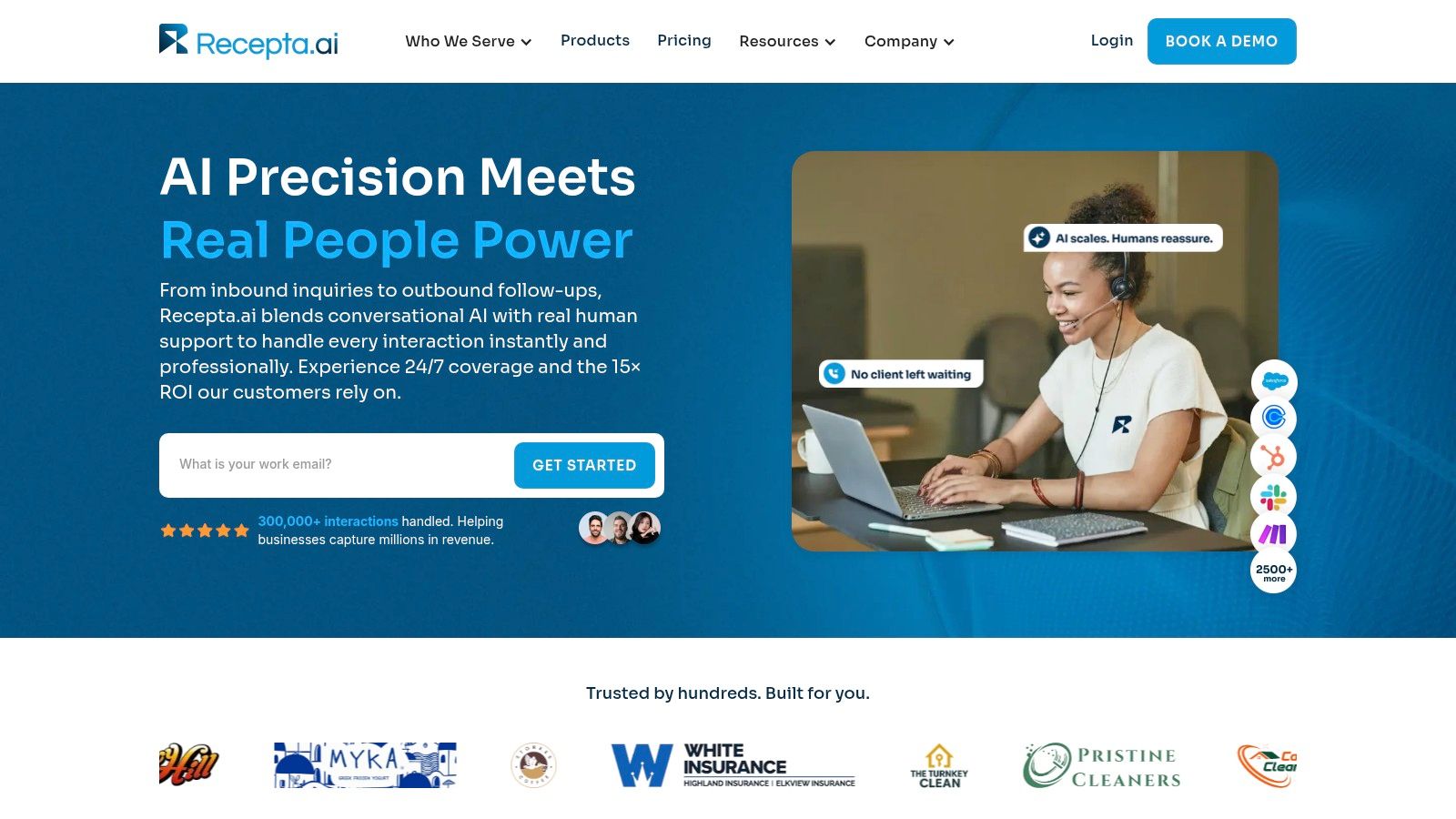
A patient calls during lunch to book a first visit. Recepta.ai combines conversational AI with trained human agents for 24/7 coverage. Its AI can collect routine information and handle common requests, while a person can take over when a caller needs clarification, empathy, or a judgment call. That division only works if the handoff rules are clear, especially when a call shifts from scheduling to a clinical concern.
The service supports inbound and outbound calls, appointment scheduling, lead capture, and follow-ups. A new patient might provide insurance details and a reason for visiting, then book within the calendar rules your practice has set. Before relying on this workflow, test what happens when the caller mentions symptoms, asks for a refill, or needs a callback. Confirm that the system routes those requests to the right staff member rather than treating them as routine intake.
What to Verify on Integrations and PHI
Recepta.ai's website says the service connects with more than 2,500 business tools, including CRMs and calendars. Treat that as a company-reported integration count, not confirmation that your systems are supported. Before signing, check that your specific practice management system and calendar are on the supported list, then test which fields sync and where the information appears. The service also offers call summaries, real-time analytics, and automatic data logging. Ask who can access transcripts and recordings, how long they are retained, and how your staff can delete them.
Practical rule: On a test call, ask the vendor to show where the summary lands, who can open it, and how it is deleted.
HIPAA permits sharing information by phone for treatment, with reasonable safeguards and limits on staff access to the minimum necessary information, according to HHS guidance on sharing patient information by telephone for treatment. In practice, define what the answering workflow may collect, such as the patient's callback number and scheduling request, and how clinical questions reach your team. Confirm the vendor's safeguards and responsibilities in writing, including any business associate agreement.
Recepta.ai reports handling more than 300,000 interactions and says customers have seen up to 30% more qualified leads, 80% cost savings compared with in-house reception, and 15 times ROI. These are company-reported results, not expected outcomes for your practice. Ask how the measures were calculated, then compare the service against your own call volume and staffing costs.
Setup is advertised at about 15 minutes, with a 30-day risk-free trial and money-back guarantee. Pricing isn't publicly specified, so request a written quote and model the monthly bill using your expected call volume and billing method. Confirm the trial terms, cancellation process, and any fees before relying on the offer. Pros: 24/7 AI coverage with human escalation, reported integrations, and automatic logging. Cons: pricing is not public, and performance claims need validation against your workflow. Fit note: Consider it if your practice wants AI-led call handling with human backup and can test routine, urgent, and callback scenarios before committing.
2. PerfectServe

A Friday afternoon schedule change can send an after-hours call to the wrong clinician if the answering service is working from an outdated roster. PerfectServe combines medical answering with physician schedules and secure clinical communication. Before signing, ask who updates on-call coverage, how quickly the change reaches agents, and what happens if the schedule and call routing do not match.
PerfectServe describes urgency based routing by urgency, specialty, and on-call status, along with schedule updates, encrypted messaging, call tracking, and protected caller ID. The company also states that it offers a signed BAA and a 30-day money-back guarantee. Treat these as published claims to confirm in a demo and contract. Ask how PHI is handled during a live call, what information agents record, and how callbacks are protected.
Physicians have the same responsibilities during telephone communications as in person, including protecting confidentiality and choosing a method suited to the clinical need, according to AMA policy on electronic communication with patients. Set clear rules: appointment requests, refill routing, and records questions stay administrative, while symptoms go to a clinician.
Pricing and Fit
Pricing is custom. PerfectServe's page gives a typical estimate of about $89 to $119 per provider per month. Since the page was already cited earlier, confirm that estimate directly with the vendor and get the full quote in writing. Ask what the amount includes, whether location fees apply, whether schedule management is bundled, and whether call volume or minutes change the bill. Calculate the expected monthly cost using your own provider count and call volume.
Pros: Healthcare-focused routing and schedule controls described by the vendor. Cons: Pricing requires a sales conversation, and the service may exceed a solo practice's needs for basic message taking. Fit note: Consider it for a multi-provider group where accurate on-call routing is a recurring problem. Compare the written quote with your actual call volume before signing.
3. notifyMD

A call comes in after hours with a medication question. The practice needs to know who answers, how the agent identifies the caller, and how the message reaches the on-call clinician. notifyMD offers healthcare focused live answering for small offices and multi-specialty networks. Agents handle routine calls, answer common questions, schedule appointments, and route urgent calls to on-call providers. Coverage is 24/7/365, with a mobile app for managing messages.
Before signing, ask how agents authenticate callers, what systems they can access, and how they flag urgent messages. notifyMD highlights HITRUST certification and HIPAA focused workflows, but the practice should confirm which safeguards apply to its own call handling and data. Use a HIPAA compliant answering service checklist to guide the discussion, then test a PHI-containing call and an urgent escalation during the demo. Confirm how schedule changes reach agents, and who updates them when coverage shifts.
Phone remains a channel patients choose for clinical matters. In a national survey of 3,336 respondents, 75.5% were willing to communicate with primary care teams by phone about health goals or test results, compared with 48.8% by email, 13.3% by text, and 3.1% through social media, according to research on patient preferences for communicating with primary care teams. Those figures show stated preference, not evidence that a vendor improves outcomes.
What the Minute Plans Really Cost
Published plans are around $155 per month for 100 minutes, $355 for 250 minutes, and $685 for 500 minutes. Treat these as starting points, and confirm current pricing, overage rates, and whether hold time counts before signing. Estimate monthly call minutes from your own volume, then check the likely bill against each tier. Pros: Healthcare focus, published plans, and a free trial listed on its website. Cons: Per-minute overages can raise costs, and EHR connectivity should be confirmed rather than assumed. Fit note: A practical option for practices seeking live agents, if measured call volume fits the plan.
4. Abby

Abby provides U.S. based receptionists who answer in your practice name, collect new patient details, schedule appointments, and escalate urgent calls using your instructions. Its optional AI receptionist is limited to calls that do not involve protected health information (PHI). Set that boundary in writing before switching on the AI option.
For example, a caller asking about parking or office hours may stay on the AI path. If the caller gives a date of birth or describes medication side effects, the call needs to reach a person. Write routing rules that trigger a human handoff as soon as PHI comes up, then test them with a scripted call before going live. Compare the setup with a virtual medical receptionist service to clarify which calls should be handled by software and which need staff.
Integrations and Access
Abby lists integrations with Tebra, Jane App, DrChrono, Cliniko, and IntakeQ. These may reduce manual follow-up if your practice uses a supported system, but confirm what data the service can access and how it is handled during a live call. The service also offers bilingual English and Spanish support and month to month plans. Published plans start at $165 per month for 50 Abby Minutes, with higher tiers available. Confirm current rates, what counts as a minute, and any overage charges before signing.
Phone access is another measure to track. NHS England reported that 49.8% of patients who tried to contact their general practice by phone in 2023 found it easy to get through, down from 67.6% in 2021. It also reported that 54.4% had a good experience making an appointment, according to its guidance on improving telephone journeys in general practice. Track your own answer rate and abandoned calls, then compare them with the minutes billed.
Pros: Human receptionists with optional AI, published pricing, listed software integrations, and a free trial. Cons: The entry plan includes few minutes, and your team must enforce PHI routing rules. Fit note: A possible fit for small to mid sized practices using a supported platform. Before committing, test a typical month's call volume against the included minutes and confirm how on-call schedules are updated.
5. MAP Communications
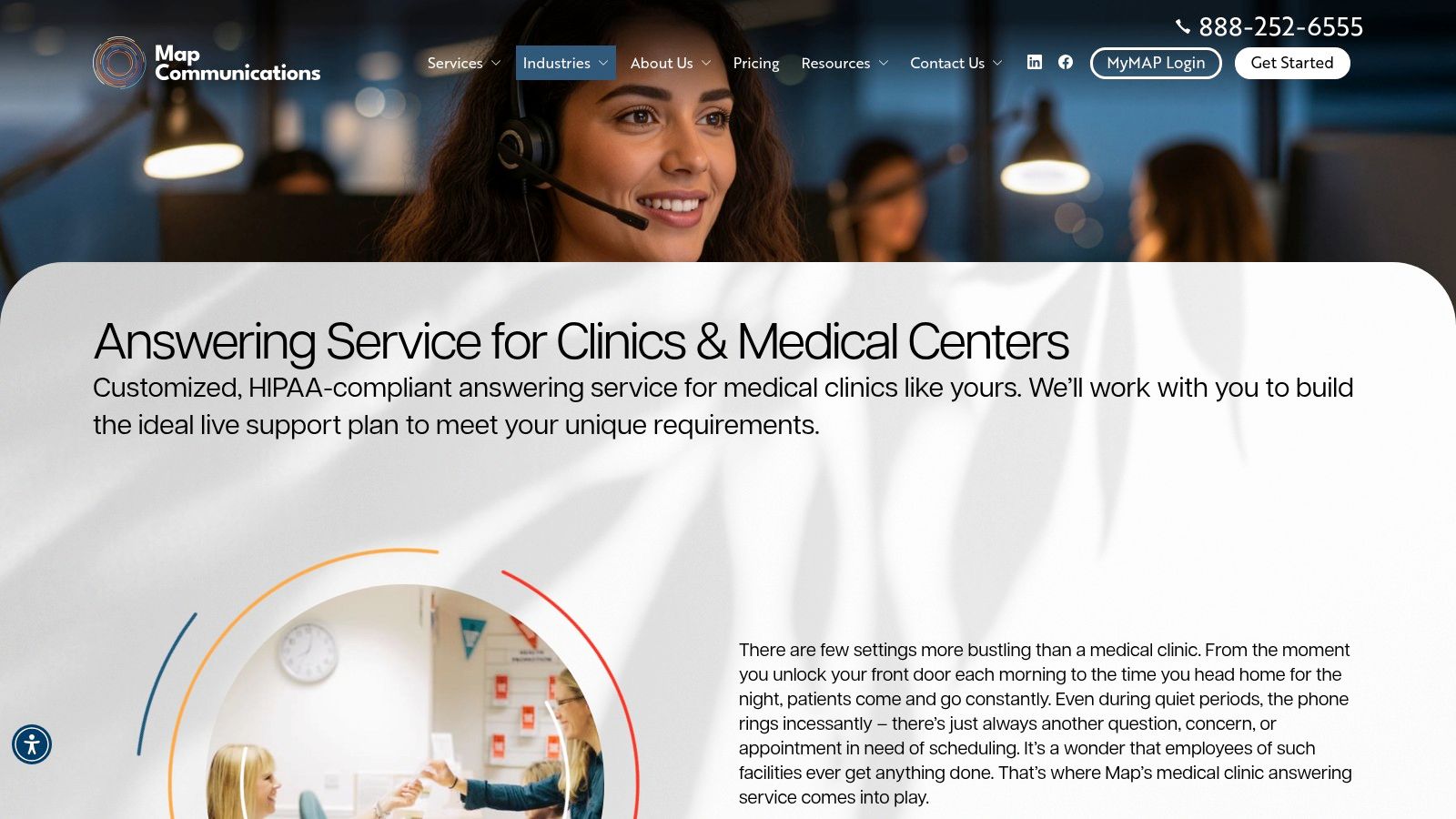
A small clinic with routine after-hours calls may need reliable message taking more than a clinical communications platform. MAP Communications offers medical call handling, customizable scripts, and 24/7 live coverage. Its simpler setup may fit a practice with mostly administrative calls, but confirm how messages reach the on-call clinician before signing.
What's included in the published offer:
- Custom scripts: Agents use your wording for intake and escalation. Ask how updates to the on-call schedule are submitted and confirmed.
- Secure portal: Messages are delivered through a client portal. Verify encryption, user access roles, and how PHI is handled during and after a live call.
- English and Spanish fluency: Listed with its plans, which may support front-desk access for patients who prefer either language.
- Low starting price: Plans start at $49 per month plus $1.37 per additional minute. Confirm current rates, included minutes, and any other fees directly with MAP.
That starting price is only a baseline. Estimate a monthly bill using your practice's actual call volume and average call length, then check how billable minutes are rounded. For a broader comparison of service models, see this guide to a medical office answering service.
Medical specificity needs a direct test. Ask MAP to walk through its escalation script for chest pain, suicidal statements, and a child with fever. Listen for clear instructions on when agents contact the clinician and what they record. If answers are vague, the service may not suit your practice's risk tolerance.
Set identity rules before calls begin. The HHS provider guide to the HIPAA Privacy Rule explains that HIPAA does not require proof of identity before speaking with a family member involved in care. Practices can set stricter verification rules. Specify what agents must collect, such as the caller's name, relationship, patient date of birth, and callback number, before disclosing information.
Pros: Lower public starting price, no long-term contracts listed, free trial per its site. Cons: Verify BAA terms, PHI handling, and medical training directly. Fit note: Consider MAP for a smaller clinic with mostly administrative calls and a simple on-call list, after testing its scripts and confirming its real monthly cost.
6. Specialty Answering Service (SAS)
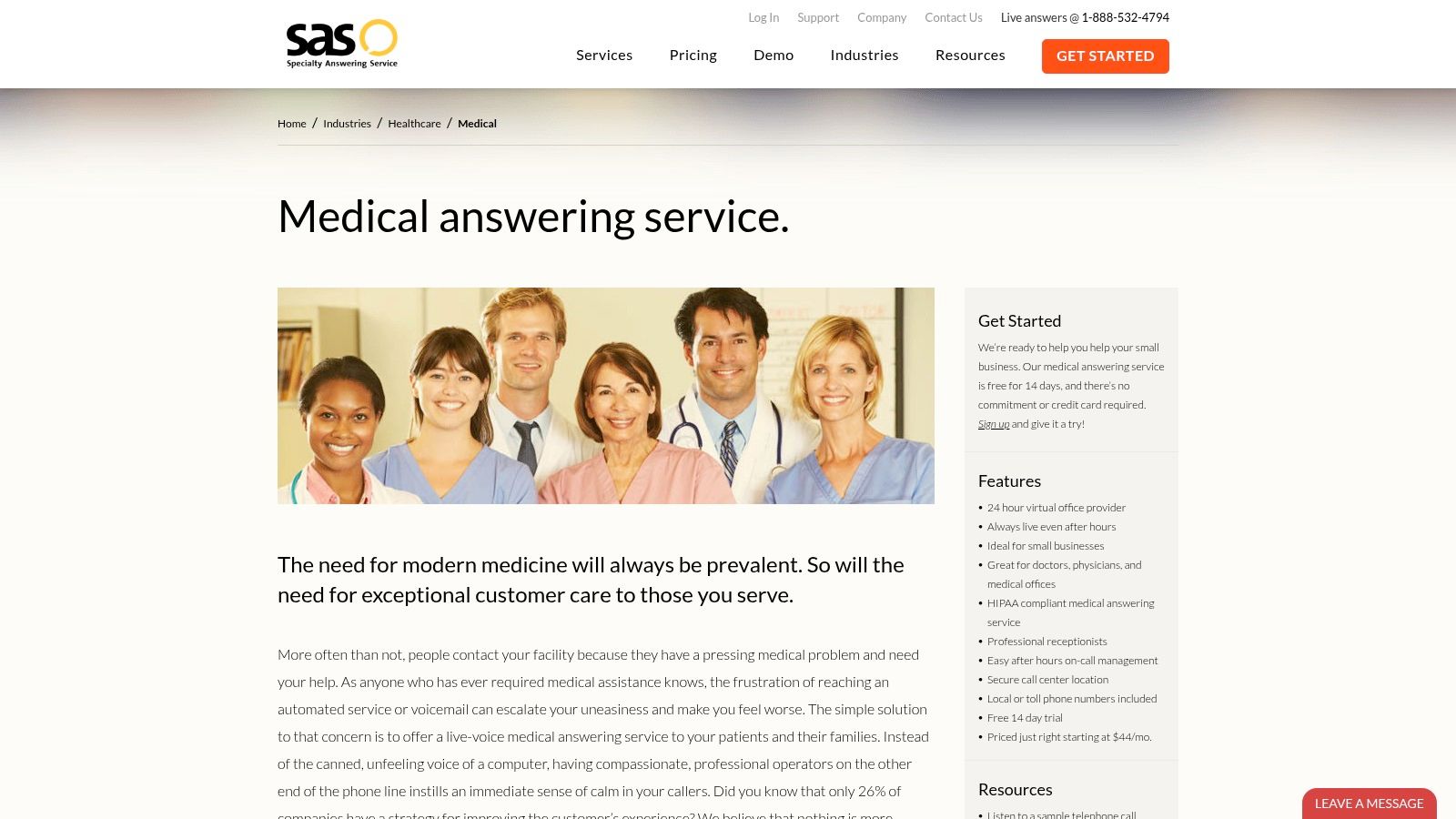
Specialty Answering Service (SAS) sells control. You get 24/7 live answering, configurable call flows, on call management, an online portal, mobile access, and reporting. A 14 day trial with no setup fee listed lets you test scripts with real callers before you commit.
Treat the trial as an audit. Place three test calls: a routine booking, a refill request, and an urgent after hours call. Then read the resulting messages for patient name, verified callback number, urgency tag, and a clear disposition. While you're in the portal, change the on call schedule and place one more after hours call to confirm the swap reaches the right clinician. Missing fields and a stale on call list during a trial don't fix themselves after signing.
A trial is only useful if you audit the messages it produces, not the politeness of the greeting.
Pricing starts at $44 per month plus $1.54 per minute, with larger bundles available, and calls are billed by the second rather than rounded up, per the SAS medical answering service page. That billing detail matters for practices with many short confirmation calls. Pull last month's call log, count calls under 60 seconds, and price your actual volume before assuming the lowest advertised rate wins. Your call mix decides the cheaper option, not the rate card.
The HIPAA Feature Trade Off
Ask SAS which features stay enabled on a HIPAA compliant account before you sign. Call recording, SMS delivery, and some message channels can be limited under stricter privacy settings, and the sales page won't spell that out for you. If SMS ends up off the table, confirm how an urgent message reaches the on call clinician and how quickly. Get the BAA and PHI handling terms in writing before choosing a delivery channel.
Pros: Low entry price, functional trial, per second billing. Cons: Some features may be limited on HIPAA compliant accounts, so confirm your channel options up front. Fit note: A sensible test first option for practices that know their scripts and want to validate call volume before buying a larger bundle.
7. AnswerConnect
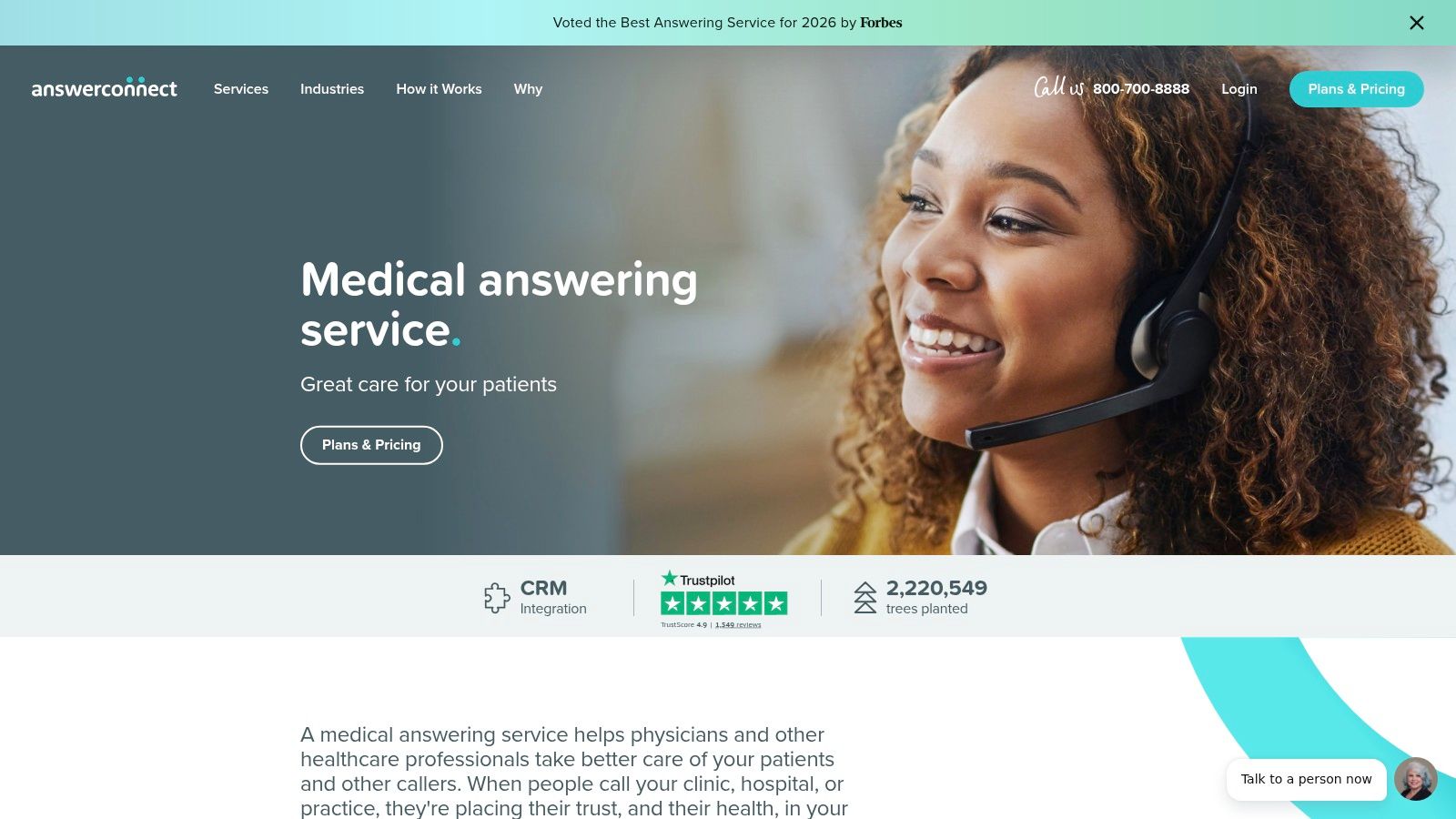
AnswerConnect is aimed at routine front desk load: live agents, custom scripts, message taking, call routing, appointment scheduling, and CRM integrations. Treat portal access, recording, transcription, and delivery channels as items to verify, because each one changes where PHI goes during a live call.
It fits overflow and after-hours coverage better than nuanced clinical triage. Write escalation triggers plainly, give two or three symptom examples, and require a warm transfer or urgent page rather than advice when a caller reports chest pain, breathing trouble, or a medication reaction. Ask how the on-call schedule is updated too: portal edit, email, phone request, and how long a change takes to reach agents.
Published plans include $350 per month for 200 minutes, $395 for 300 minutes, and $575 for 400 minutes, with setup fees and additional minute charges varying by plan, per the AnswerConnect health care professionals page. Confirm the billing increment before you sign; if the page does not state it, get the exact rounding rule in writing. Run your own minute math at your real call mix before comparing it with a telephone answering service billed by the second.
Technology classification still decides the compliance burden. The HIPAA Security Rule does not apply to audio-only care over a traditional landline, but it does apply when VoIP, mobile, internet, or other electronic technologies transmit electronic PHI, per HHS guidance on HIPAA and audio-only telehealth. Ask whether calls are recorded, transcribed, stored, or forwarded electronically, then match each step to the BAA and access controls.
AnswerConnect makes sense when the work is predictable overflow and scripts can be kept tight. It is a weaker fit when agents need judgment calls, instant schedule changes, or delivery channels your compliance policy has not cleared.
How the seven answering services compare on published pricing signals, trials, best-fit practices, and key caveats
| Item | Published Pricing Signal | Trial or Guarantee | Best Fit | Key Caveat |
|---|---|---|---|---|
| Recepta.ai | Pricing not specified; request details or book a demo | 30-day risk-free trial and money-back guarantee | Businesses seeking AI call handling with human escalation and broad integrations | Reported performance results are not guaranteed |
| PerfectServe | Custom pricing; typical estimate is $89–$119 per provider monthly | 30-day money-back guarantee | Practices needing clinical call routing tied to on-call schedules | Pricing and implementation require a sales conversation |
| notifyMD | About $155/month for 100 minutes, $355 for 250, or $685 for 500 | Free trial | Healthcare practices needing 24/7 live answering and urgent-call routing | Per-minute overages may raise costs |
| Abby | Starts at $165/month for 50 Abby Minutes | Free trial | Practices wanting U.S.-based receptionists, with optional AI for eligible calls | AI should only handle calls that do not involve PHI |
| MAP Communications | Starts at $49/month plus $1.37 per additional minute | Free trial period | Smaller clinics seeking live answering and customizable scripts | Confirm medical training, escalation support, and BAA terms |
| Specialty Answering Service (SAS) | Starts at $44/month plus $1.54 per minute | 14-day trial; no setup fee listed | Medical offices testing call scripts and usage before committing | HIPAA workflows may limit recordings, SMS, and some delivery options |
| AnswerConnect | $350/month for 200 minutes, $395 for 300, or $575 for 400; fees vary by plan | No trial or guarantee specified | Practices wanting 24/7 live answering and configurable front-desk support | Confirm HIPAA options and account for call-rounding charges |
Your Pre-Signing Checklist Before Any Contract
Run the minute math with your own numbers before comparing anything else. Pull two weeks of phone logs, count your monthly calls, multiply by average minutes per call, and separate out calls under one minute. Then price that exact mix against each plan's included minutes, overage rate, and rounding rules. A worked example shows why this matters: at roughly 300 minutes a month, a $49 base with a $1.37 per-minute charge lands near $460, while a flat plan that includes 300 minutes for $395 comes in lower. The cheapest advertised base rate is rarely the cheapest bill.
Next, get five answers in writing before any demo. First, does the vendor sign a business associate agreement, and will they show it to you upfront? Second, which PHI can agents capture, how are messages delivered, and how long are they retained? Third, how are on-call schedules updated, and who can change them? Fourth, which words or symptoms trigger an immediate clinician call? Fifth, which EHR or scheduling systems connect without custom work, and who maintains that connection when something breaks?
HHS requires that electronic telephone systems transmitting electronic PHI use Security Rule safeguards, including appropriate access and audit controls, per its HIPAA Privacy Rule guidance for professionals. So ask specifically for role-based access, exportable audit logs, encryption, model training restrictions where AI handles calls, downtime procedures, and breach response steps. A vendor that calls itself HIPAA compliant but cannot produce these details has answered your question already.
Patient access deserves its own check. In a 2025 Experian Health survey, 80% of patients wanted to schedule from a mobile device or home, yet 55% of providers said patients were unsure how to work through self-scheduling, and 37% identified getting patients to use digital tools as their biggest challenge, per the Experian Health patient access survey release. A service that pairs live phone support with optional digital steps will serve more of your patients than one that routes everyone into a portal.
Finish with a trial or demo and place three test calls: one routine booking, one after-hours urgent call, and one that requires a callback. Read every message, time every escalation, and check what actually landed in your system. The right service handles all three cleanly at a monthly cost you can predict.
Recepta.ai, covered earlier in this roundup, fits practices that need appointment booking, intake capture, and human escalation on sensitive calls. Run the same three test calls during its trial, audit the summaries and handoffs, and sign only if the workflow matches how your clinicians work.